
Spotify Follow Friends: Find People and Manage Followers
Spotify follow friends connects you to other listeners so you can see Listening Activity, share music, and manage who follows you back. Spotify’s follow-friends help says you search Profiles, tap Follow on a user page, or open a profile link a friend sends you. This guide follows that official path plus block and follower controls so you can find people, tidy your social graph, and keep privacy settings aligned with how much you want to share.
Follow Friends vs Follow Artists
Following an artist watches releases and improves music recommendations. Following a friend is a social connection for activity, profile visits, and playlist discovery. Artist and show follow steps stay in Spotify follow. Friend follows are the people side of the same Follow button on a user profile.
After you connect, Listening Activity can show what friends play when they allow it. How to view and limit that feed is in Spotify listening activity. Private Session still hides your own plays for a stretch even if friends follow you; see Spotify private session.
How to Find and Follow People
Spotify’s steps:
- Open Search and type a display name or username.
- Choose Profiles from the filters under the search bar. On mobile, press enter after typing so filters appear.
- Open the profile you want.
- Tap or click Follow.
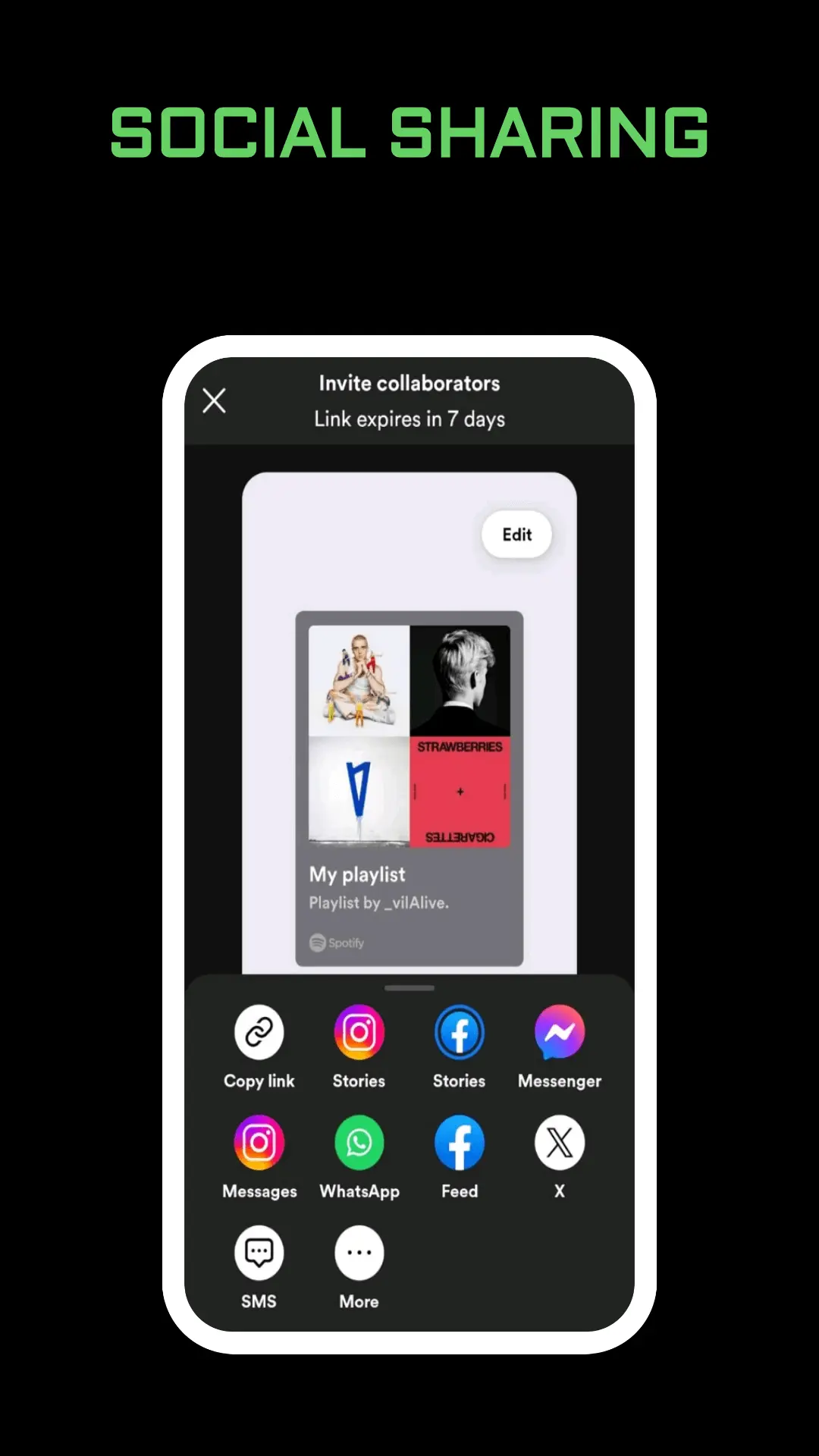
If search is messy, ask friends for a profile link and open it in the app. Profile links travel through the normal share sheet covered in Spotify share. Username and display name differences matter when people search for you; that distinction is in Spotify username.
Blend and collaborative playlists are stronger social habits once you already follow each other. Blend setup is in Spotify Blend, and playlist invites remain in Spotify playlist.
Manage Followers and Block Users
Spotify notes you can only remove followers or open the blocked list from the mobile app. Review who follows you on mobile when a stranger appears in your graph. Blocking is the hard stop: a blocked person cannot follow you or your playlists and cannot see your profile or listening activity.
To block or unblock on mobile, open their profile, open the menu, and choose block or unblock. You can also open Settings and privacy, Privacy and social, then Blocked users under Profile visibility, and tap Unblock beside a name. On desktop, open the profile menu and select Block or Unblock.
Account safety habits if someone is harassing you through social features are in how to keep your Spotify account safe. Password resets after a compromised session are in how to change and reset your Spotify password.
Privacy Settings That Pair With Friend Follows
Turn Listening activity on only if you want followers or selected friends to see what you play. Spotify says Private Session disables activity for about six hours automatically. You can still view friends who keep their activity enabled even when yours is off.
Family and Duo plans already share a household seat graph; friend follows are optional on top of that. Plan seat help is in add or remove a member in a Family plan and Spotify Duo. Library playlists you publish to your profile become easier for friends to find after they follow you; library layout tips are in Spotify Your Library.
If Search will not show Profiles, update the app, check spelling, and try the exact profile link. Clear cache only if the social UI freezes; see Spotify clear cache. Web player social tools are thinner than the apps; limits are in Spotify web player.
Code and scannable profile shares can help friends find you in person. Code steps are in Spotify code when you prefer a visual handoff over typing a username.
Kids profiles and Family PIN rules are separate from adult friend follows. Keep child accounts on the Kids experience when that is the goal; setup notes are in Spotify Kids. For everyday adult accounts, a short list of real friends beats following every stranger who follows you first.
If two people share one login, friend graphs and activity collide. Prefer separate logins on Family or Duo instead of stacking devices on one username; device limits are in Spotify too many devices.
Frequently Asked Questions
How do I follow friends on Spotify?
Search their name, filter to Profiles, open the profile, and tap Follow. Or open a profile link they shared with you.
Can I remove a follower on desktop?
Spotify says removing followers and viewing the blocked list are mobile-app actions. Use mobile for those controls.
What happens when I block someone?
They cannot follow you or your playlists, and they cannot see your profile or listening activity.
Final Thoughts
Spotify follow friends is the people layer on top of artist follows: search Profiles, connect, then manage activity, blocks, and followers from mobile when you need control. Official follow-friends help remains the checklist when Search will not surface a username or a stranger keeps appearing in your graph.