How to Make a Spotify Blend With Friends
A Spotify Blend is a shared playlist built from the music you and your friends actually play. It is not a live queue. Spotify refreshes it every day from everyone’s listening, and you can invite up to 10 people. This guide shows how to make a Blend on a phone and on a computer, how to add more friends, and what to do when the invite link does nothing.

What Is a Spotify Blend?
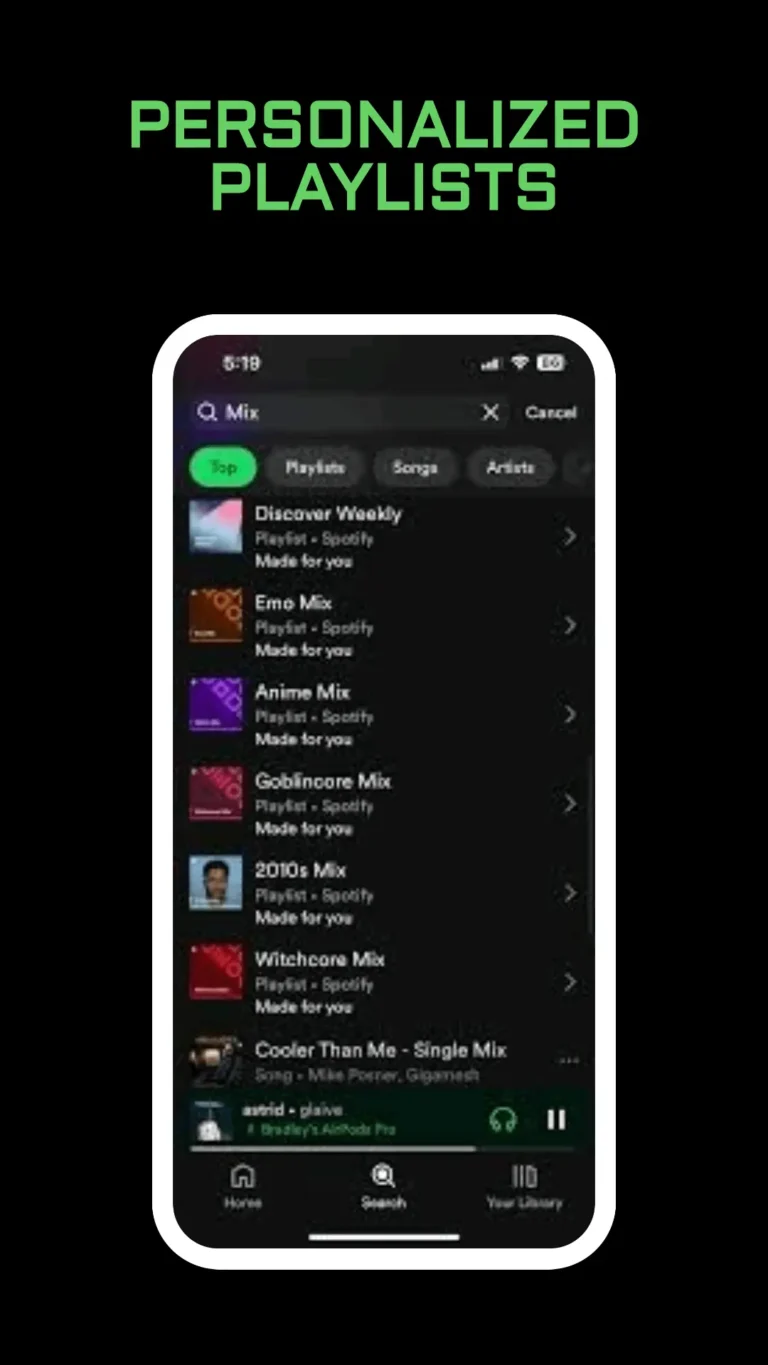
Blend sits with playlists that use social recommendations, along with Friends Mix. The songs are picked from the listening activity of everyone in the group, so the list changes as your habits change. Other people in the Blend can invite their own friends, up to that limit of 10.
Everyone in the playlist can see your profile picture and username. If you are not comfortable with that, do not join a Blend with people you do not know. A private session hides live listening from followers, but a Blend is a playlist you opted into. The steps to hide day-to-day activity are in our guide to a Spotify private session.
Spotify Blend vs. Spotify Jam
These two get mixed up because both are social. They do different jobs.
- Blend is a playlist. It updates daily and lives in Made for You.
- Jam is a live session. People add songs to one queue right now, and it ends when the host leaves.
Use a Blend when you want a standing shared playlist. Use a Jam for a party or a trip. The live version is covered in how to use Spotify Jam.
How to Make a Spotify Blend on Mobile
- Open Spotify and go to Your Library.
- Tap the plus button.
- Choose Blend.
- Tap Invite and send the link to your friends.
The playlist appears in Made for You after they join. Until someone accepts, you only have an empty invite.
How to Make a Spotify Blend on Desktop
- Open Search.
- Under Browse all, select Made for You.
- Select Create Blend.
- Click Invite and send the link.
Ask each person to open the link in the Spotify app, not just in a browser tab that is signed out. A signed-out click is the most common reason an invite looks broken.
Add More Friends
On mobile, open the Blend in your playlists, tap the menu, and choose Invite more. Send that link the same way. Anyone already in the Blend can invite more people, so you do not have to be the original creator to grow the group. Stop at 10. If a household already shares one plan, sort membership first with our guide to adding or removing a family member, then make the Blend from those separate accounts.
Blend With an Artist
Some artists publish their own Blend invite. You can find the link on the artist’s social accounts or in the Artist Pick playlist on their Spotify profile. Tap the link so it opens in the app, then tap Go to Blend. That playlist compares your listening with the artist’s, which is useful if you want new songs without handing your library to a stranger.
Share a Blend Story and Leave
To share a story, open the Blend, tap the share icon, choose View Blend story, then tap Share this story. To leave, open the same menu and select Leave Blend. Leaving stops your listening from feeding that playlist. It does not delete your account or your other playlists.
Why the Songs Feel Wrong
Blend follows listening, including plays you did not mean as a favorite. Sleep sounds, a child’s playlist, or one album on repeat can tilt the list. Spotify lets you exclude a playlist or a track from your taste profile, and that taste profile is what personalizes Blend and Wrapped.
- Open the playlist or track.
- Tap the three-dot menu near the top.
- Choose Exclude from your taste profile. For a single song the label is Exclude track from your taste profile.
Spotify says the change takes effect within 48 hours. Plays of that song from somewhere else, such as Liked Songs, still count. If you want a last look at the year those plays built, open how to find Spotify Wrapped before you exclude a big playlist. Public playlists also show likes. Here is how to see who liked your Spotify playlist if you are checking a list you made yourself.
Frequently Asked Questions
How many people can join a Spotify Blend?
Up to 10. People who are already in it can send more invites until that cap.
How often does a Blend update?
Every day, based on the listening activity of everyone in the group.
Can I keep a Blend and stay private?
People in the Blend see your profile picture and username. If you do not want a group playlist at all, leave the Blend. Hiding Friend Activity is a separate setting.
Final Thoughts
To make a Spotify Blend, start it from Your Library on mobile or from Made for You on desktop, then send the invite. Keep Jam for live listening, leave a Blend you no longer want, and exclude playlists that should not shape the songs.