
Spotify Follow: Artists, Podcasts, and Shows
Spotify follow is the one-tap switch on an artist, podcast, or show that keeps new releases in view and feeds better recommendations. It is not the same as liking a song, saving an album, or following a playlist. This guide follows Spotify’s follow help so you can follow the right catalog type, find what you already follow, and stop following without clearing Your Library.
What Spotify Follow Does
Spotify says following artists, podcasts, and shows helps you never miss a new release and improves recommendations. The steps are short:
- Open the artist profile, podcast, or show.
- Select Follow.
- Select Follow again when you want to stop.
That toggle does not download every track from the artist. Saving an album or liking songs is a separate library action. Spotify’s library notes also say saving an album or artist does not automatically save all the songs, and saving a song does not automatically save the album or artist. Keep Follow for updates, Liked Songs for tracks you want in that playlist, and offline downloads for travel. Liked Songs details are in Spotify liked songs, and downloads are in Spotify offline.
Following a podcast or show is how episode alerts become available. New episode notifications still need the show’s Get notified switch after you Follow. That path sits in Spotify notifications and the podcast overview in Spotify podcasts.
Blocking an artist is the opposite problem. Block removes that catalog from your experience; Follow only adds it. Unblock and block steps are in how to block or unblock artists on Spotify.
Find Artists You Follow and New Music
On mobile, Spotify points to a Following shelf under Home:
- Tap Home.
- Tap Music.
- Tap Following.
You can also open Your Library, select Artists, then open an artist you follow. That Library path is useful when you want a specific page instead of a feed. Release Radar still pulls from artists you follow and other signals; the Friday list walkthrough is in Spotify Release Radar. Discover Weekly is a Monday taste mix, not a follow list, covered in Spotify Discover Weekly.
Following does not publish your listens to friends. Listening activity and Private Session control what others see while you play. Pair Follow with Spotify listening activity and Spotify private session when you want new-release signals without a public now-playing badge.
Follow Versus Playlist Follow and Share
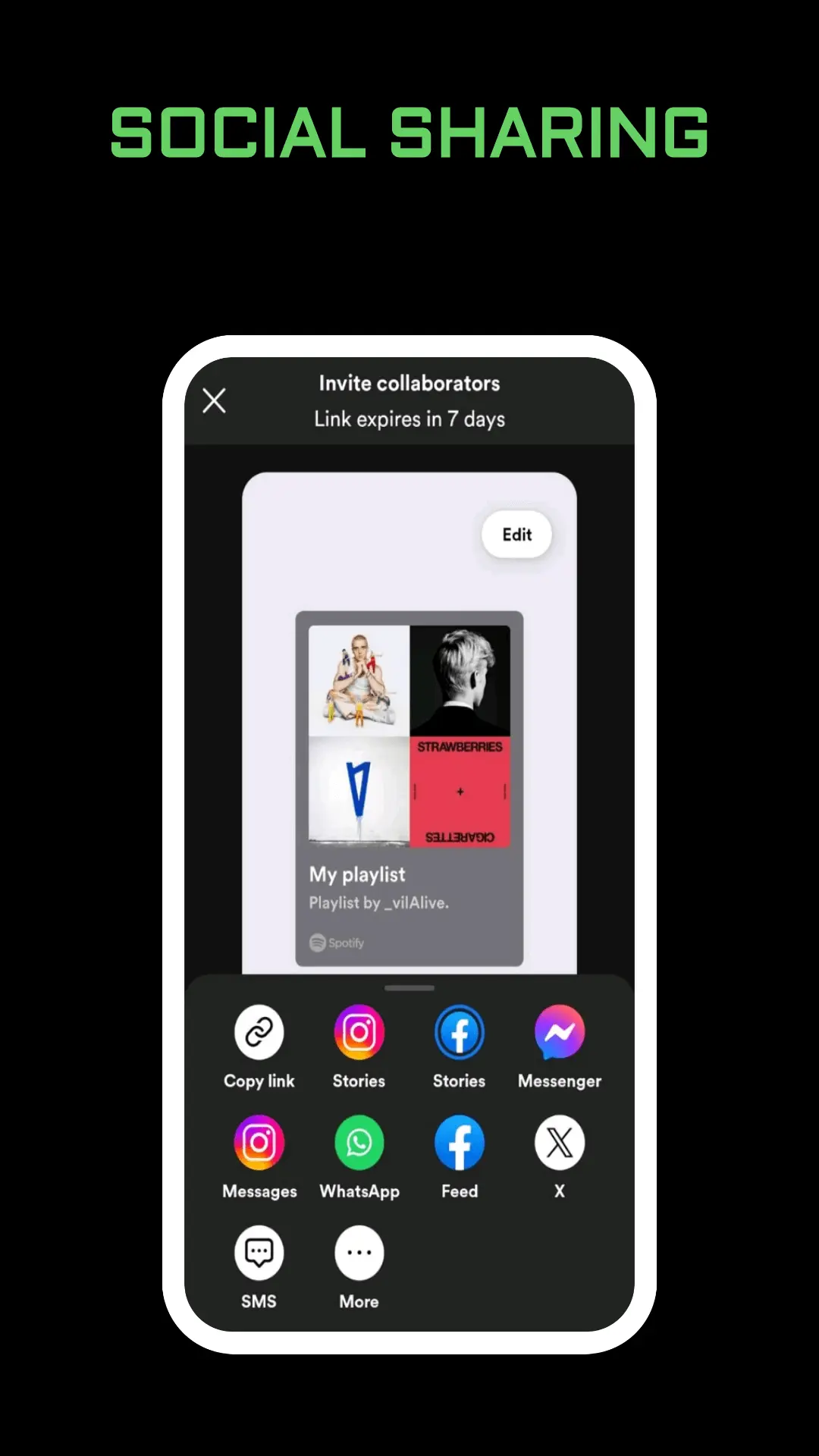
People also say “follow” when they mean following a playlist. Playlist follow is a different control on the playlist page. It keeps that list in Your Library and can show up for the playlist owner as a like count. Artist Follow does not add every song to a playlist you own. If you want a shareable list built from favorites, create or edit a playlist, then share it. Playlist basics are in Spotify playlist, and share links or Codes are in Spotify share.
Collaborative lists invite editors. That is not Follow either. Invite steps live in Spotify collaborative playlist.
If Follow seems to do nothing, confirm you tapped the artist or show page rather than a single track menu, wait for Release Radar or the Following shelf to refresh, and check that you did not block the artist earlier. Kids profiles and Family seats have their own limits; Kids is covered in Spotify Kids.
Concert and merch tips from artists you follow may also show in email or push when those notification types stay on. That channel is separate from the Follow button itself. Turning off marketing mail does not unfollow the artist, and unfollowing does not always clear every email list the same day. Review account notification choices when a banner feels louder than the music.
Blend, Jam, and Discord Listen Along are social sessions, not Follow. Blend mixes two taste profiles, Jam shares a live session, and Discord shows status to chat friends. Follow only marks the catalog you want Spotify to watch for releases. Pick the social tool that matches the room instead of stacking every button on one artist page.
Frequently Asked Questions
How do I Spotify follow an artist?
Open the artist profile and select Follow. Select Follow again to stop. The same pattern works on podcast and show pages.
Where do I see who I follow?
On mobile, open Home, Music, then Following. Or open Your Library, Artists, and pick a followed artist.
Does Follow download their catalog?
No. Follow tracks releases and recommendations. Save or download tracks separately if you need them offline.
Final Thoughts
Spotify follow is the artist, podcast, and show switch for new releases and better recommendations. Keep it distinct from likes, playlist follows, blocks, and downloads. Use Home Music Following or Library Artists to review the list, leave privacy controls alone unless you also want to hide what you play, and expect Release Radar and the Following shelf to reflect changes after Spotify refreshes those surfaces.