Spotify Discover Weekly: Where to Find It and How to Refresh It
Spotify Discover Weekly is the Made for You playlist of songs Spotify thinks you will like and probably have not played much yet. A new mix shows up every Monday. You do not build it yourself, but you can find it in a few taps and you can change what feeds it. This guide covers where it lives, why a new account may not have one yet, and how to steer the next update.
What Discover Weekly Is
Spotify builds Made for You playlists from what you like, share, save, and skip, plus people with similar taste. Discover Weekly is the Monday edition of that idea. Spotify has described it as a 30-song mix. The byline usually reads Made for you, with your username.
It is not the same as Release Radar, which updates every Friday with new releases, or Daylist, which can change through the day. If you only want songs from artists you already follow, Release Radar is the closer match. Discover Weekly is for songs that are new to you.
How to Find Spotify Discover Weekly
- Open Home and look for Made for You.
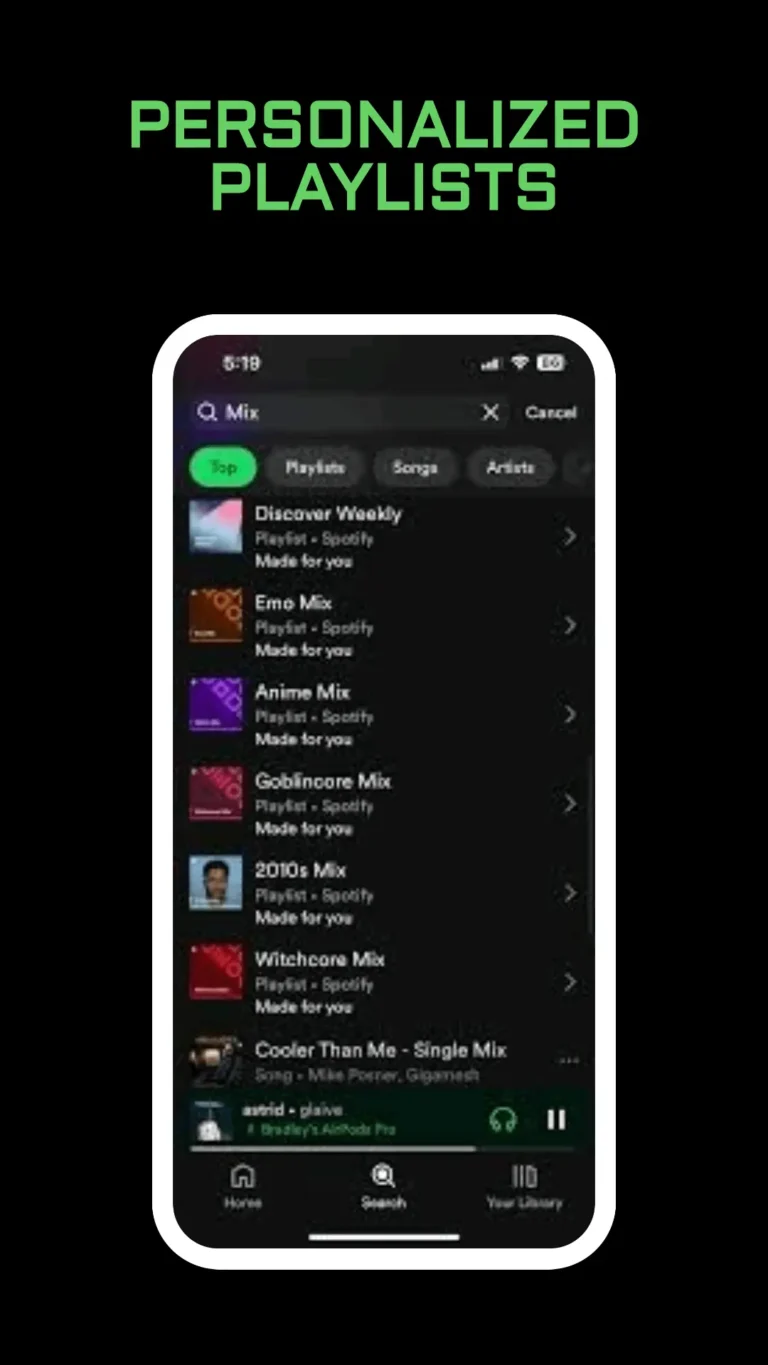
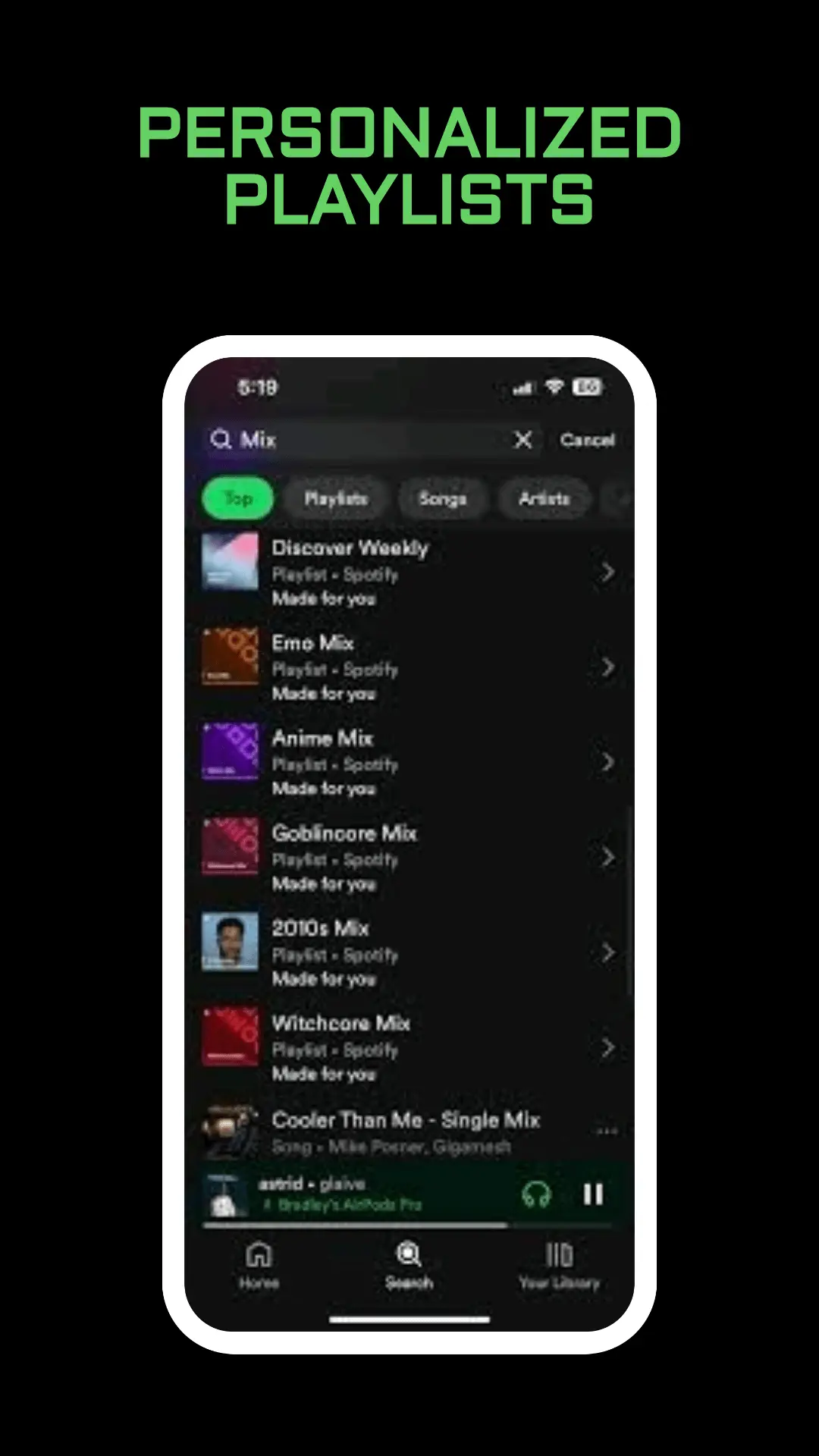
- Or open Search, choose Made for You under Browse all, and look for Discover Weekly.
- Or use the search box and type Discover Weekly.
Save the playlist so it stays near the top of Your Library. The songs still refresh on Spotify’s schedule. Saving it does not freeze Monday’s list forever.

Why You Might Not Have It Yet
A brand-new account often has no Made for You playlists. Spotify says it needs a few weeks of listening before those playlists appear. Play a range of songs you actually like, save a few, and skip the ones you do not. One skipped album is not a failure. An empty history is.
If the playlist was there last month and is missing now, search the name before you assume it was deleted. It can drop down the Home page. Also confirm you are signed into the account that was listening. A second login has its own Discover Weekly.
What Changes the Next Monday Mix
Spotify has shared a few habits that make the playlist more personal:
- Save songs you want more of. On mobile that control is the heart or the plus, depending on your app version.
- Follow artists you want to hear around. Their new releases also land in Release Radar on Fridays.
- Add a new favorite to a playlist you made. That tells Spotify the song was not a one-time click.
- Do not worry about a single play. Listening once, without saving or replaying, is a weak signal.
Spotify has also added genre buttons on Discover Weekly, such as pop, funk, or R&B. Tapping one gives a fresh 30-song mix drawn from your history in that direction. That refreshes the current playlist. It does not replace the Monday update.
Exclude Songs You Do Not Want in It
Sleep sounds, kids’ music, and one party playlist can pull recommendations off course. Taste profile is Spotify’s read of your taste, and it feeds Discover Weekly, your Home page, Wrapped, and Blend.
- Open the playlist or the track.
- Tap the three dots near the top.
- Choose Exclude from your taste profile, or Exclude track from your taste profile.
You can put it back later with Include in your taste profile. Spotify says the exclusion takes effect within 48 hours, and Discover Weekly may not show the change until the following week. Plays of that song outside the excluded playlist, for example from Liked Songs, still count.
Hiding a song inside one playlist, or snoozing it for 30 days, only affects that playlist. It does not change your taste profile. If a whole artist should disappear, use how to block or unblock an artist instead.
Keep a One-Off Listen Out of the Mix
Spotify has advised a private session for listening you do not want reflected in Discover Weekly, such as a friend picking songs on your phone. Turn it on before the session, not after. The current switch is covered in Spotify private session. A private session is temporary. Excluding a playlist is the lasting control.
Those same signals show up in your yearly recap. If you want to see the current one before you exclude a large playlist, follow how to find Spotify Wrapped. A shared playlist with friends is a different product. That one is a Spotify Blend, and it also reads listening activity.
Frequently Asked Questions
What day does Spotify Discover Weekly update?
Every Monday. Genre buttons can rebuild the current mix, but the scheduled drop is still Monday.
How many songs are in Discover Weekly?
Spotify has described the playlist as 30 songs, including the genre-filtered version.
Can I refresh Discover Weekly on a Wednesday?
You cannot pull next Monday’s playlist early. You can save, skip, exclude, and use the genre buttons so the following update is closer to what you want.
Final Thoughts
Search Discover Weekly, or open Made for You, and check back on Mondays. Save what you like, exclude what should not count, and give a new account a few weeks before you decide the playlist is missing.