
Spotify Username: Display Name vs Login ID
Spotify username is the account identifier Spotify created for you. You do not need it to sign in, and the name people see on your profile is the display name instead. This guide follows Spotify’s username and profile help so you can find the right label, change what friends see, and stop hunting for a username edit that the login screen does not use.
Username Versus Display Name
Spotify splits the two names clearly. Your username identifies you inside Spotify’s system. You do not need that string to log in. Sign in with the email and password on the account, or with the method you used at signup, such as Apple or a phone number. Password resets stay in how to change and reset your Spotify password.
Your display name replaces the username where it shows on your profile, in the app, and on playlists. You cannot use the display name to log in. If you connect Facebook, Spotify can show your Facebook name until you set a Spotify display name; once you add one, that Spotify name wins.
People search “change Spotify username” when they want a cleaner public label. What they usually need is the display name. The username remains the system ID. Treat any guide that promises a free username swap through a third-party tool as a risk. Account safety habits are in how to keep your Spotify account safe.
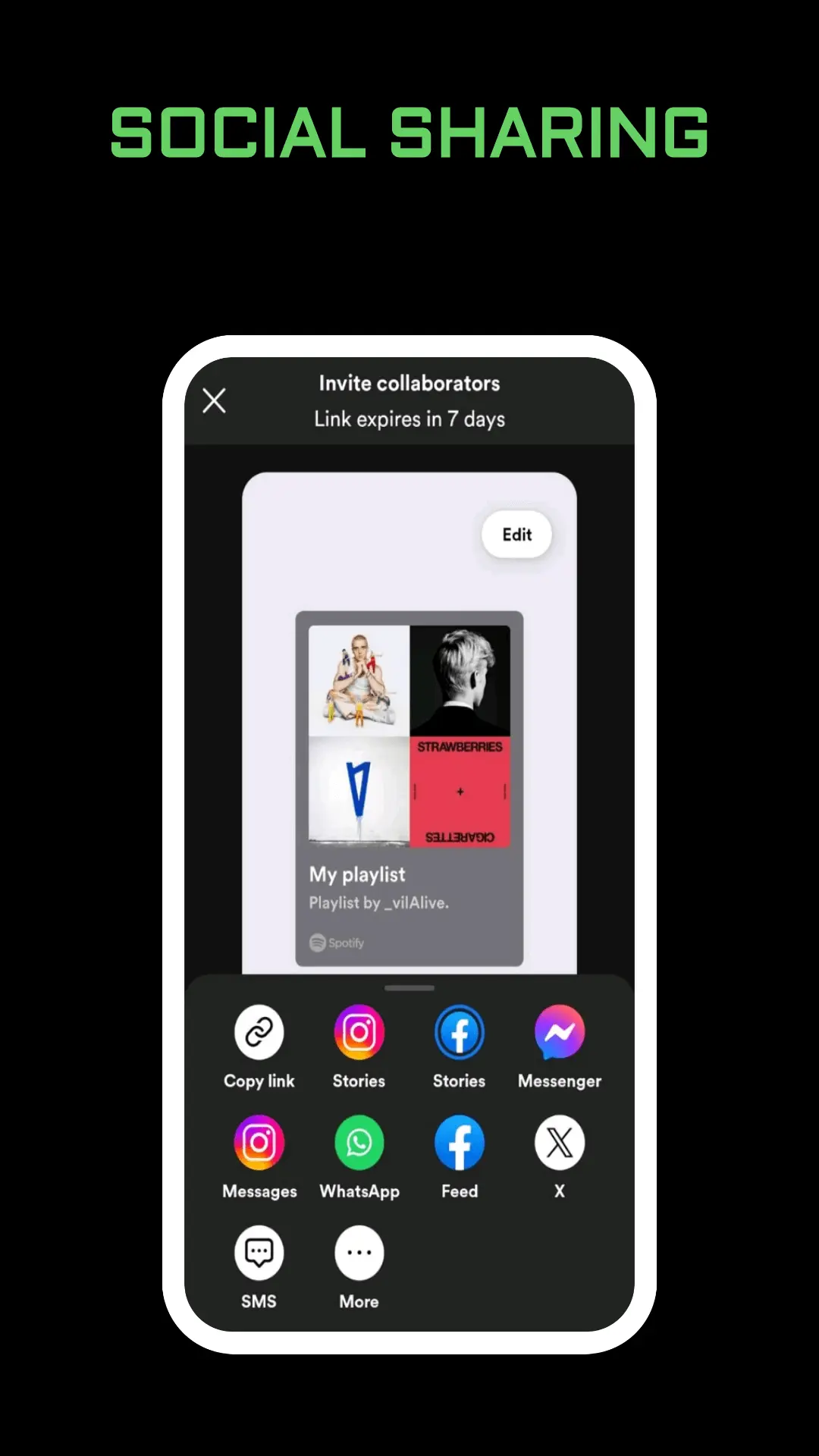
Your profile is the public stage that shows the display name, profile picture, public playlists, recently played artists, who you follow, and who follows you. Changing the display name updates that stage. It does not rewrite playlist URLs that already used older share links. Profile publishing for playlists is covered under share and list settings in Spotify share, and list building itself is in Spotify playlist.
Change the Display Name People See
Spotify’s profile and name pages point you at Edit Profile for the visible name. On mobile, a common path is:
- Open Home, then open Settings from your profile picture area.
- Open View Profile.
- Tap Edit Profile.
- Replace the display name.
- Save.
On desktop or tablet, open the menu next to your profile photo, open Profile, edit the name on that page, and save. Keep the name short enough for the field Spotify shows. After you save, check a playlist header and your profile card to confirm the new label replaced the old one.
A display name change does not move your listening history, Liked Songs, or Premium plan. It also does not hide what you play. Use Spotify listening activity and Spotify private session when the goal is privacy rather than a new label.
Where Username Still Matters
Support chats, some older desktop menus, and certain family plan screens may still print the username. Copy it when Spotify Support asks for account details. Do not paste it into random forms that promise a custom handle. Login stays on email or the signup method you already use.
Kids and managed accounts follow different profile rules. Family plan members and Spotify Kids are separate products. Plan seats are in add or remove a member in a Family plan, and Kids is covered in Spotify Kids. A display name on an adult profile does not unlock Kids features.
If friends cannot find you after a rename, they may still search an old display name or follow an outdated profile link. Send a fresh profile share from the app. Closing an account entirely is a different flow in how to delete a Spotify account; renaming is not a delete.
Discord and other connected apps can show your Spotify activity under their own settings. Changing the Spotify display name updates Spotify-facing labels; reconnect or refresh those apps if an old name sticks in a third-party status. Discord steps are in Spotify Discord.
Frequently Asked Questions
Can I change my Spotify username?
Spotify treats the username as the system identifier. You change the public label with the display name. Log in with email or your signup method, not with the display name.
Where do I edit the name on my profile?
Open your profile, choose Edit Profile or edit the name on the profile page, enter the display name you want, and save. Confirm it on a playlist and on the profile card.
Does a new display name change my login?
No. Spotify says you cannot use the display name to log in. Keep using email and password, or Apple, phone, or the method you used to sign up.
Final Thoughts
Spotify username is the internal ID; the display name is what people read on your profile and playlists. Edit the display name when you want a new public label, keep login on email or your signup method, and ignore tools that sell a username rewrite. Official username and profile pages remain the source when the Settings labels shift.