Spotify Liked Songs
Spotify Liked Songs is the playlist Spotify builds when you save a track. It lives in Your Library, under Playlists, and it is not the same as following an artist or saving a whole album. This guide shows how to add songs, how a saved album differs, and how to turn a filtered slice of Liked Songs into its own playlist.
What Liked Songs Actually Saves
Spotify’s library help page is specific. Saving a song puts that song in Liked Songs. Saving an album does not automatically save every track on it. Saving an artist, which the app calls Follow, does not fill Liked Songs with their catalog. The reverse is also true: liking one single does not follow the artist or save the album.
That split matters when you think a record disappeared. Open the album page and look for the album in Your Library. Then open Liked Songs and search the title. You may have saved only the one song you tapped.
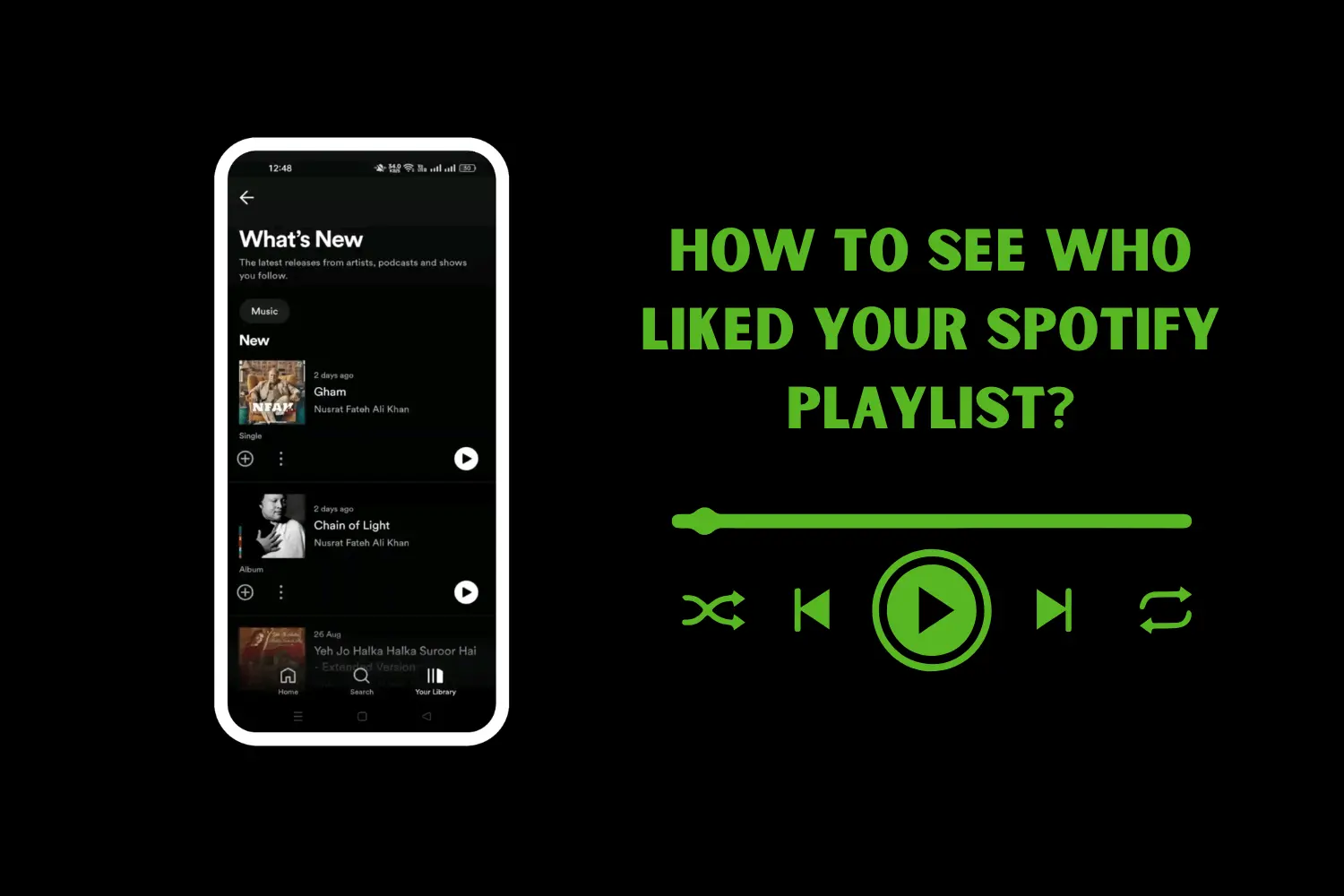
Liked Songs is your private collection of those taps. It is not the public list of people who liked a playlist you published. That other view is covered in how to see who liked your Spotify playlist.
How to Add a Song
On a phone or tablet, Your Library is in the menu bar. Use the save control on a song, album, or playlist. On a computer or the web player, Your Library is in the side menu. Spotify says clicking a song, album, or playlist saves it to Liked Songs, and clicking Follow on an artist, podcast, or show follows that page instead.
After you save a track, open Your Library, then Playlists, then Liked Songs. The new song should be there. If it is not, confirm you are on the same account that tapped save. A second login has its own Liked Songs.
Find, Filter, and Sort
Liked Songs can get long. Spotify puts filters at the top of the collection and a search inside it. Use those before you scroll for ten minutes. On mobile you can also turn the current filter into a normal playlist:
- Open Liked Songs.
- Choose a filter at the top.
- Tap Make this a playlist.
Read the note under that button. The new playlist is a copy of what the filter shows right now. Songs you like later are not added to it automatically. If you want an ongoing list, keep using Liked Songs itself. If you want a frozen mixtape of one mood, make the playlist and leave it.
You can also search inside the collection. Type an artist or a title. That is faster than building a playlist when you only need one song for the next hour.
Liked Songs, On Repeat, and Recents
Three lists record different things:
- Liked Songs is what you chose to save.
- Recents is what you played or saved, including things you did not save on purpose. On a phone it is Home, your avatar, then Recents. See Spotify recently played.
- On Repeat is what you played the most, refreshed about every 5 days. See Spotify On Repeat.
A song can be in all three, or only in Recents if you played it once and never saved it. If you want it tomorrow, save it. Recents on desktop only keeps the last 50 songs.
Play Liked Songs Without Losing the Plot
Liked Songs is a playlist, so the usual playback tools apply. Shuffle mixes the order. The upcoming order for this session is the queue, not a rewrite of Liked Songs. Add or clear that session list with Spotify queue. Clearing the queue does not remove saved songs.
To take one song out of Liked Songs, use the same save control again so it is no longer saved. That removes it from this collection. It does not delete the song from Spotify, and it does not remove it from other playlists where you added it by hand.
If friends should add tracks, Liked Songs is the wrong place. It is not a collaborative playlist. Invite people on a playlist you created, with the steps in Spotify collaborative playlist. Those invites last 7 days. Your saved songs stay private.
Downloads and a Full Phone
Saving a song does not download the file. The save control is only a library mark. The download is a separate arrow, and offline files need Premium. If you want Liked Songs on a flight, download that playlist while you still have Wi-Fi. The steps and the device limit are in how to download songs from Spotify.
A huge Liked Songs list also makes the app cache busier. That does not mean you should unlike everything. If playback stalls, check the connection and the steps in why Spotify keeps pausing before you mass-delete saved songs.
Frequently Asked Questions
Does liking a song save the whole album?
No. Spotify says saving a song does not save the album or follow the artist. Save the album separately if you want every track.
Will a playlist I make from Liked Songs keep updating?
No. Make this a playlist copies the current filter. New likes stay in Liked Songs and are not added to that copy.
Can other people see my Liked Songs?
Liked Songs is your library playlist. It is not the public like-count on a playlist you published. Do not confuse the two screens.
Final Thoughts
Save the track, then find it under Your Library, Playlists, Liked Songs. Follow artists when you want their page, save albums when you want the full record, and make a playlist from a filter only when you want a snapshot that will not grow by itself.