
Spotify Clear Cache: Free Space on Phone and Desktop
Spotify clear cache frees the temporary music and podcast files the app keeps so playback starts without lag. It does not erase your playlists or account. Downloads for offline listening are a separate store. This guide follows Spotify’s storage steps for iPhone, Android, and desktop.
What Spotify Clear Cache Removes
Spotify uses device memory in two ways. Cache holds pieces of music and podcasts so the next play does not stall. Downloads hold tracks and episodes you saved for offline play. Spotify recommends at least 1GB of free memory for the app.
When you run Spotify clear cache, you empty that temporary store. Your library, Liked Songs, and playlists stay. Offline downloads stay until you remove them yourself or until Spotify’s download rules drop them. The offline download path, including the 30-day online check-in, is in Spotify offline.
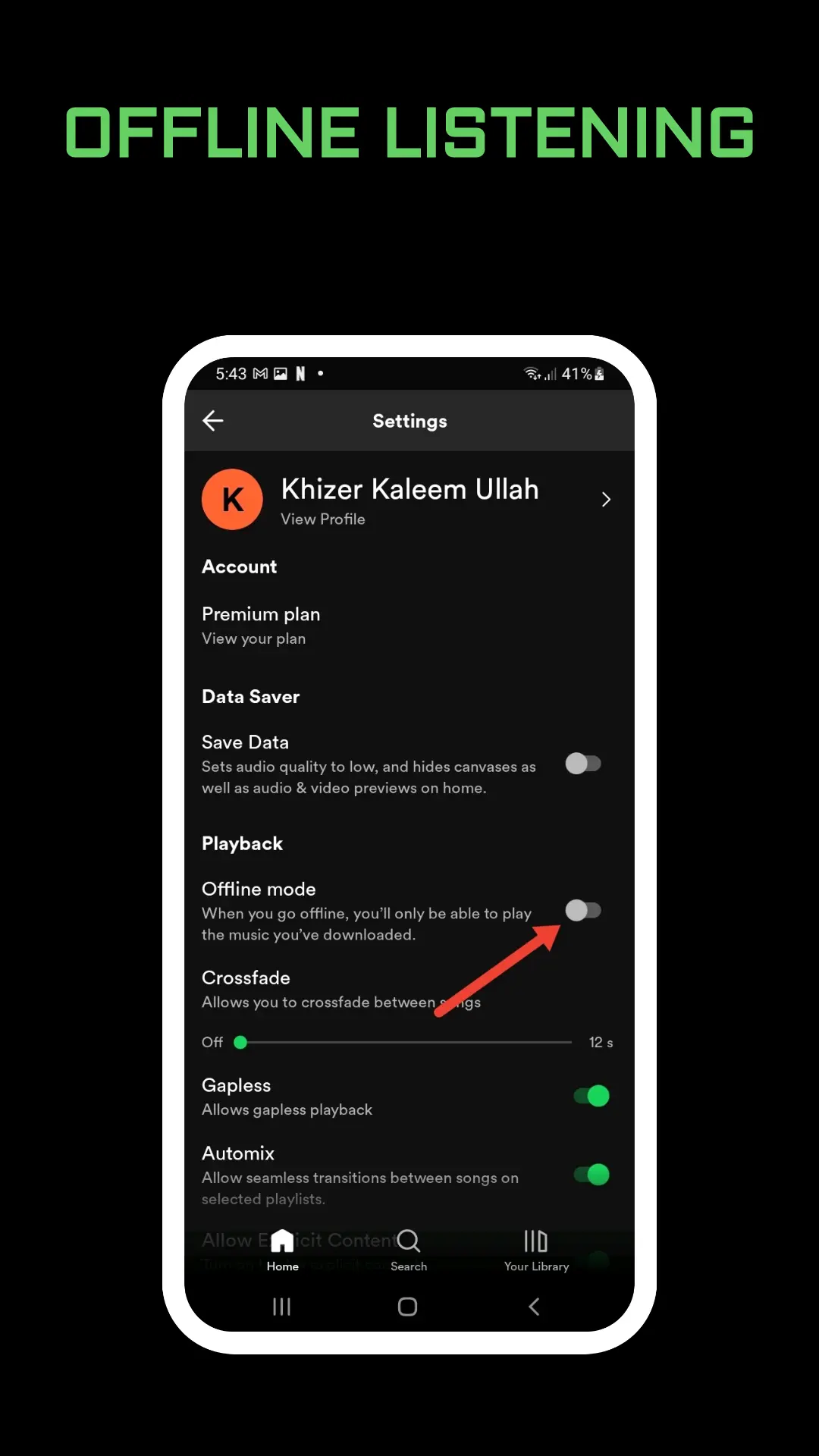
Clearing cache is a storage fix. It is not Data saver. Data saver cuts images and streaming quality while you are online. That switch is under the same Data-saving and offline area on a phone, and the steps are in Spotify data saver. It is also not Offline mode. Offline mode greys out anything you have not downloaded so only saved tracks play. Cache clear empties temporary files; Offline mode changes what the player is allowed to use.
Do a Spotify clear cache when the phone warns about storage, when the desktop disk is nearly full, or when playback feels sticky after long streaming sessions. Do not treat it as a fix for every pause. Network drops, device limits, and app bugs can look the same from the couch.
Clear Cache on iPhone and Android
On iPhone and Android the Clear cache control sits in the same place:
- Tap your profile picture at the top.
- Tap Settings and privacy.
- Tap Data-saving and offline.
- Under Storage, tap Clear next to Clear cache.
After that, the app rebuilds cache as you listen again. A short period of slower starts is normal until the temporary files refill. You do not need to reinstall the app for a routine clear. Reinstalling is a heavier step that Spotify lists on other troubleshooting pages, and it can force you to download offline music again.
Downloads are handled differently by platform. On iPhone, Spotify saves downloads in an encrypted form on the phone’s storage. When you need room for a new download, iOS can free space by deleting unused stored data. If nothing else can be deleted, remove downloaded tracks yourself.
On Android, if the phone has an external SD card with at least 1GB free, you can move downloads there. The storage option appears only when the card is available and accessible:
- Swipe left or tap your profile picture.
- Tap Settings and privacy.
- Tap Data-saving and offline.
- Under Storage, select where you want to save your downloads.
- Tap Continue.
The transfer can take a few minutes. You can keep listening while it runs. Spotify restarts when it finishes. If space is still short, remove downloaded tracks by hand. Podcast episode downloads follow the same storage pool; the show and follow steps are in Spotify podcasts.

Clear Cache on Desktop
On a computer:
- Click your profile picture at the top, and select Settings.
- Scroll down to Storage.
- Click Clear cache.
Spotify also lets you click Change location to put the cache on another drive. Use that when the system disk is full but another disk has room. If storage is still too low after a clear, remove downloaded tracks from the library until the disk has free space again.
A full cache is not the only reason playback stalls. If the song stops mid-track for another reason, compare the symptoms with why Spotify keeps pausing. If the stream sounds thin after you free space, check the bitrate rows in Spotify audio quality. Cache size and streaming quality are separate settings. Clearing cache does not lower Very High or Lossless on its own. It only removes temporary files so the player can write new ones.
On desktop, Change location moves where the cache lives. It does not move your offline downloads to another folder by itself. If the system drive is the problem, clear cache first, then point the cache at a larger disk if Spotify still fills the same volume quickly.
Frequently Asked Questions
Does Spotify clear cache delete offline downloads?
No. Cache is the temporary store for smoother playback. Downloads for offline listening stay until you remove them, until storage rules drop them, or until you move them on Android to another location.
How much free space does Spotify want?
Spotify recommends at least 1GB of free memory for the app. On Android, the SD card tip for downloads uses the same 1GB floor.
Will clearing cache log me out?
Spotify’s storage page does not say a clear cache logs you out. It frees temporary files. On Android, moving downloads to an SD card restarts the app after the transfer, which is a different action from Clear cache.
Should I clear cache before every download?
No. Clear when storage is tight or playback feels laggy. For a new offline album, free space by removing old downloads if iOS or Android cannot reclaim unused data. Cache and downloads share the device, but they are cleared by different actions.
Final Thoughts
Spotify clear cache is the Storage control under Data-saving and offline on a phone, or under Settings on a desktop. Use it when the app feels heavy or the disk is tight. Keep downloads and Data saver as separate tools, and free space by removing downloads only when the cache clear is not enough.