Spotify Smart Shuffle: What It Does and How to Turn It Off
Spotify Smart Shuffle plays your playlist and then slips in extra songs Spotify thinks fit the same mood. Those extras are recommendations, not tracks you added. On the Now Playing bar they show a mark next to the artist name. This guide explains how that differs from normal shuffle, how to turn Smart Shuffle on, and how Premium listeners turn it off.
Smart Shuffle vs. Regular Shuffle
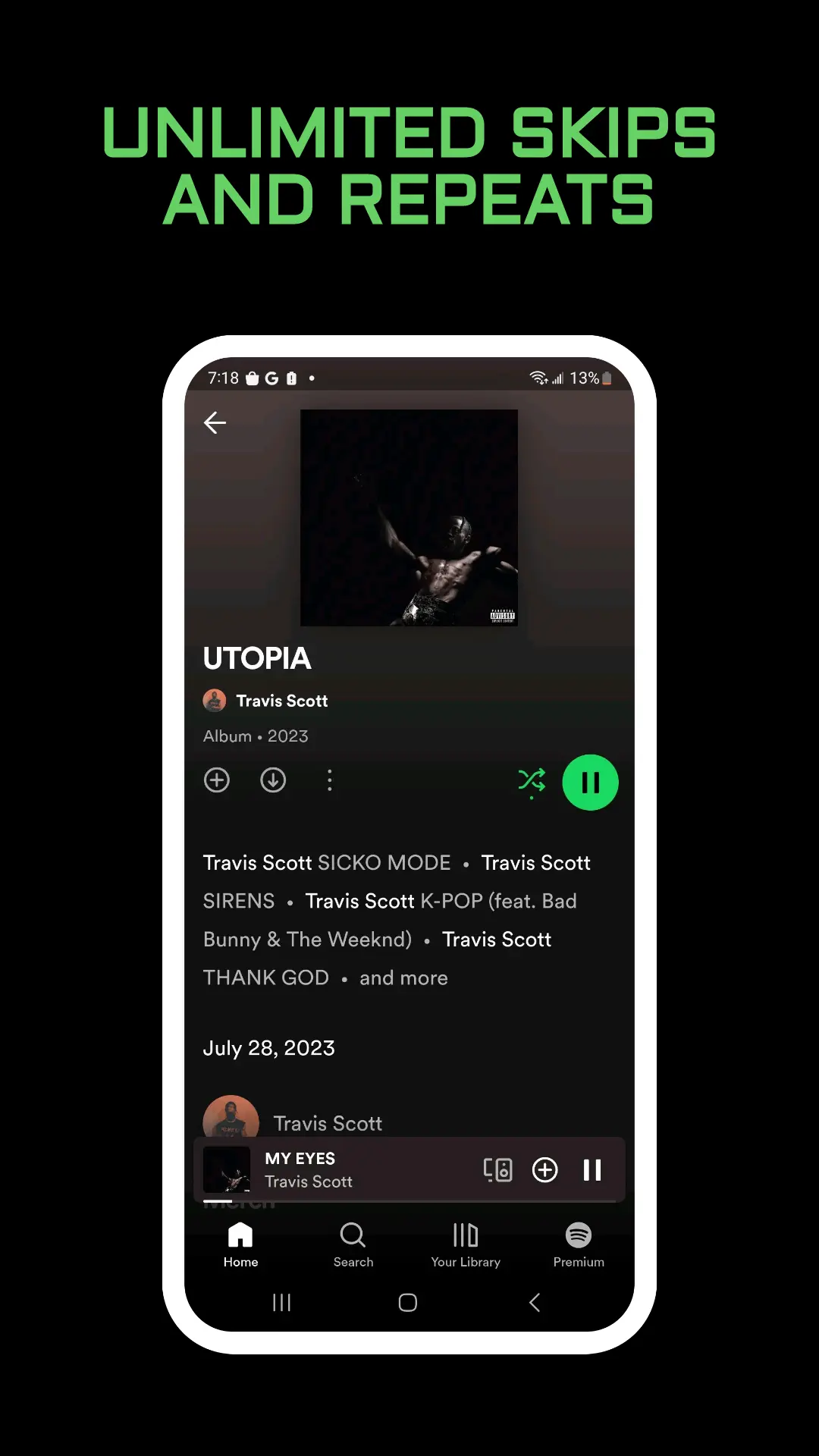
Regular shuffle only reorders what is already in the playlist, album, or artist page. Smart Shuffle keeps that idea and adds recommended tracks that match the vibe. If a song appears that you never saved, look at the Now Playing bar. A recommendation is marked beside the artist name.
Premium listeners also get two styles of ordinary shuffle, separate from Smart Shuffle:
- Fewer repeats remembers what you heard recently and prefers a fresher sequence. Repeats can still happen.
- Standard gives every track an equal random chance, so a song can show up again sooner.
If the playlist itself feels wrong, the Monday mix is a different feature. That one is Spotify Discover Weekly, and it does not depend on the shuffle button.
Who Gets Smart Shuffle
On the free plan, Spotify says Smart Shuffle stays on for mobile listening. You do not get a switch that removes the recommended tracks from play mode.
On Premium for mobile, you choose. The shuffle button cycles through three states:
- Off, and tracks play in order
- On, and tracks play at random
- Smart Shuffle on, and your tracks plus recommendations play at random
Parents with a managed account have one extra case. If skip is paused after a song was reported, you can turn off playback of that song so it does not return. That control is about the reported song, not about disabling Smart Shuffle for the whole account.
How to Turn Spotify Smart Shuffle On
- Open one of your playlists, or tap the Now Playing bar. On a tablet, tap the album art in the side menu.
- Tap the shuffle icon.
- Tap again until the icon shows Smart Shuffle, not plain shuffle.
Spotify documents this for playlists and Liked Songs. Start from a playlist you know well, so a recommended song is obvious. If the icon never shows a third state, check that the account is Premium and that the app is updated.
How to Turn Smart Shuffle Off
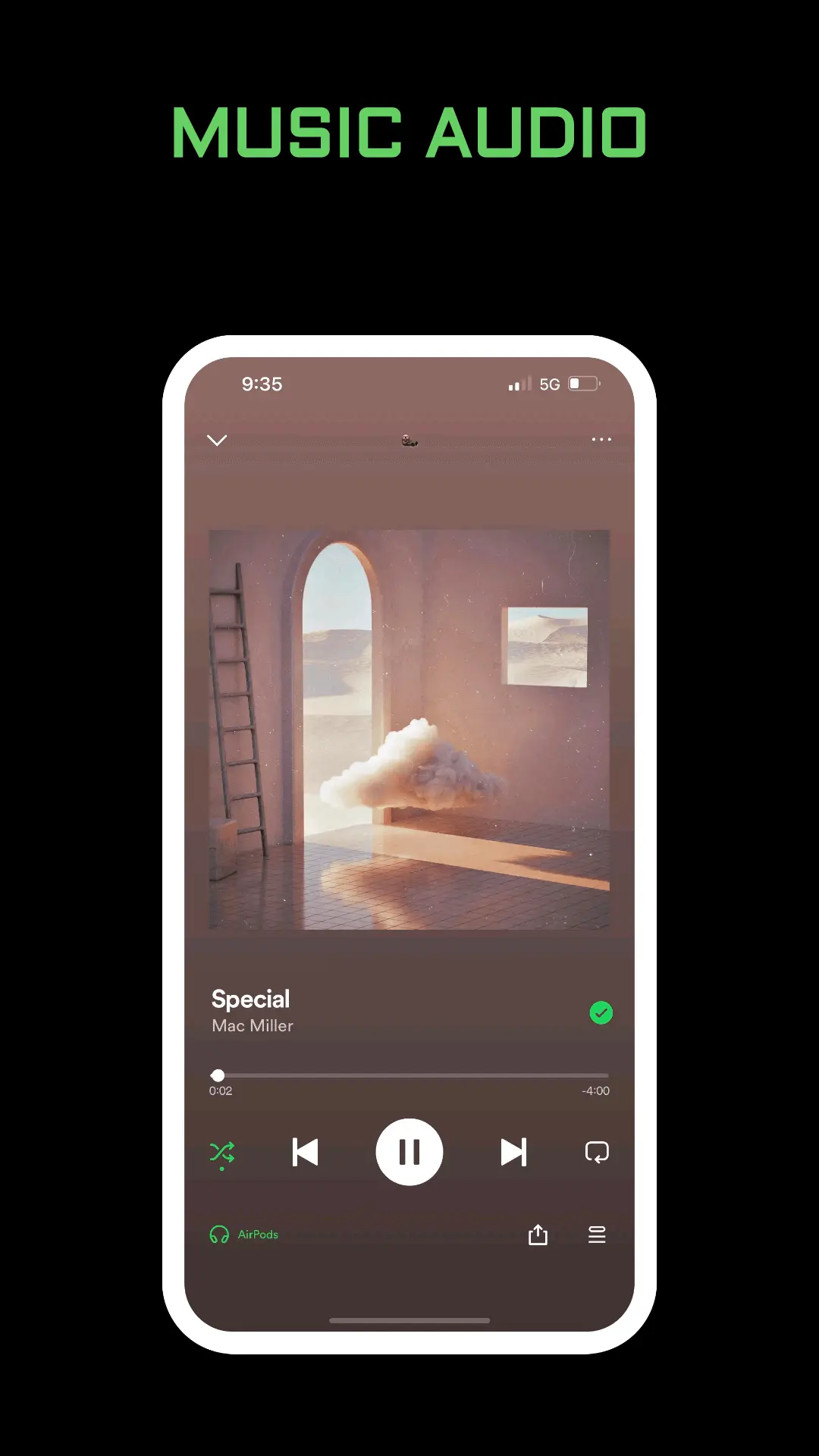
Tapping the icon back to plain shuffle only changes the current play mode. To stop Smart Shuffle from being one of the modes:
- Tap your profile picture at the top.
- Tap Settings and privacy.
- Open Playback.
- Switch off Include Smart Shuffle in play modes.
After that, the shuffle button should only offer off and ordinary shuffle. This path is the one Spotify lists for Premium on mobile. Free mobile listening keeps Smart Shuffle active.
When the Extra Songs Are a Bad Fit
A recommendation follows your recent taste. A kids’ album, a sleep playlist, or one long party can pull in songs you do not want. Exclude that playlist or track from your taste profile: open it, tap the three dots, and choose Exclude from your taste profile. Spotify says this weakens the effect of those plays on recommendations. It can take up to 48 hours.
Blocking an artist is stronger. If one name keeps appearing in the extras, use how to block or unblock an artist. Blocking is not the same as shuffle. The artist leaves your recommendations more broadly.
A shared friend playlist will not fix Smart Shuffle either. A Spotify Blend is a daily shared list. A Jam is a live queue. Neither replaces the Playback setting above. For a group session, see how to use Spotify Jam.
Smart Shuffle Is Not Offline Playback
Recommended songs need the catalog. If you are on a train with no signal, only downloaded tracks can play. Smart Shuffle cannot invent an offline copy of a song you have not saved. Download the playlist first if the trip matters more than the extras. The steps are in how to download songs from Spotify.
If the music stops entirely, shuffle is probably not the cause. Work through why Spotify keeps pausing before you keep tapping the shuffle icon.
Frequently Asked Questions
Why does Spotify play songs that are not in my playlist?
That is Smart Shuffle. The extra track is a recommendation, marked next to the artist on Now Playing. Premium users can turn the mode off. On free mobile, Spotify keeps it on.
Does Smart Shuffle delete my playlist?
No. Your tracks stay. The extra songs are added only while that play mode is running.
Can I use fewer repeats and Smart Shuffle together?
Fewer repeats is a style of ordinary shuffle for Premium. Smart Shuffle is the mode that inserts recommendations. Set them from the shuffle control and from Settings, Playback.
Final Thoughts
Tap shuffle until you see Smart Shuffle if you want recommended songs mixed in. If you want only your own tracks, switch off Include Smart Shuffle in play modes. Free accounts on mobile do not get that off switch, so exclude a misleading playlist if the extras keep missing the mood.