Spotify Lossless: How to Turn On Higher Audio Quality
Spotify Lossless is a Premium audio setting that streams music at up to 24-bit/44.1 kHz FLAC, the highest music quality Spotify offers. It is not automatic, it is not on every device, and it does not apply to podcasts, audiobooks, or music videos. This guide shows where to turn it on and why a Bluetooth headphone can still sound compressed.
What Lossless Means on Spotify
Lossless means the file keeps the detail of the studio master instead of throwing pieces away to save data. Spotify describes the stream as up to 24-bit/44.1 kHz. A higher number does not guarantee you will hear a dramatic change. Spotify’s own FAQ says the technical quality is high, but many people do not notice a big difference, especially on small speakers.
The feature is for Premium. It has been rolling out by market, and Spotify says you get a notice in the app when it is available on your account. If Media quality has no Lossless row yet, the rollout has not reached that login. Updating the app cannot invent a setting the account does not have.
Supported players include the mobile app from version 9.0.58, the desktop app from version 1.2.67, and some third-party speakers. Music videos, podcasts, and audiobooks stay at their normal quality.
Turn On Spotify Lossless
You set it once per device. A phone and a laptop do not share this switch.
On a phone or tablet
- Tap your profile picture.
- Open Settings and privacy.
- Open Media quality.
- Choose Lossless for Wi-Fi, for cellular, or for downloads. You can pick a different level for each.
On desktop
- Click your profile picture.
- Open Settings and privacy.
- Open Media quality.
- Choose Lossless for the connection you actually use.
When it is active, Spotify shows a Lossless mark on Now Playing or in the Connect device list. If that mark never appears, you are still on High or Very High.
Wi-Fi, Cellular, and Downloads
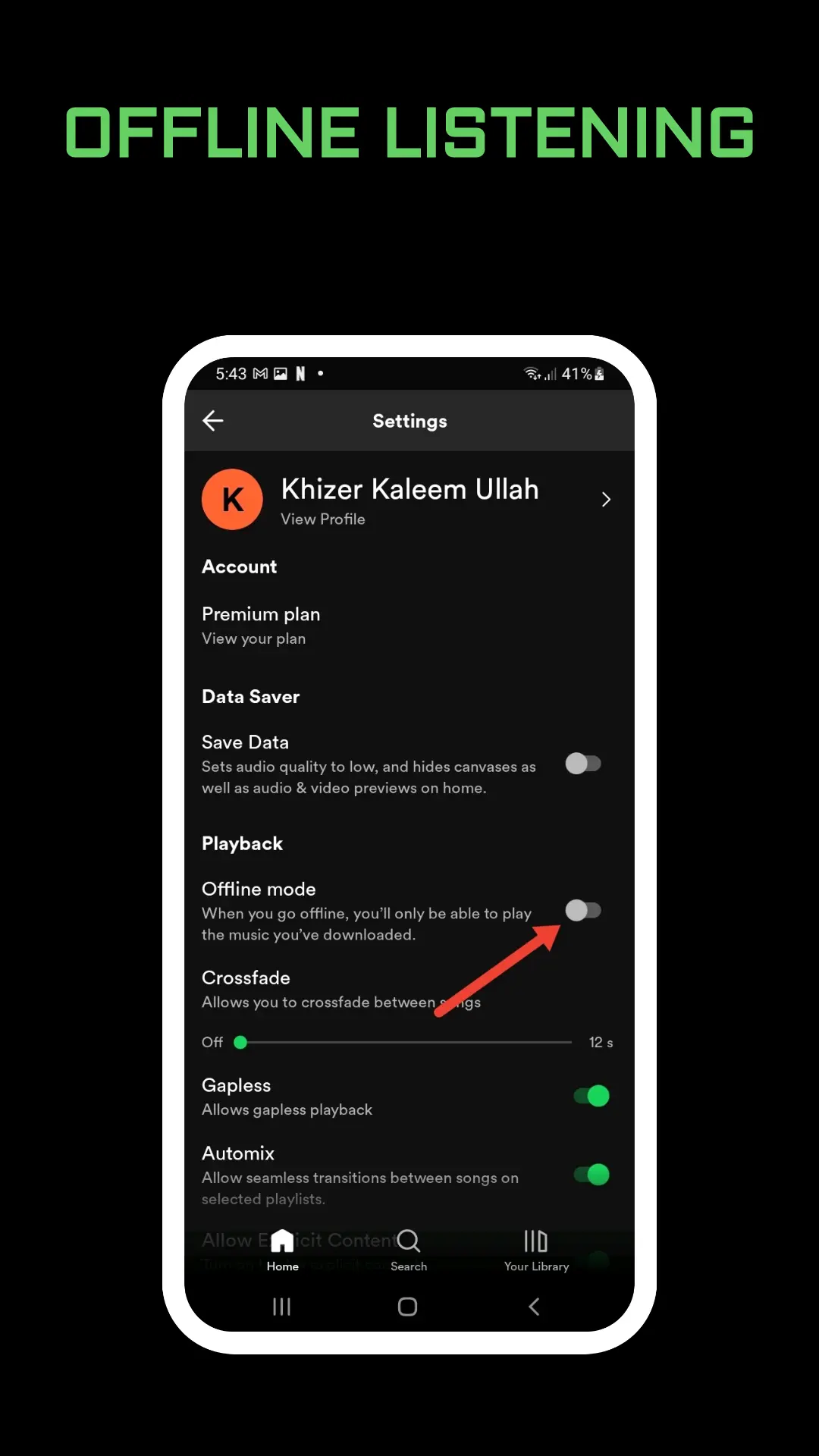
Spotify lets you pick Low, Normal, High, Very High, or Lossless separately for Wi-Fi streaming, mobile data, and downloads. The app also shows roughly how much data each level uses. Lossless files are larger, so the first second of a track can hesitate while it buffers. After it is cached, playback should settle.
Spotify recommends a steady connection of about 1.5 to 2 Mbps. A weak cafe network will not hold that rate. If the song stutters, lower the quality in Media quality. Some speakers drop quality on their own when the stream breaks up. Others do not, so you change it yourself.
Downloads can be set to Lossless too, from the same Media quality screen. Those files take more storage than a Normal download. The rest of the download steps, including the device limit, are in how to download songs from Spotify.
Bluetooth Cannot Carry a Lossless Stream
This is the limit people miss. Bluetooth does not have enough bandwidth for a lossless signal, so Spotify compresses the audio before it leaves the phone. Wired headphones, a cable into a speaker, or Spotify Connect to a compatible speaker are the paths that can keep the full stream.
To set Lossless on a third-party speaker, start from the phone while that speaker is the active device:
- Tap the device icon while a song is playing.
- Select the device that is playing.
- Tap Change quality settings.
- Select Lossless.
On a multi-room system the path is the device icon, then Connect, then Go to settings, then Lossless. Spotify says that rollout is still moving across markets and devices. If the speaker has no Lossless line, check its firmware or ask the manufacturer. Changing quality in the Spotify app does apply to a connected device when you are connected to it at the moment you change the setting. The device then plays the highest quality it supports.
The in-app equalizer does not shape a Connect stream. Tone controls for playback on the phone itself are in Spotify equalizer.
When You Cannot Hear Lossless
- The account is not Premium, or Lossless has not rolled out to that market yet.
- Media quality is still on High or Very High.
- The app is older than the versions Spotify lists.
- The song, video, podcast, or audiobook is not offered in lossless.
- The original recording was never a detailed master. Lossless cannot add detail that was not recorded.
- You are on Bluetooth, so the last hop is compressed even if the phone requested Lossless.
- The network is too slow, so the app is buffering or you already turned the quality down.
If the music keeps stopping, quality is only one cause. Work through why Spotify keeps pausing before you reinstall. And if you are about to drop Premium, Lossless leaves with it. The cancel steps that keep your playlists are in how to cancel Spotify Premium.
Frequently Asked Questions
Is Spotify Lossless free?
No. Spotify lists it as a Premium feature, and only in markets where it has already launched.
What internet speed does Lossless need?
Spotify recommends a steady 1.5 to 2 Mbps. Wi-Fi is the safer choice. Cellular works if you turn Lossless on for cellular and you can afford the data.
Why don’t I hear a difference?
The stream can be up to 24-bit/44.1 kHz, but headphones, Bluetooth, and the original recording all change what you hear. The Lossless badge confirms the setting. It does not promise a night-and-day change on every song.
Final Thoughts
Open Media quality, choose Lossless for Wi-Fi first, and look for the badge on Now Playing. Use a wire or Spotify Connect when you care about the full stream, and leave Bluetooth for convenience rather than for the highest file.