How to Cancel Spotify Premium and Keep Your Playlists
You can cancel Spotify Premium from your account page without deleting the account. Premium lasts until the next billing date, then the account becomes the free plan. Your playlists and saved music stay. This guide is the official path, including Family, Duo, a free trial, and a plan billed by a phone company.
Cancel Premium or Delete the Account
These are different jobs. Canceling stops the next payment and leaves you logged in, with ads and the free plan’s limits. Deleting starts a process that removes the login. If you only want the price to stop, do not close the account. The permanent option, including the 7-day window to reopen it, is in how to delete your Spotify account.
How to Cancel Spotify Premium
- Sign in at spotify.com with the account that is being charged.
- Open Manage your plan on your account page.
- Select Cancel subscription.
Spotify says Premium stays until the next billing date. After that date the account switches to free. You can still log in and play, with ads. You do not lose the playlists you built.
Do this on Spotify’s site, not inside a random app that promises to cancel for you. The account page is the whole process for a normal card or PayPal subscription.
A Free Trial Ends Immediately
If you cancel during a zero-priced free trial, Spotify switches you to the free plan right away. That trial cannot be turned back on. A paid month is different: you keep Premium until the day you would have been charged again. Read the date on the confirmation so you know which case you are in.
Family and Duo Plans
The plan manager and a member do not press the same result.
- You manage the plan. The steps above cancel it for the household. Tell everyone. They lose Premium benefits on the next payment date. Managed accounts on a Family plan move to the free, ad-supported plan. They are not deleted.
- You are only a member. Those steps take your account off the plan. They do not cancel the plan or the manager’s payment. Ask the manager to cancel, or to change the card.
If someone should leave and the plan should stay, remove them instead of canceling. The clicks are in how to add or remove a family member. Canceling is the wrong tool when you only want one person off the list.
No Cancel Button
Spotify says a missing way to change the plan usually means a partner bills you, such as a mobile carrier or an internet provider. On Manage your plan, open Payment and use the contact link for that company. Spotify cannot stop a charge that never went through Spotify.
If the account page says you are already on the free plan, there is nothing to cancel and no card on that login. A charge on your bank statement then belongs to a different Spotify account. Sign out and try the other email. If you are not sure which login is paid, change the password on the one you still control with how to change and reset your Spotify password, then check the plan page again.
What You Lose on the Free Plan
Playlists stay. Some Premium tools do not. Offline downloads are the one people notice first, because those files are tied to a Premium account. Copy any playlist names you care about, and read how to download songs from Spotify before the billing date if you still want the files for a trip. After the switch, those downloads stop working.
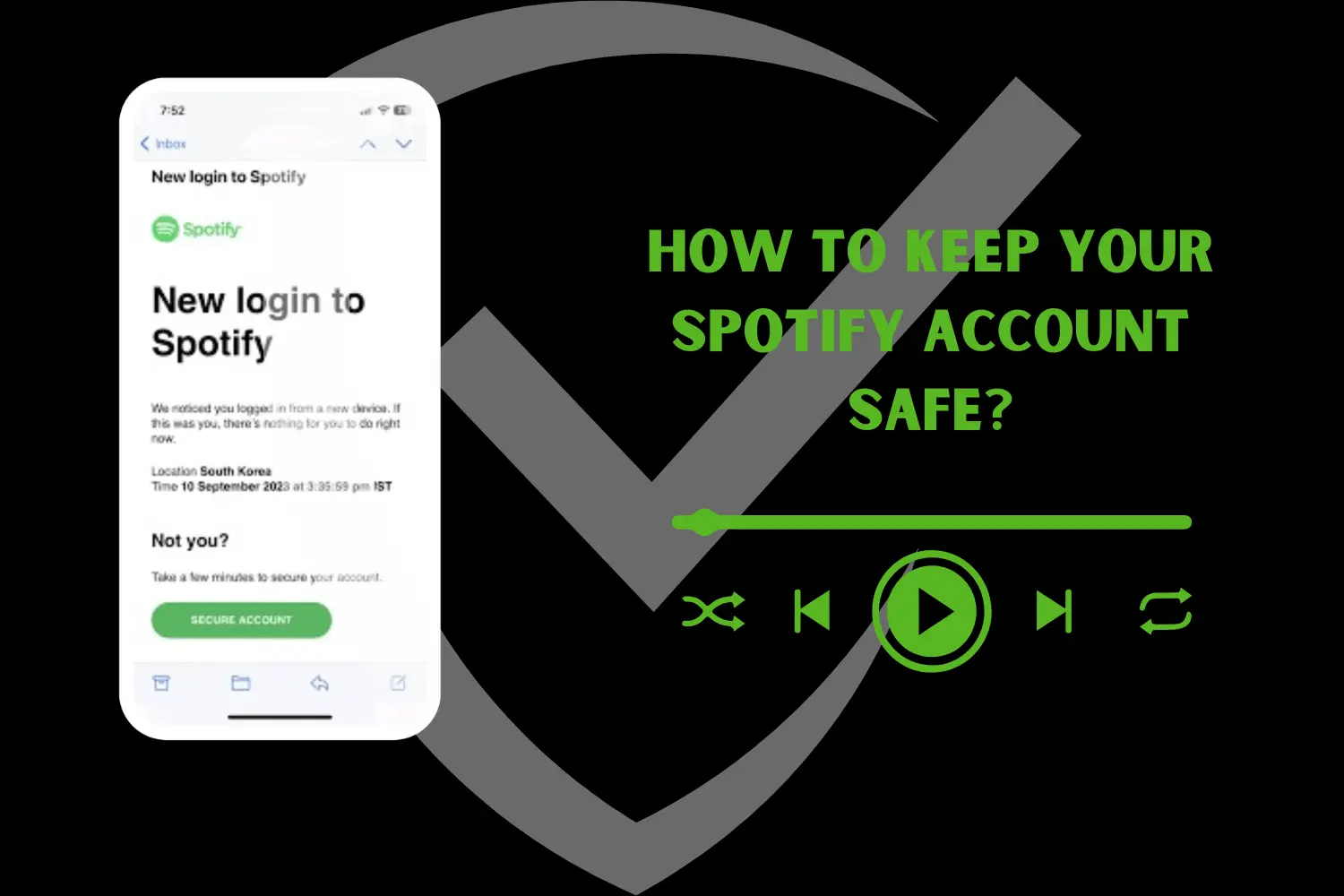
The queue editor on mobile is also documented for Premium. You can still play music. You just get the free plan’s limits and ads. None of that requires closing the account or sharing the password. If a partner still has the login, sign them out using how to keep your Spotify account safe before you assume the cancellation failed.
If You Are Still Being Charged
- Open Manage your plan and read the date Premium ends. A charge before that date can be the last one you already approved.
- Check Payment for a carrier. Cancel with them, not only on Spotify.
- Search your email for a second Spotify address. The free login in the app may not be the one on the card.
- Spotify also accepts a written cancellation form if you cannot use the account page. Use the form on Spotify’s own cancel article, not a copy on another site.
Frequently Asked Questions
Do I lose my playlists if I cancel Spotify Premium?
No. Spotify says you keep your playlists and saved music. The account becomes the free plan at the next billing date, unless you were in a zero-priced trial, which ends immediately.
Can I cancel from the phone app?
Use the account page on the web: Manage your plan, then Cancel subscription. That is the path Spotify publishes. A partner plan is canceled with the partner.
Will canceling remove my Family members’ accounts?
No. They move to the free plan when the paid period ends. Their logins stay. Only the plan manager’s cancellation stops the whole plan.
Final Thoughts
Sign in on the web, open Manage your plan, and cancel there. Stay until the billing date if you have already paid, tell a Family or Duo household before you do it, and leave the account in place unless you truly want it deleted.