
Spotify Repeat: Loop a Playlist or One Song
Spotify repeat loops an album, playlist, or a single song from the Now Playing view. Spotify’s Now Playing help says one tap repeats the current context when it ends, and a second tap repeats the song. This guide follows that official control map so you can loop a track on mobile or desktop, keep shuffle from fighting the loop, and clear the mode when you want the queue to move on.
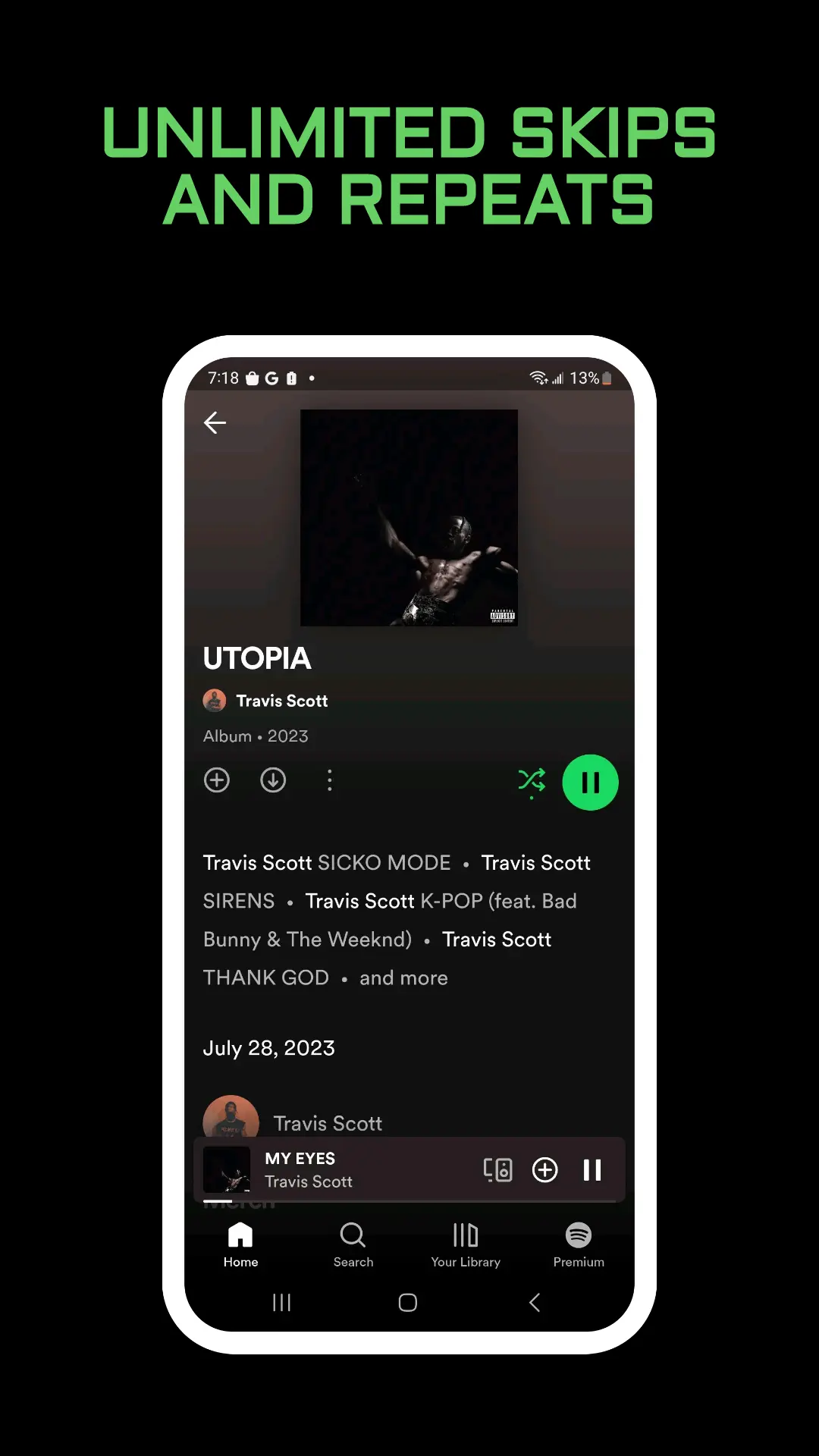
How Spotify Repeat Modes Work
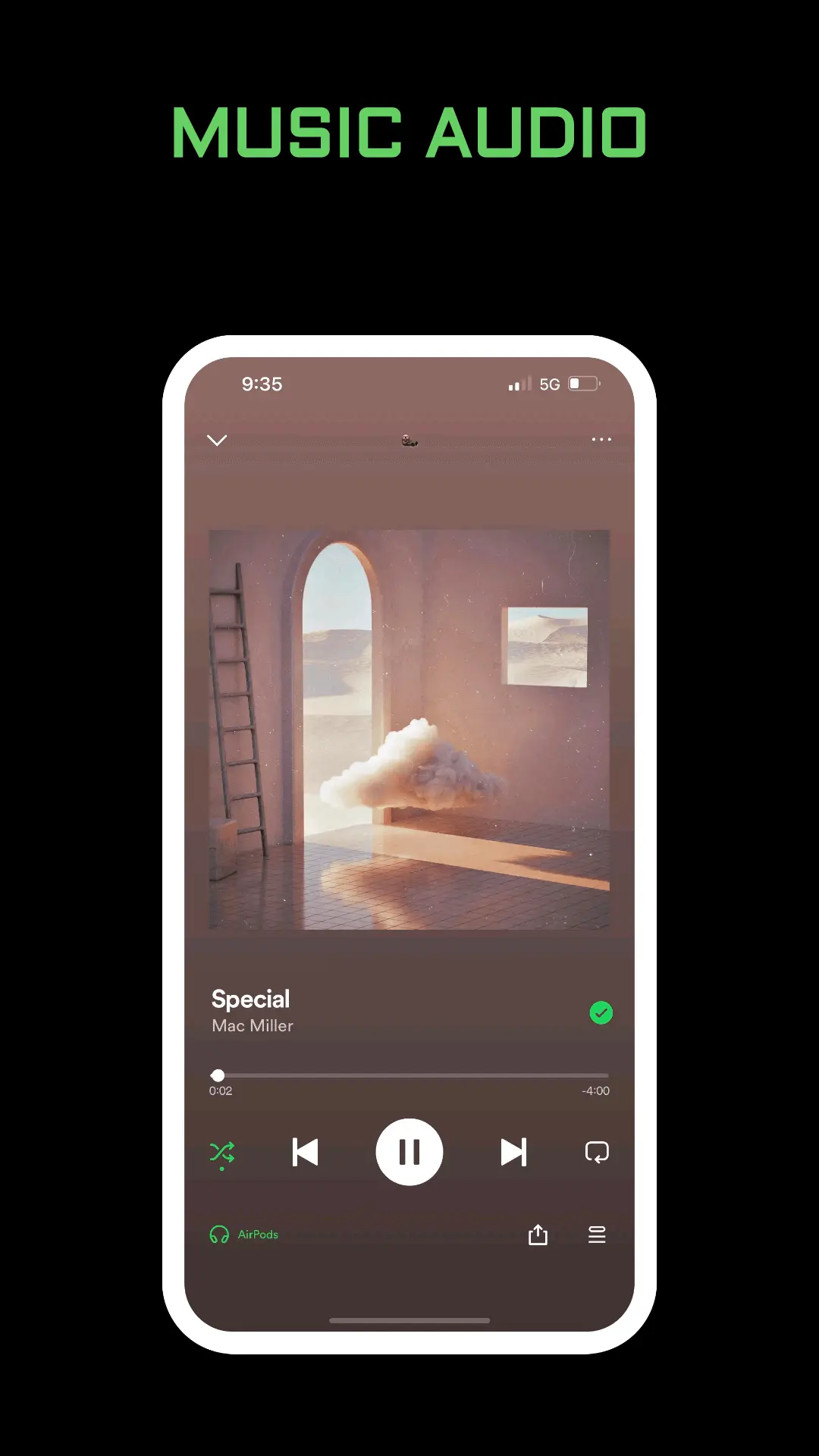
In Now Playing you can play, pause, skip, save, shuffle, open the queue, and use Connect. Spotify lists repeat as: repeat album, playlist, or song. When the list ends, it starts again. Select twice to repeat a song. That second state is what most people mean when they search how to loop one track.
Repeat sits next to shuffle. If both are on, Spotify still honors the repeat state you set, but the play order inside a playlist can feel random until you turn shuffle off. Shuffle styles and Smart Shuffle notes are in Spotify shuffle and Spotify Smart Shuffle.
Queue order is separate. You can pin upcoming tracks, then leave repeat on a single song while the rest of the queue waits. Queue edits are in Spotify queue.
Turn Repeat On or Off
On mobile or tablet:
- Start a song from Liked Songs, a playlist, or an album.
- Open the Now Playing view.
- Tap the repeat icon once to loop the album or playlist context.
- Tap again to lock repeat on the current song.
- Tap until the icon shows off when you want normal playback.
On desktop or the web player, use the same repeat control under the progress bar in Now Playing. Web session limits are in Spotify web player. Free mobile plans still follow Spotify’s shuffle and skip rules for music; Premium keeps full order control, including easy one-song loops without Free shuffle constraints.
Heart a track into Liked Songs if you will loop it often, then open Liked Songs and enable song repeat. Liked Songs habits are in Spotify liked songs. For a short custom loop set, build a tiny playlist instead; steps are in Spotify playlist.
Repeat vs Crossfade, Automix, and Gapless
Repeat restarts the same song or list. It does not blend the ending into the next track. Crossfade overlaps audio between songs, Automix adds transition logic on eligible playlists, and gapless removes silence between albums tracks. Those tools are covered in Spotify crossfade, Spotify Automix, and Spotify gapless. Leave them off if you want a clean hard loop on one song for practice or study.
Sleep timer can stop playback even while repeat is on, which surprises people who expected an endless loop overnight. Timer steps are in Spotify sleep timer. Connect can move the same Now Playing session to a speaker; confirm repeat is still active after you switch devices in Spotify Connect.
Private Session does not change repeat behavior. It only hides listening activity from friends while you loop a track, as in Spotify private session.
Fixes When Repeat Will Not Stick
If the icon snaps back to off:
- Update the Spotify app and restart it.
- Open Now Playing fully; some compact bars hide the second tap state.
- Turn shuffle off, set song repeat, then re-enable shuffle only if you still want it.
- Start the track from the album or playlist you intend to loop, not from a radio station that keeps injecting new songs.
Radio and DJ-style stations keep recommending new tracks, so song repeat may feel ignored when the station advances. Prefer a static playlist or Liked Songs for a true loop. Library filters that surface those lists are in Spotify Your Library. Clear cache if the player UI looks stuck; see Spotify clear cache.
Musicians often loop a bridge for practice; language learners loop a chorus to memorize words. In both cases, song repeat plus a short playlist beats relying on radio. When you finish, turn repeat off so the next album does not restart forever in the background.
Frequently Asked Questions
How do I repeat one song on Spotify?
Open Now Playing and tap the repeat icon twice so it locks on the current song. Tap again to turn repeat off.
What does one tap on repeat do?
One tap repeats the album or playlist context when it ends. The second tap repeats only the song.
Why does another track still play?
Shuffle, radio, or an advancing queue can move you elsewhere. Turn shuffle off, use song repeat, and play from a fixed playlist or Liked Songs.
Final Thoughts
Spotify repeat is the Now Playing loop for a whole list or a single track. Tap once for the context, twice for the song, and turn shuffle or sleep timer off when you need an uninterrupted loop. Official Now Playing help stays the reference when the icon will not stay on song repeat.