
Spotify Shuffle
Spotify shuffle mixes the play order of a playlist, an album, or an artist profile. Turn it off and tracks play in the saved order. Turn it on and they play at random. This is the shuffle control on the music you already chose. It is not a new playlist, and it is not Smart Shuffle.
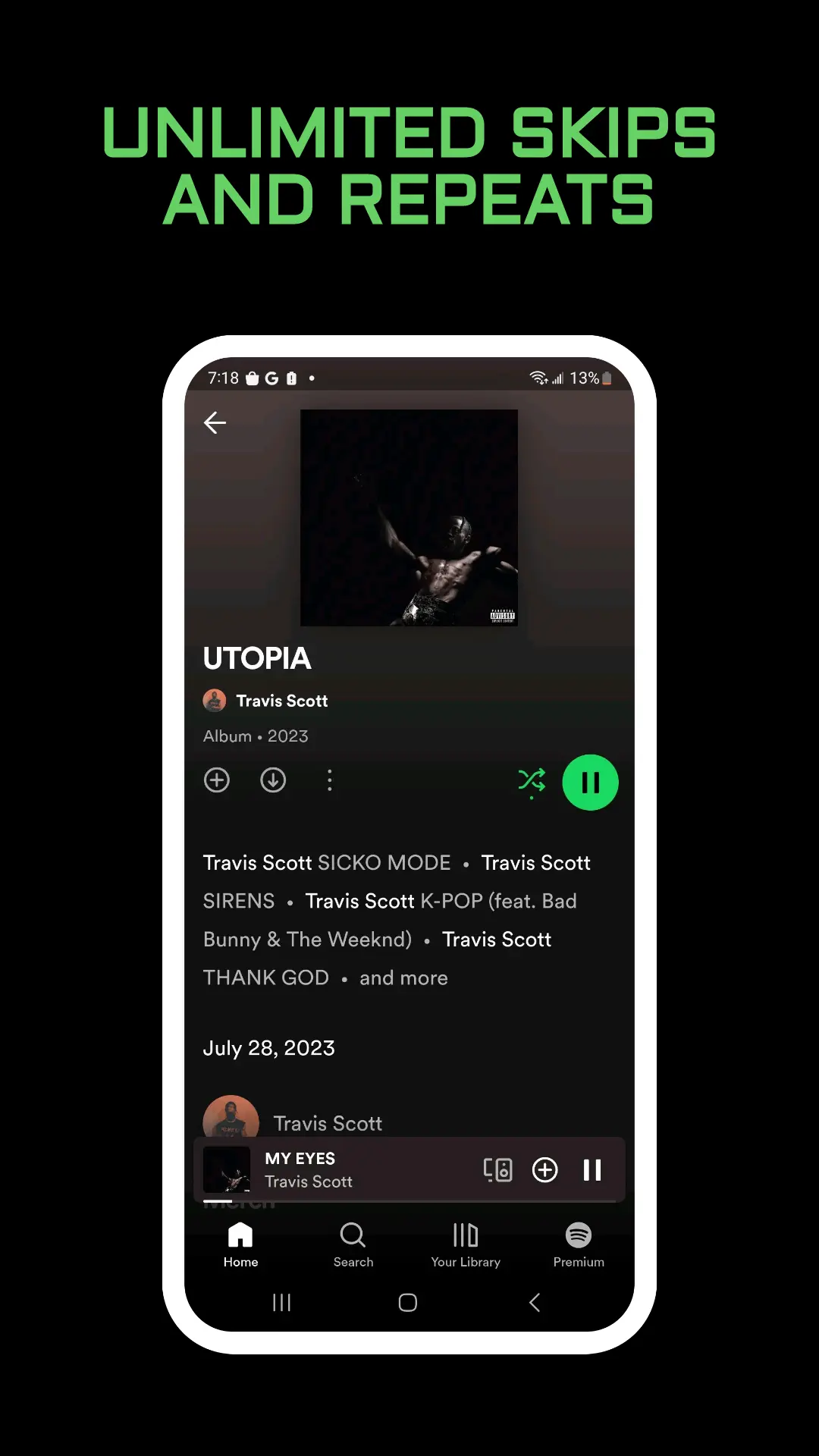
Turn Spotify Shuffle On or Off
Spotify’s shuffle page keeps the step short. Open any playlist, album, or artist profile, then tap Shuffle.
- Shuffle is off: tracks play in order.
- Shuffle is on: tracks play randomly.
The same idea shows up in Now Playing. There, Shuffle mixes the order of what is already playing. You are changing the next track, not renaming the playlist and not deleting songs from it.
On a computer, the keyboard shortcut list maps Shuffle to Alt + S on a Mac. On Windows it lists Ctrl + S or Cmd + S. Play and pause stay on the space bar. Repeat is a different shortcut, Alt + R on a Mac and Ctrl + R or Cmd + R on Windows. Now Playing says you select Repeat twice when you want one song to start again. That loop is not shuffle.
Fewer Repeats and Standard Shuffle
Premium listeners can choose between two shuffle styles. Spotify describes both of them. The help page does not add a second menu name beyond that choice, so use the Shuffle control Spotify shows you rather than hunting through unrelated settings.
Fewer repeats keeps track of what you played recently. Spotify says it tries several random sequences and picks one with a freshness score. You should notice fewer repeats, and you get more chances to hear tracks you have not played much. It is still random. It reduces repeats. It does not ban them.
Standard gives every track an equal chance. It does not remember what just played. Spotify says you may notice a repeat, or one song showing up more often than the others. If a favorite seems to return quickly, Standard is the style that behaves that way.
Neither style rewrites the saved track list. Dragging songs into a new order is an edit. Shuffle only decides what plays next.
Smart Shuffle Is a Separate Mode
Smart Shuffle mixes in recommendations that match the vibe. On the Now Playing bar, a recommendation has a mark next to the artist name. The full control is in Spotify Smart Shuffle. The short version from the shuffle page is below, because the same icon can show three states on a Premium phone.
On the free mobile app, Smart Shuffle is always active. A parent or guardian on a managed account has one extra note: if skip is temporarily paused after a song is reported, playback of that song can be disabled so it will not play again. The shuffle page does not add a longer path for that switch.
On Premium mobile, you can turn Smart Shuffle on inside your playlists or Liked Songs:
- Open any of your playlists, or tap the Now Playing bar. On a tablet, tap the album artwork in the side menu.
- Tap the shuffle icon.
The icon then means one of three things. Shuffle off plays tracks in order. Shuffle on plays them at random. Smart Shuffle on plays your tracks and personalized recommendations at random.
To take Smart Shuffle out of those play modes:
- Tap your profile picture at the top.
- Tap Settings and privacy.
- Select Playback.
- Switch Include Smart Shuffle in play modes off.
After that, the icon is ordinary shuffle again. Your own songs stay in Spotify Liked Songs either way. A heart does not turn shuffle on.
Shuffle, Queue, Radio, and On Repeat
Several screens change what you hear next. They are not the same button.
- Spotify queue is the list for this session. Clear it and you do not delete the playlist. Shuffle can refill what that list plays next.
- Spotify Radio starts a station from one artist, album, or song and keeps updating. You do not tap Shuffle to build that station.
- Spotify On Repeat is the music you already played the most. Shuffle does not rank your history.
- Spotify Daily Mix sits in Made for You. It is a mix Spotify maintains, not the random order of an album you opened.
- Spotify DJ is a voice that plays from your taste on supported phones. Shuffle has no host and takes no spoken request.
Use shuffle when the playlist, album, or artist is already the right one and you only want a new order. Use Radio or a Daily Mix when you want Spotify to pick different music.
Frequently Asked Questions
Why does shuffle still repeat a song?
Both Premium styles are random. Fewer repeats lowers how often a track returns. Standard does not look at what just played, so a repeat is expected. Smart Shuffle can also insert a recommendation, which feels like a song you did not put on the playlist.
Can I shuffle one track?
The help page applies shuffle to a playlist, an album, or an artist profile. One song has no list to mix. Open the album or the playlist that contains it, then tap Shuffle.
Does shuffle change the saved order?
It changes what plays next. The songs stay on the playlist. Reordering by dragging is a separate edit, and on a phone that drag is a Premium action on the playlist itself.
Final Thoughts
Tap Shuffle on the playlist, album, or artist you already opened. Off keeps the listed order. On plays at random. Premium can use fewer repeats or standard shuffle, and the third icon state is Smart Shuffle. Turn that third state off under Playback if you only want your own tracks in the mix.
