
Spotify Radio
Spotify Radio is a station Spotify builds from one artist, one album, or one song. It keeps updating so the mood does not stall. It is not a Daily Mix, and it is not the playlist you made by hand. This guide shows how to start it and how to keep a song when the station moves on.
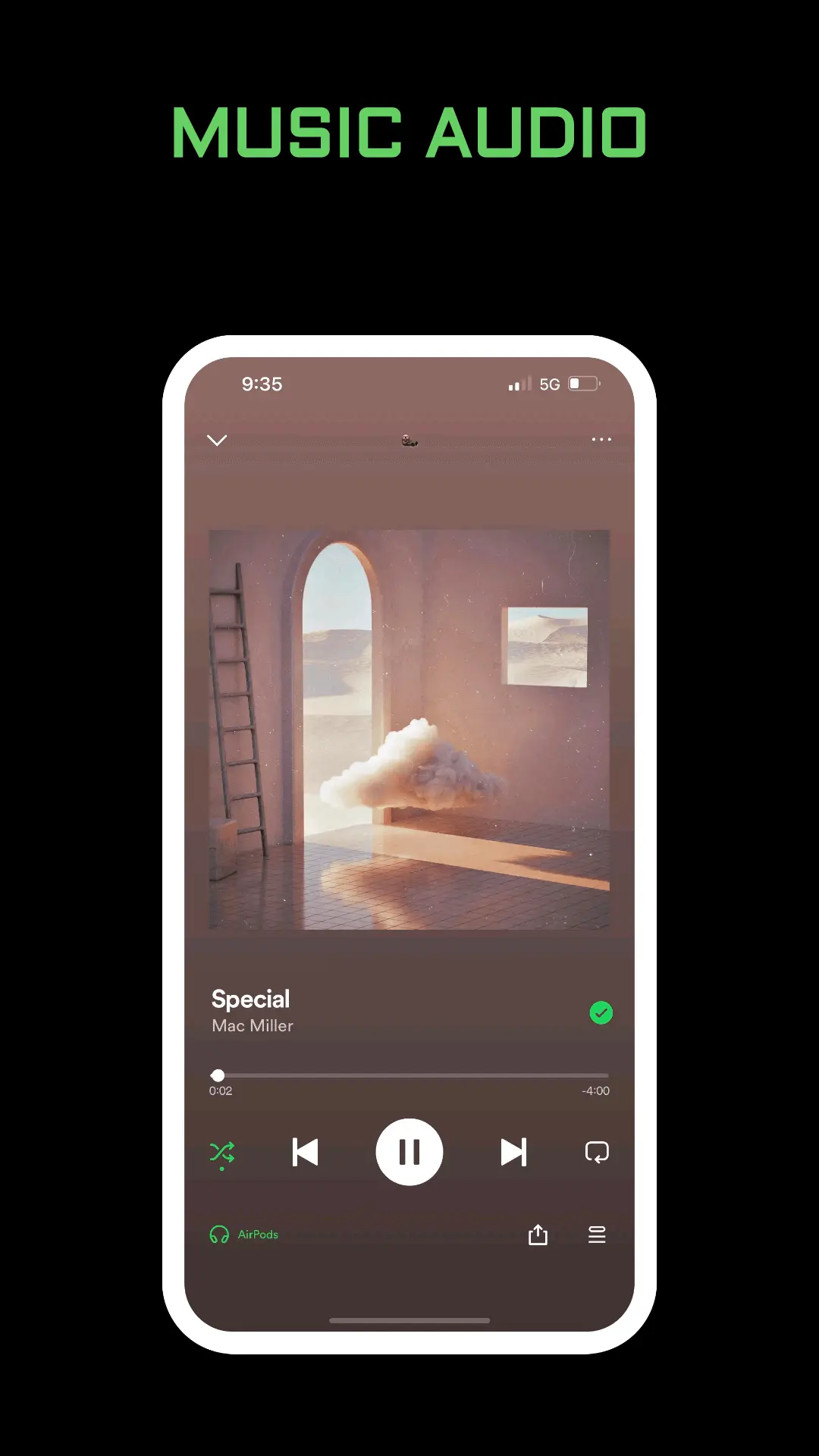
What Spotify Radio Plays
Spotify’s Radio help page describes it as a collection of songs based on any artist, album, or song. The point is simple: you do not know what to play next, and you want the same mood to continue. The station also updates to stay fresh. A track that led the station yesterday can be gone today. That refresh is the feature, not a bug in your library.
Radio starts from the thing you picked. An artist station stays near that artist. A song station stays near that recording. An album station follows the record. It does not open your whole listening history the way a Made for You mix does.
How to Start It
Spotify’s steps are short:
- Go to any artist, album, or song.
- Open the menu on that artist, album, or song.
- Select Go to Radio.
The help page shows that menu on iOS and Android. Start from the item itself, not from Settings. If Go to Radio is missing, you are probably on a screen that is not an artist, album, or song page. Open the track or the artist, then look again.
The station begins playing related music. You do not type a genre name. The seed is the page you opened.
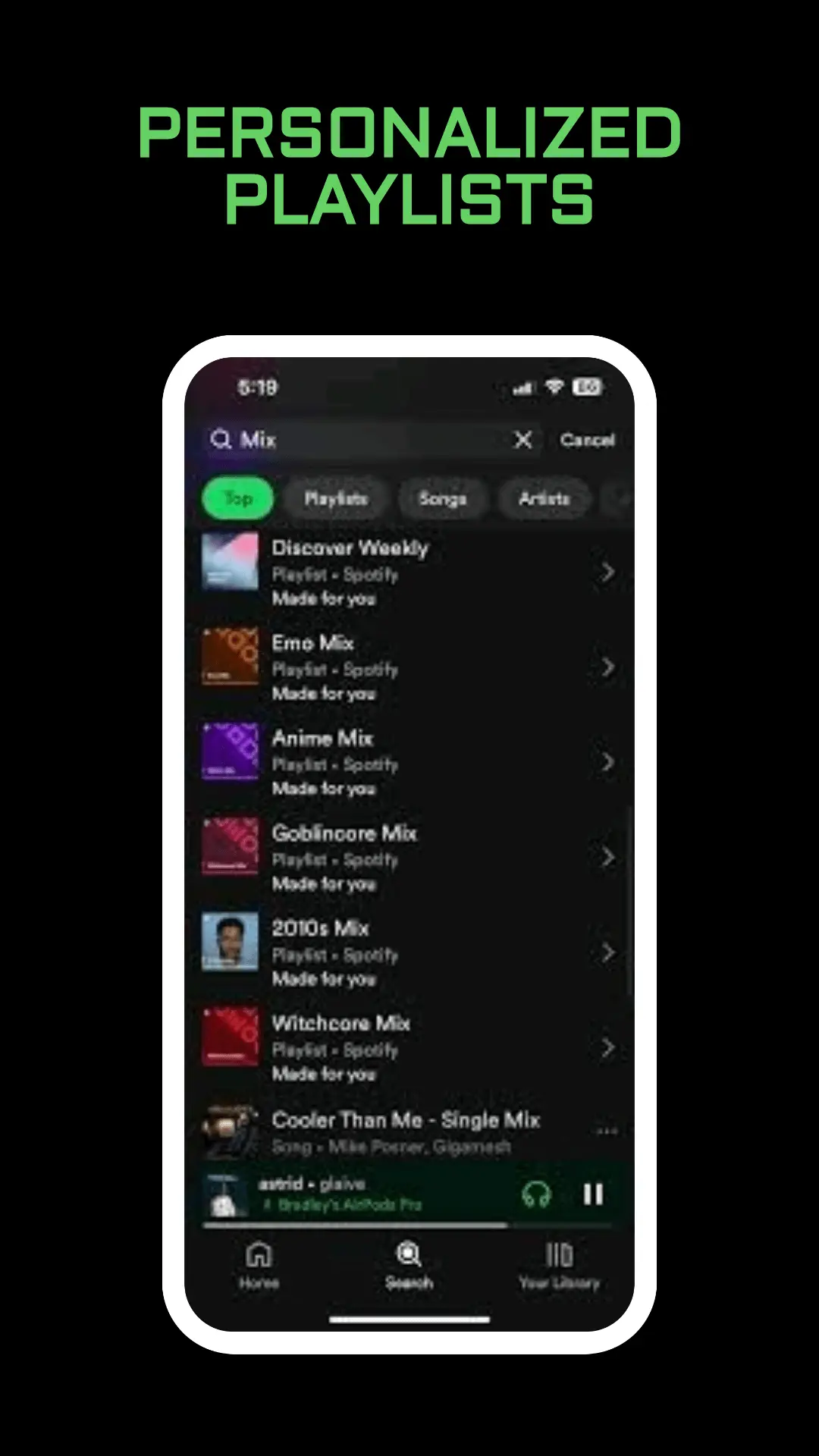
Radio, Daily Mix, and Discover Weekly
Three recommendation tools get confused because they all add songs you did not pick one by one.
- Spotify Radio hangs off one artist, album, or song and keeps refreshing.
- Spotify Daily Mix lives in Search, then Made for You. It mixes songs you already play with recommendations, and it updates more as you listen.
- Spotify Discover Weekly is a separate playlist of recommendations. Use that guide when you want the weekly set, not a station from one track.
- Spotify On Repeat is what you played the most. Radio is what sits next to a seed, not your personal heavy rotation.
Use Radio when one song is playing and you want more in that lane. Use a Daily Mix when you want your own taste without picking a seed. Use On Repeat when you want the songs you already wore out.
Keep a Song When the Station Changes
Because Radio updates, do not treat the station as a saved playlist. Saving one track puts that track in Liked Songs. It does not freeze the station, the album, or the artist. The library rules are in Spotify Liked Songs.
If you want a copy that will not refresh, add the songs to a playlist you created. The Radio station itself will keep moving. That matches what Spotify says the station is for.
Friends cannot edit your station. Radio is not a collaborative playlist. Invites for a playlist you own are in Spotify collaborative playlist.
Queue, Shuffle, and a DJ
The upcoming order for this listening session is the queue. Clearing it does not delete the artist or the song you used as a seed. Edit that list with Spotify queue.
Smart Shuffle is a different switch. It can drop recommendations into a playlist you are already playing, and the free app keeps it on. That is not Go to Radio. The control is explained in Spotify Smart Shuffle.
Spotify DJ is a voice that plays from your taste and takes requests on supported phones. Radio has no host. You pick the seed, then the station runs.
A long station uses data while it streams. Downloads are for playlists and albums you save on purpose, and they need Premium. If you want the Radio songs on a flight, save them into your own playlist and download that playlist. The steps are in how to download songs from Spotify. A lighter stream is Spotify data saver, which does not turn Radio off.
Frequently Asked Questions
Where is Go to Radio?
Open an artist, an album, or a song, then open its menu and select Go to Radio. It is not a switch under Settings and privacy.
Why did the station change?
Spotify says Radio updates to stay fresh. Save the songs you want into Liked Songs or into a playlist you control.
Is Spotify Radio the same as a Daily Mix?
No. Radio starts from one artist, album, or song. A Daily Mix is a Made for You playlist based on your taste and vibe.
Final Thoughts
Open the song or artist you want as the seed, choose Go to Radio, and let the station move. Save the tracks you need to hear again. Use a Daily Mix, Discover Weekly, or On Repeat when you want a different kind of list.