Spotify Daily Mix
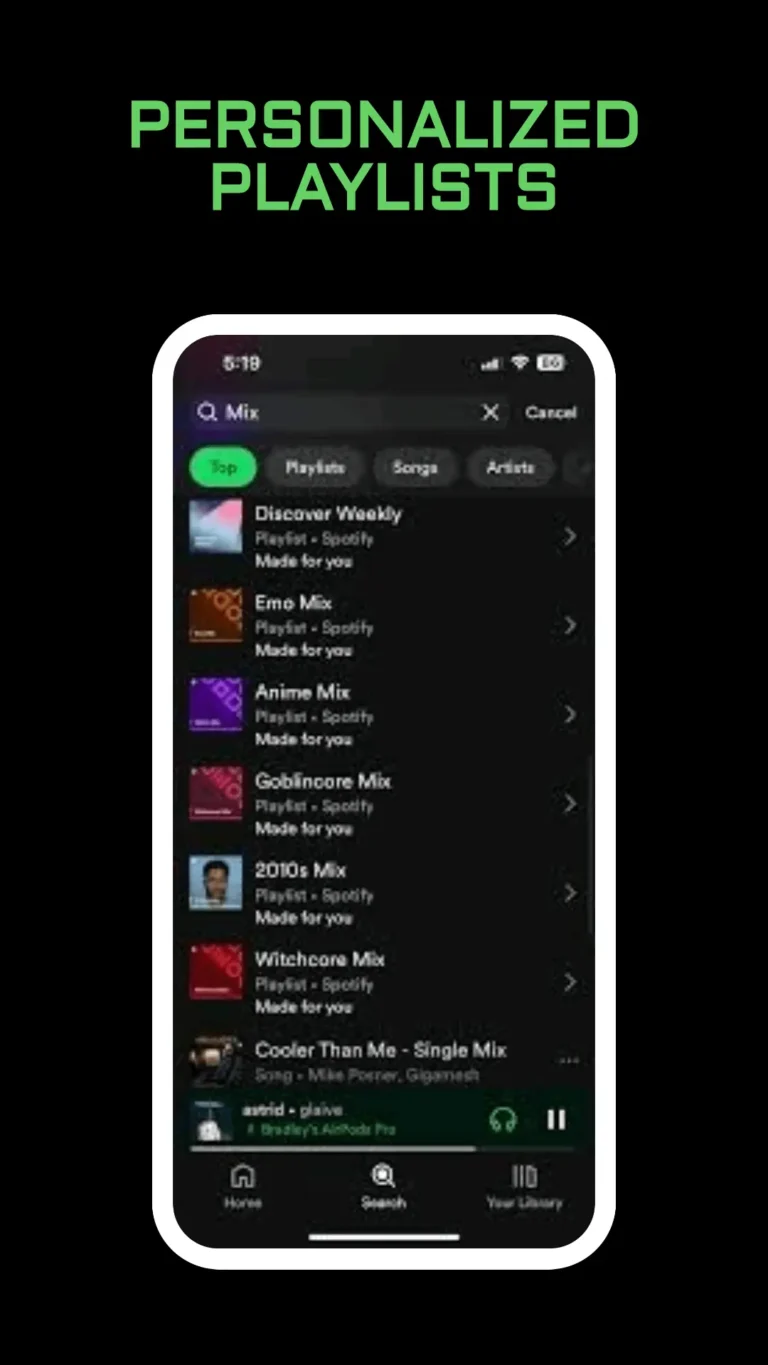
Spotify Daily Mix is one of the personalized playlists Spotify groups under Mixes. It is built from your taste and your current vibe, and it mixes songs you already play with recommendations. This guide shows where to open it, how it differs from the other Made for You playlists, and what to do when the list changes.
What a Daily Mix Contains
Spotify’s Mixes help page describes Mixes as personalized playlists based on artists, moods, genres, and decades you love. The songs are not only new. Spotify says they include your regular listens and recommendations it thinks you will like. Daily Mixes are the row for “your music taste and vibe on Spotify.”
The same page says the more you listen, the more frequently Mixes update. A Daily Mix is not a frozen playlist you edited by hand. If a track disappears next week, the mix refreshed. Your library did not delete the song.
A new account has less history, so the hub can look thin. Play a few albums you actually like, then check again. Spotify ties the update rate to listening, not to a button you press.
Where to Find Spotify Daily Mix
Spotify puts every Mix in Made for You. The path on the help page is short:
- Go to Search.
- Under Browse all, select Made for You.
- View mixes under each category by swiping left on mobile, or by clicking Show all on desktop.
Daily Mixes sit with the other mix types. Spotify lists them like this:
- Daily Mixes follow your taste and vibe.
- Artist Mixes stay close to one artist.
- Mood Mixes follow one mood.
- Decade Mixes stay in one decade.
- Genre Mixes stay in one genre.
- Niche Mixes cover a narrower idea.
If you only see one row, swipe or use Show all. The rest of that category is beside the first covers, not in Settings.

Daily Mix Is Not the Other Made for You Playlists
Made for You holds more than Mixes. Mixing them up is why people think a playlist “broke.”
- Spotify Discover Weekly is a separate playlist of recommendations. Open that guide for how it refreshes and how to save a song before the next update.
- Spotify Release Radar tracks new releases. It is not a Daily Mix of older favorites.
- Spotify daylist changes through the day and is worth copying if you want that exact hour later.
- Spotify On Repeat is what you played the most. A Daily Mix can include those songs, but it also adds recommendations.
Use On Repeat when you want your own heavy rotation. Use a Daily Mix when you want that rotation plus songs next to it. Use Discover Weekly when you want a set aimed at music you have not already worn out.
Save a Song Without Freezing the Mix
Liking one track does not lock the Daily Mix. Spotify’s library rules say saving a song puts that song in Liked Songs. It does not save the whole playlist, the album, or the artist. The steps are in Spotify Liked Songs.
If you want a copy that will not refresh, add the tracks to a playlist you created. The Daily Mix itself will keep updating as you listen. That is the behavior Spotify describes, not a glitch.
Friends cannot edit your Daily Mix. It is not a collaborative playlist. Invite people on a playlist you own, using Spotify collaborative playlist. Those invites are separate from Made for You.
Play It, Queue It, Download It
A Daily Mix plays like any other playlist. Shuffle changes the order for this session. The upcoming order is the queue, and clearing the queue does not remove the mix. Edit that session list with Spotify queue.
Smart Shuffle is a different control. It can insert recommendations into a playlist you are already playing, and the free app keeps it on. That is not the same object as a Daily Mix in Made for You. The switch is explained in Spotify Smart Shuffle.
Streaming a mix uses data. Downloading it for a flight needs Premium and a separate download, ideally on Wi-Fi. The tap and the device limit are in how to download songs from Spotify. Data saver can make the stream lighter. It does not delete the mix. See Spotify data saver.
Frequently Asked Questions
Why did my Spotify Daily Mix change?
Spotify says Mixes update more often when you listen more. The playlist is supposed to move. Save individual songs to Liked Songs if you need them tomorrow.
Where did the mixes go?
Open Search, then Browse all, then Made for You. On a phone, swipe left on the mix row. On a computer, click Show all. Check that you are in the same account that has the listening history.
Is a Daily Mix only new music?
No. Spotify says the songs include your regular listens and recommendations. New-release tracking is Release Radar. A broader set of recommendations is Discover Weekly.
Final Thoughts
Open Search, choose Made for You, and swipe or click Show all until you see Daily Mixes. Let them update. Save the songs you want to keep, and use Discover Weekly, Release Radar, daylist, or On Repeat when you want a different kind of list.