
Spotify Data Usage: Cut Mobile Data Without Losing Music
Spotify data usage is how much mobile data the app spends when Wi-Fi is gone. Spotify’s internet and data usage help says Data Saver cuts images and audio quality, downloads should stay on Wi-Fi when possible, Autoplay adds extra streams, and lossless or video uses more megabytes. This guide follows that official checklist so you can lower Spotify data usage without unofficial mods or risky APKs.
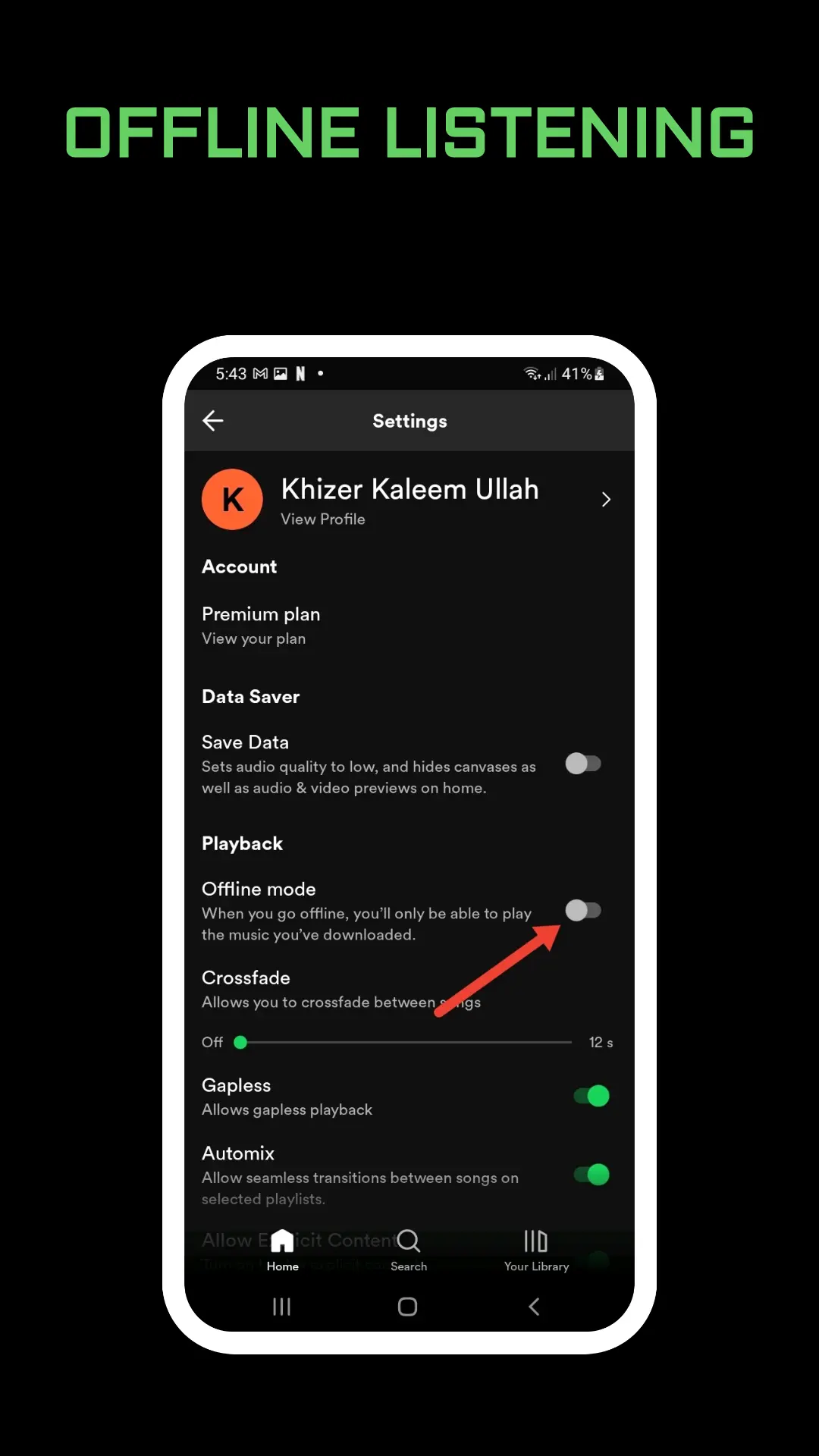
What Uses the Most Data
Streaming audio quality is the main lever. Higher Media Quality settings use more data per minute. Lossless files are much larger; Spotify recommends strong Wi-Fi for that mode. Video podcasts and music videos use more data than audio-only listening. Canvas looping visuals use very little after the first loop and stop in the background, but you can turn Canvas off under Content and display if you want every bit saved. Canvas steps are in Spotify Canvas, quality menus in Spotify audio quality, and video listening in Spotify music videos.
Turn On Data Saver and Related Toggles
Spotify’s Data Saver path:
- Tap your profile picture.
- Open Settings and privacy.
- Tap Data-saving and offline.
- Switch Data saver on.
Under Downloads and streaming, enable Audio-only streaming or downloads for video podcasts so video payloads stay off. Keep Downloads over cellular off so Premium downloads wait for Wi-Fi. A focused Data Saver walkthrough is in Spotify data saver, and download rules are in Spotify offline.
Switch Autoplay off if you do not want similar songs to keep streaming after a playlist ends. That toggle is in Spotify autoplay.
Offline, Storage, and Travel Tips
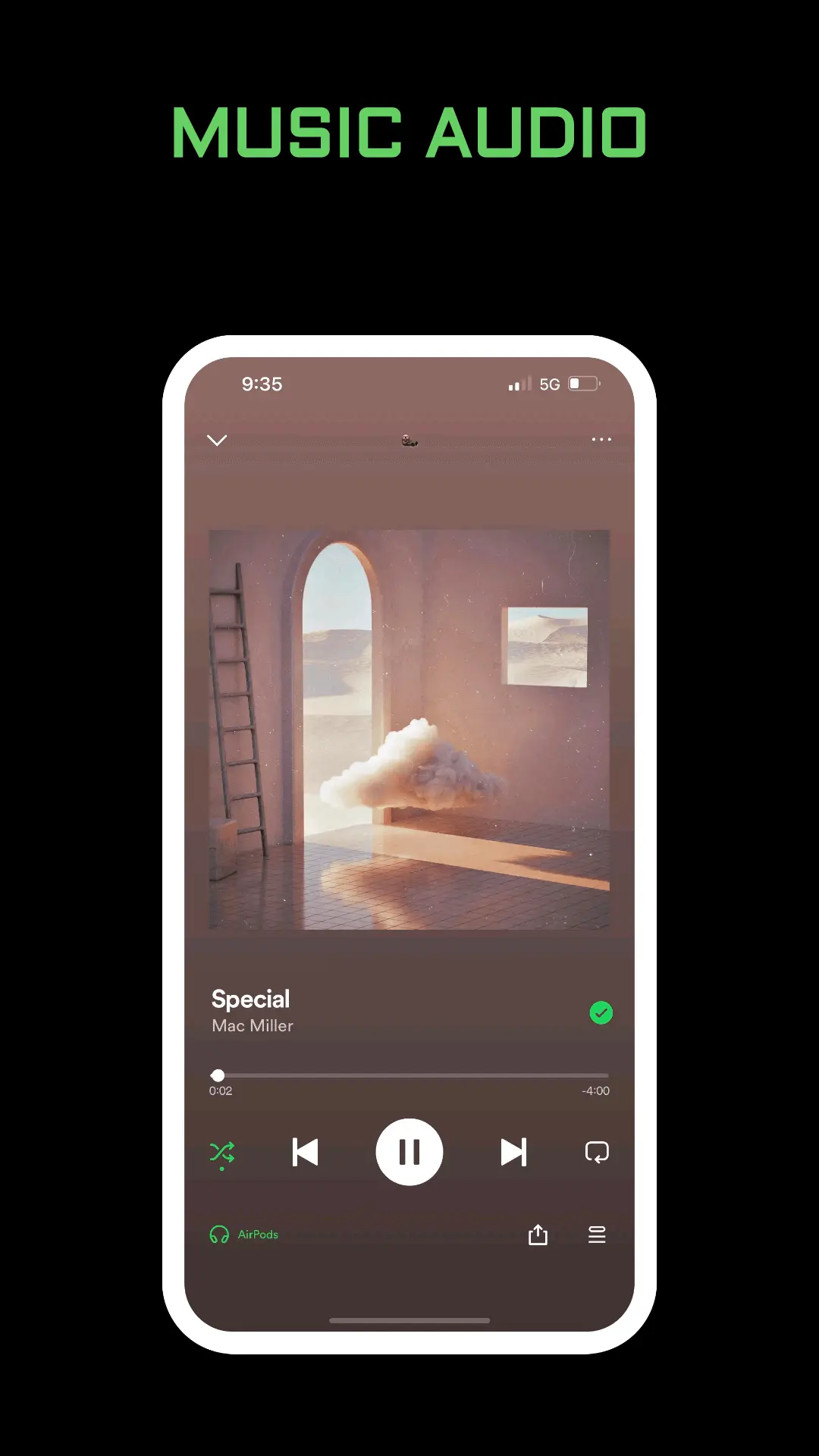
Premium offline downloads and Offline Backup cut streaming data once files or cache are on the device. Build downloads on Wi-Fi before a commute, or rely on Offline Backup after recent listening with Offline listening enabled. Those guides are in Spotify offline and Spotify Offline Backup. Free space still matters; see Spotify storage.
Abroad, prefer Wi-Fi and check roaming rules on your mobile plan. Your phone may have its own data saver that also limits background apps. Close other heavy apps if buffering steals bandwidth while Spotify plays.
Podcast video only streams while on-screen; lock the phone for audio-only. Playback speed does not change file size, only pace; see Spotify playback speed and Spotify podcasts.
Device download caps can force re-streams later if a seat loses offline files; see Spotify download limit and Spotify too many devices.
Settings That Look Related but Are Not Data Tools
Volume normalization and equalizer change loudness and tone, not megabytes. Quiet listening tips are in Spotify volume too low and Spotify volume normalization. Clear cache frees temporary files and can force re-streams later, so use it for storage jams, not as a daily data saver; see Spotify clear cache.
Web player on a laptop Wi-Fi network does not fix phone cellular usage. Phone settings still matter when you leave the house; browser notes are in Spotify web player. Connect to a speaker on the same Wi-Fi can move playback off cellular if the phone is only remote-controlling; see Spotify Connect.
If data spikes continue after Data Saver is on, confirm lossless is off on cellular, Autoplay is off, and Downloads over cellular is off. Then stream one playlist on Wi-Fi only for a day to compare your carrier chart.
Shuffle and queue habits do not change file size, but a long Autoplay chain after a short playlist can quietly burn a gigabyte on cellular. Keep sessions intentional before you leave Wi-Fi. Queue tips are in Spotify queue and shuffle notes in Spotify shuffle. Family members on shared phones should each keep Data Saver on their own login so one person’s Very high streaming does not surprise the household bill; see Spotify Family plan. Pin a Wi-Fi-only download playlist in Your Library so you remember to refresh it before travel; see Spotify pin playlist.
Spotify also notes that video data is larger than music but comparable to other popular video apps. Treat music videos as a Wi-Fi feature the same way you treat lossless. When the phone reports Offline Mode stuck on, turn it off under Data-saving and offline so the app can use Wi-Fi again without falling back to cellular thrash.
Frequently Asked Questions
Does Data Saver lower Spotify data usage?
Yes. Spotify says Data Saver shows fewer images and reduces audio quality to cut data use.
Do downloads use mobile data?
Only if Downloads over cellular is on. Leave it off to download on Wi-Fi, then listen offline without streaming.
Does Canvas use a lot of data?
Spotify says Canvas uses very little after the first loop and does not keep using data in the background. You can still turn it off in Content and display.
Final Thoughts
Spotify data usage shrinks when you combine Data Saver, Wi-Fi downloads, Autoplay off, and realistic quality settings. Treat lossless and video as Wi-Fi features, and use offline tools before long cellular days. Official internet and data usage help remains the checklist when your carrier graph spikes after a listening session.
