Spotify Lyrics: See the Words, Share a Line, Fix a Blank Panel
Spotify lyrics show the words of a song while it plays, on the free plan and on Premium. They are not on every track, and they are not on every screen. This guide shows how to open them on a phone and on a computer, how to share a line, and what to check when the lyrics panel is empty.
Where Lyrics Work
Spotify says lyric features can change by market, device, and the deals it has with rights holders. New lyrics are added over time, so a song with no words today may have them later. The same song can show lyrics on your phone and stay blank on another screen.
Full lyrics are meant for the phone, tablet, desktop app, and web player. Spotify staff have said they are not part of Spotify Connect, partly because a lyric view on a car screen is a safety problem. A TV or speaker you control with Spotify Connect can play the audio while the words stay on the phone. Look at the phone, not the TV, when you want to sing along.
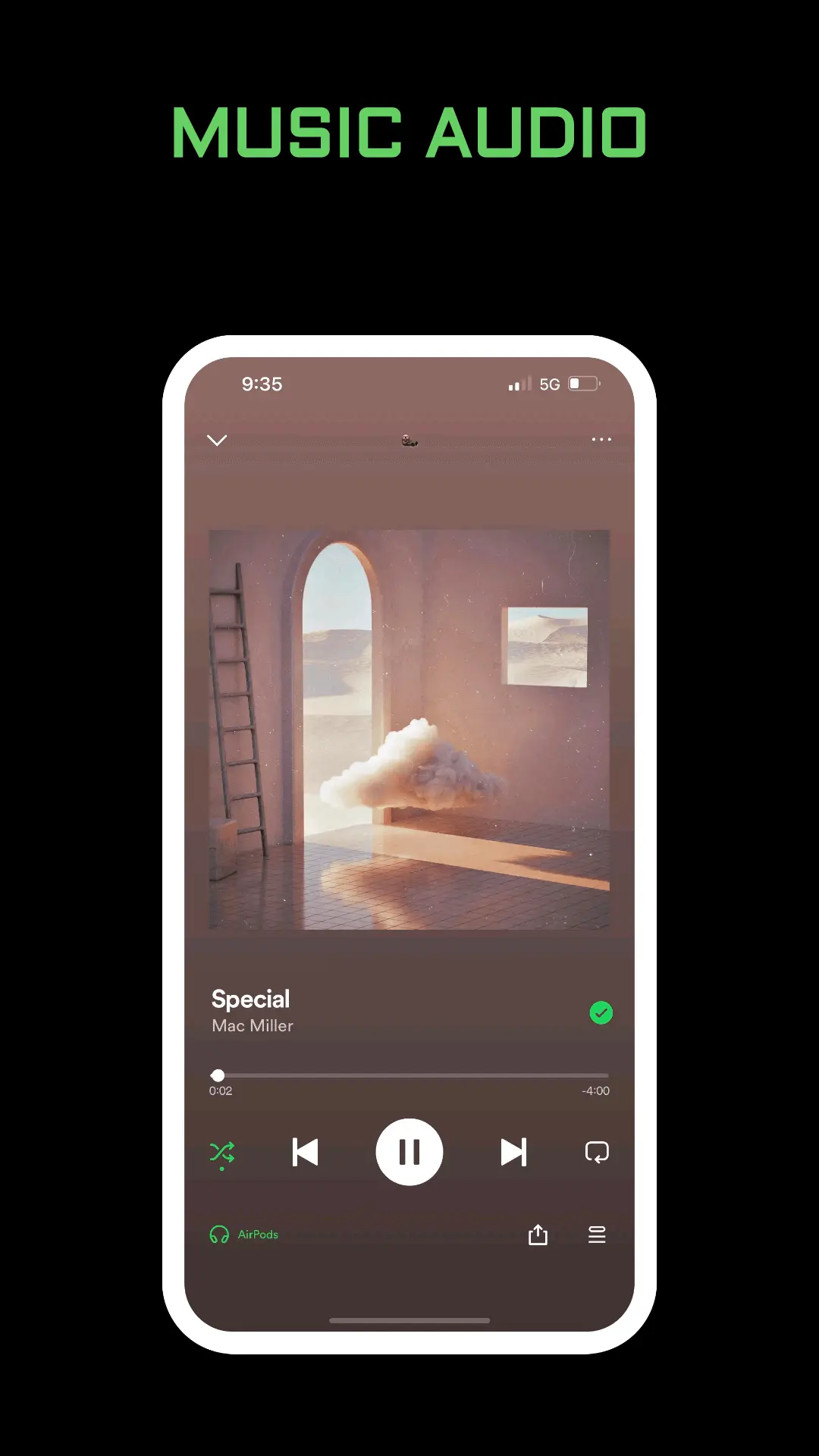
How to See Lyrics on Mobile
- Tap the Now Playing bar at the bottom. On a tablet, tap the album art in the side menu.
- Scroll down to Lyrics.
- Tap the lyrics to open them full screen.
A shorter lyrics preview can also sit under the album art, or over the Canvas loop, and it moves with the song. That preview is on by default. It does not appear on music videos.
To hide or show the preview:
- Open Now Playing.
- Tap the menu.
- Tap Lyrics to turn the preview off or on.
That switch applies to every track that has lyrics, not only the current song.
How to See Lyrics on Desktop and the Web Player
- Play a song.
- Click the lyrics control along the bottom of the player.
If the panel opens and says lyrics are unavailable, the track has no licensed lyrics in your market. Updating the app will not invent them. Try another song you know has words on your phone. If that one works on desktop, the first track is the limit, not your account.
Share a Line
- Open lyrics in full screen on your phone.
- Tap the share control at the bottom.
- Tap the lines you want to highlight.
- Tap Share and pick a social app.
You are posting the words and the fact that you are listening. If that song should stay private, turn on a Spotify private session before you share, or skip the share step. A public story is not the same as a private session.
When There Are No Lyrics
- Scroll the Now Playing screen. The block is below the player, not in Settings.
- Check another song. Instrumentals and some new releases have no lyrics yet.
- Update Spotify. An old build can hide the block.
- Leave the car, TV, or Connect session if you expected words on that screen. Use the phone.
- On a tablet in landscape, some people only see lyrics in portrait. Rotate the device and scroll again before you reinstall.
A missing lyric line is not a broken queue. The upcoming songs are a different control. Open them with Spotify queue if the problem is what plays next, not the words on the screen.
Lyrics and the Playlists You Already Use
Lyrics do not change recommendations. Saving a song still does. If you are reading along to tracks you play every day, those songs are already gathered in Spotify On Repeat. If you want unfamiliar songs with words you can learn, start from Spotify Discover Weekly and open lyrics on any track that has them.
A room that wants to sing the same song can use a shared queue instead of passing one phone. Friends add tracks in Spotify Jam, and each person can still open lyrics on their own screen. The Jam does not project the words onto a TV.
Frequently Asked Questions
Are Spotify lyrics only for Premium?
No. Spotify says lyrics are available on both the free and Premium plans, when the song and the device support them.
Can I put lyrics on my TV?
Not through Spotify Connect. Play the song on the TV if you want, and read the lyrics on your phone or computer.
Why did lyrics disappear on one song?
That recording may not be licensed for lyrics in your country. Try a different version of the song, or check again later. Spotify adds lyrics over time.
Final Thoughts
Open Now Playing and scroll to Lyrics, or click the lyrics control at the bottom of the desktop player. If the panel is empty, test a second song on the phone before you blame the account. Cars and Connect speakers are the wrong screen for the words.