Spotify Local Files
Spotify local files are audio files you already store on your phone or computer. Spotify can play them next to the catalog, after you turn the feature on and put the files where the app can see them. The help page is clear that this is for files legally stored on your device. This guide follows those steps for iPhone, Android, and the desktop app.
Turn Local Files On
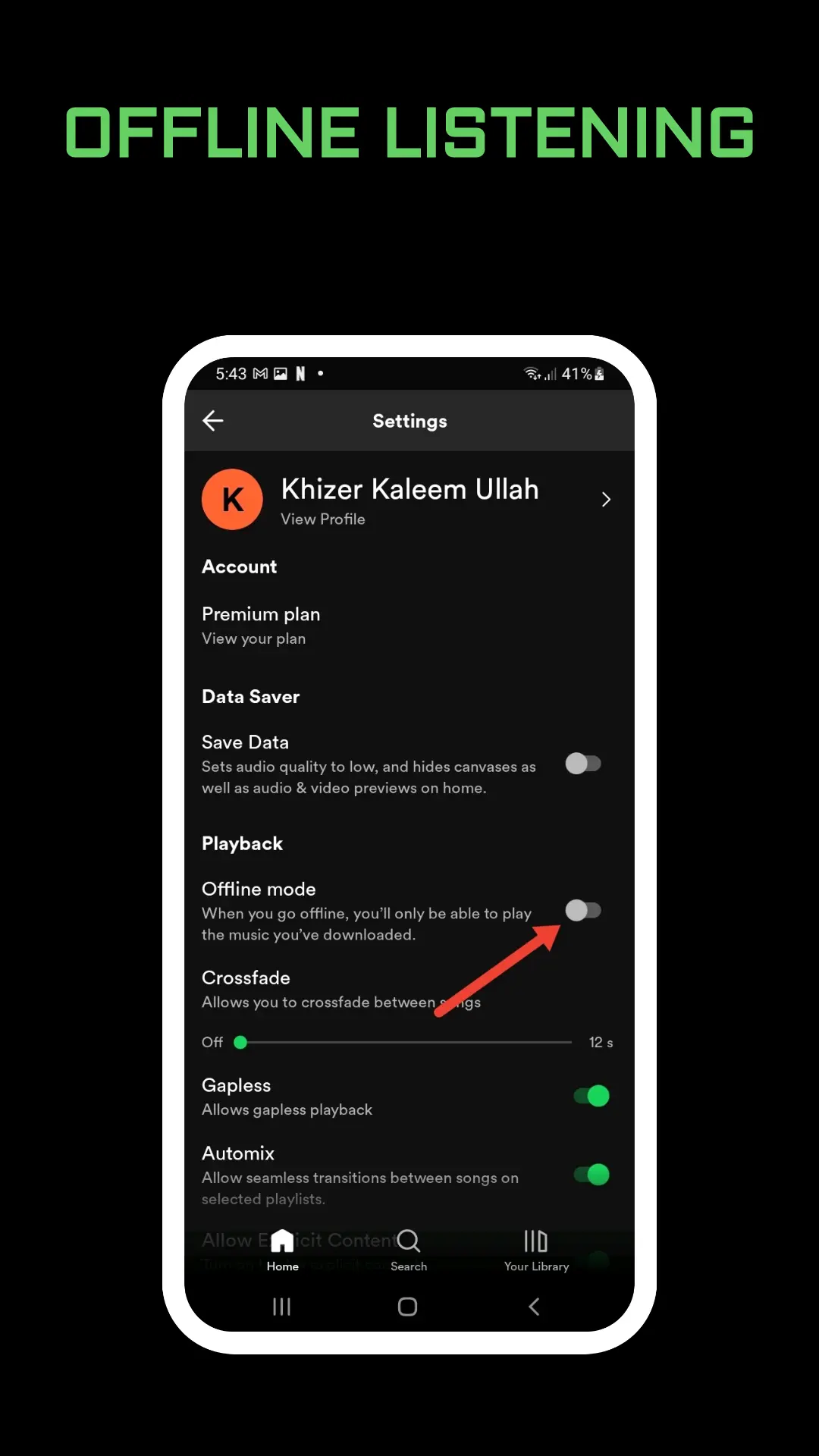
You may also need to allow file access in the phone’s own settings. Inside Spotify, the switch depends on the device.
On iOS or Android:
- Tap your profile picture at the top.
- Tap Settings and privacy.
- Tap Apps and devices.
- Switch Local audio files on.
- Go to Your Library. Stored music then appears in Local Files.
On a computer:
- Click your profile picture and select Settings.
- Scroll to Library and switch Show Local Files on.
- Under Show songs from, turn on the folders you want, or click Add a source and pick another folder.
- Go to Your Library. The files show up in Local Files.
A file that sits in Downloads will not appear until that folder is a source, or until you copy it into the Spotify folder on a phone. You still have to place the files yourself.
Add Files on an iPhone
After Local audio files is on, Spotify’s iOS steps depend on where the file is now.
From the Files app, if the song is in a browser or storage folder:
- Tap that folder.
- Select the file and choose Copy or Move.
- Tap Browse and open On My iPhone.
- Press the Spotify folder.
- Select Paste or Move Item here.
From a Mac on the same iCloud account, Spotify says to set up Universal Clipboard, copy the file on the Mac, then on the iPhone open On My iPhone, press the Spotify folder, and paste. Over USB, open Finder, select the iPhone in the sidebar, click Music or Files, and drag the file into the Spotify folder.
From Windows, connect the iPhone with a USB cable, open iTunes, select the device, click Music or Files, and drag the file into the Spotify folder.
If the Spotify folder vanishes from On My iPhone, Spotify says that can happen when the Help file inside it is deleted. Restart the Spotify app so the folder shows again.
Add Files on Android
With Local audio files on, pick the source Spotify lists.
From another app, such as Google Drive, find the download command. Spotify’s example is More, then Download, so the file lands in storage the player can use.
On a Mac, Spotify says to install an Android file transfer app and that you might need a USB cable. It points to Google’s support site for other transfer methods. Do not guess a random transfer tool if the phone already offers its own file screen.
On Windows the steps are direct:
- Unlock the phone.
- Connect it with a USB cable.
- On the phone, tap Allow on the access notification.
- On the computer, click the device notification.
- Select Open device to view files.
- Drag the files in the transfer window.
- Eject the device, then unplug the cable.
After the copy, open Your Library and look in Local Files. If the list is empty, the files are still in a folder Spotify was not given.
Local Files Are Not Downloads
A download is a Spotify catalog song saved for offline listening. It needs Premium, and the arrow is a different control. Those steps, and the device limit, are in how to download songs from Spotify.
A local file is your own audio. Hearting it is not the same as downloading a Spotify track, and downloading a playlist does not import a file from your laptop. If you only wanted less mobile data, use Spotify data saver or a normal download. You do not need Local Files for that.
Saving a catalog song still puts it in Spotify Liked Songs. That heart does not copy a file off your computer.
Playback, Crossfade, and a Broken List
Spotify says that when crossfade is on, it crossfades between local files only when they use the same sample rate and the same channel count, mono or stereo. A file that jumps instead of overlapping is often a mismatch, not a missing switch. The rest of the crossfade control is in Spotify crossfade.
Local files play in the normal player, so the session order is still the queue. Clear or edit it with Spotify queue. Clearing the queue does not delete the file from the Spotify folder.
If nothing plays, Spotify’s own checks are: update the app and the device, remove the local files from any playlist you added them to, then run the add steps again, or do a clean reinstall. A reinstall means you must download your offline Spotify music and podcasts again. It does not mean your original files disappeared from the computer, but you do have to put them back in the app.
Frequently Asked Questions
Where are Spotify local files?
Turn the feature on, add the audio, then open Your Library and look for Local Files. On a phone the switch is Local audio files under Apps and devices. On a computer it is Show Local Files under Library.
Can I add any song from the internet?
Spotify’s page is for audio files legally stored on your device. Put those files in the Spotify folder or in a desktop source folder. The app does not fetch a file from a link you paste.
Why did the iPhone Spotify folder disappear?
Spotify says the folder can vanish if the Help file inside it is deleted. Restart the Spotify app to show the folder again.
Final Thoughts
Turn Local audio files or Show Local Files on, then copy the audio into the Spotify folder or a source folder you chose. Find the result in Your Library under Local Files. Use a normal download when the song is already in Spotify’s catalog.