
Spotify Block User: Stop Profile Stalking and Unwanted Follows
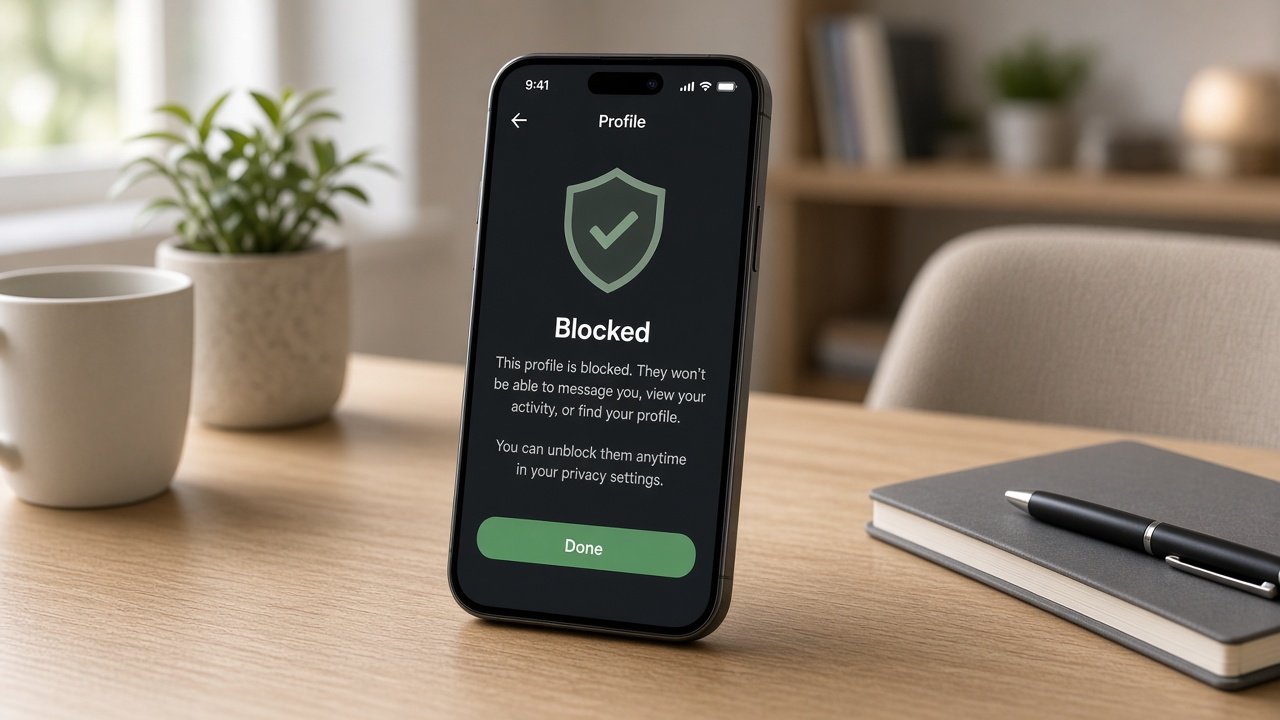
Need to spotify block user who keeps lurking on your profile or following playlists you want private? Blocking stops them from following you, viewing your profile, and seeing your listening activity—using Spotify’s official privacy controls, not shady “blocker” apps.
This guide covers how to block and unblock on mobile and desktop, where to find Blocked users, what blocking does not do, and how it pairs with private sessions and playlist privacy. Official help: Follow friends and manage followers.
What happens when you block someone
- They cannot follow you or your playlists.
- They cannot see your profile or listening activity.
- You regain control of who watches your taste in real time.
Blocking is different from unfollowing an artist or hiding a song. It targets another Spotify user. For artist-level controls, use follow/unfollow and hide tools instead. Social overview: follow friends and listening activity.
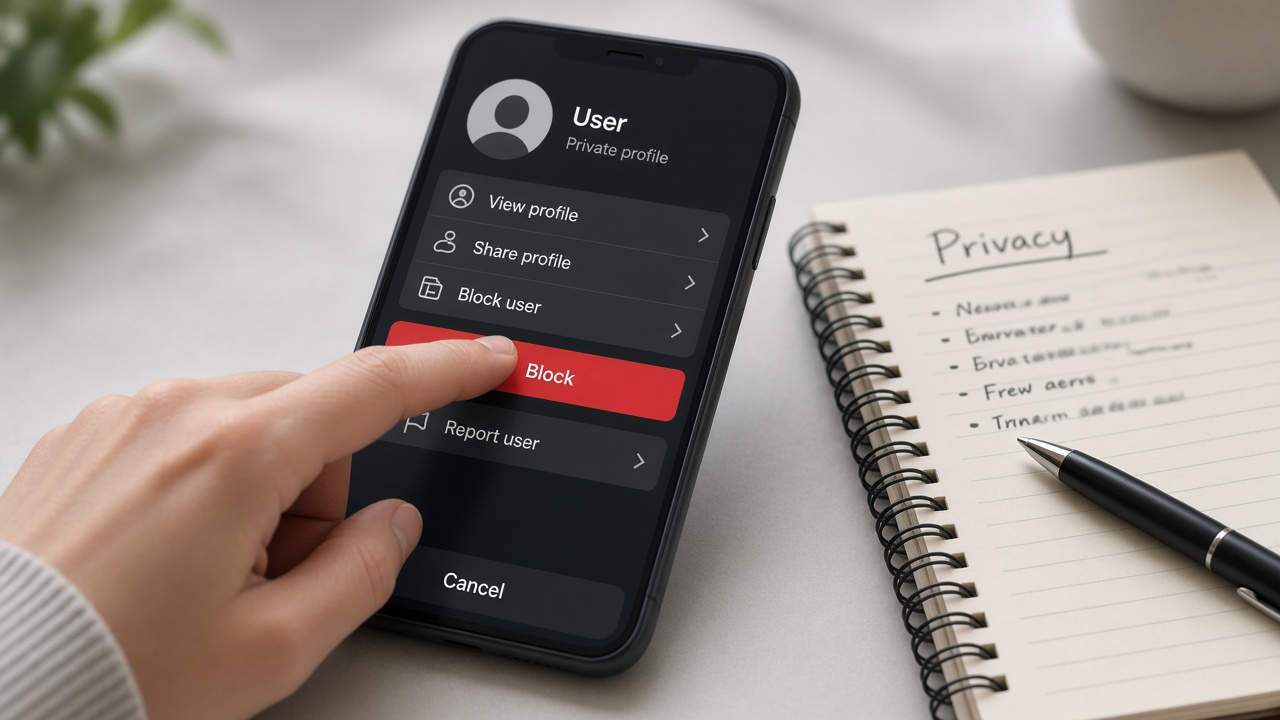
Block a user on mobile
- Open the person’s profile (search → Profiles filter, or open a link they shared).
- Tap the menu (⋯ on iOS / Android).
- Tap Block (or Block user).
- Confirm if prompted.
To review everyone you blocked: Profile → Settings and privacy → Privacy and social → under Profile visibility, open Blocked users. Tap Unblock beside a name to reverse it. Spotify notes that removing followers or accessing the blocked list is mobile-focused in current help.
Block a user on desktop
- Open their profile.
- Click the menu control.
- Select Block (or Unblock if already blocked).
Manage the full list from the mobile app if the desktop client does not show every privacy screen. Keep both devices on the same account after you block.
Block vs private playlist vs private session
- Block user: stops a specific person from engaging with your profile/activity.
- Private playlist: hides a list from search/profile—see private playlist.
- Private session: hides what you play right now from Friend Activity—see private session.
Use all three when an ex still has your profile bookmarked and you are building surprise-party drafts.
When blocking is the right move
- Harassment or unwanted follows after a share went viral.
- Someone repeatedly joining collaborative playlists you did not intend to open widely.
- Curiosity stalking that makes listening feel unsafe.
Also tighten share habits: prefer expiring invites over permanent public links when testing drafts.
What blocking does not fix
Blocking does not delete messages already sent, remove them from a Jam they already joined mid-session, or erase screenshots they took. Leave active Jams, change collaborative settings, and sign out of shared devices. If an account looks hacked, change your password and review login methods.
Unblock carefully
Unblocking restores the ability to interact under normal rules. Only unblock if the situation is resolved. After unblock, they still need to follow you again—they do not automatically reappear as a follower in every case.
Stay official
Ignore “spotify block script” browser extensions. Use in-app Block and install Spotify from spotify.com/download only.
FAQ
Will they know I blocked them?
Spotify does not send a “you were blocked” notification; they simply lose access.
Can I block on Free?
Yes—blocking is a privacy control, not a Premium feature.
Does block remove them from Family?
Family membership is separate; manage plan members from the Family tools if needed.
Open the profile, Block, confirm in Blocked users—and your spotify block user step is done the supported way.
Pair blocking with everyday privacy hygiene
Review who you follow back monthly. Turn off publish activity when you need a quiet week. Keep birthday playlists private until the day you share. If a coworker follows you only to monitor focus music, block plus a private session during work hours. Parents on Family plans should teach teens how Blocked users works so they handle peer pressure without deleting their whole account.
After a messy public share, rotate playlist privacy, pin only safe lists, and block accounts that spam follows. That combination restores calm faster than abandoning Spotify for a week.
Creators with public profiles should treat Block as part of community moderation: document repeat offenders, unblock only after a cool-off, and avoid public call-outs that invite more attention. Students in shared dorms can block nosy accounts without deleting their main playlist culture. If someone creates a new alt to follow you again, block the alt too and tighten profile discovery settings.
Finally, combine Blocked users review with a password change if the drama started after a leaked login. Privacy tools work best when the account itself is secure. Official downloads only—never sideload a “privacy pack” APK that promises auto-block lists. A five-minute security pass today prevents weeks of profile anxiety later, especially after a public playlist goes semi-viral on social media outside Spotify.