
Spotify Remove Downloads: Free Storage Without Deleting Playlists
Spotify remove downloads frees phone storage by deleting offline music and podcasts you no longer need. Spotify’s listen offline help explains how to remove all downloads under Data-saving and offline Storage, or how to remove one album or playlist by turning off the green download arrow. This guide follows those official steps so you can reclaim space, stay under device caps, and avoid confusing cache clear with download delete.
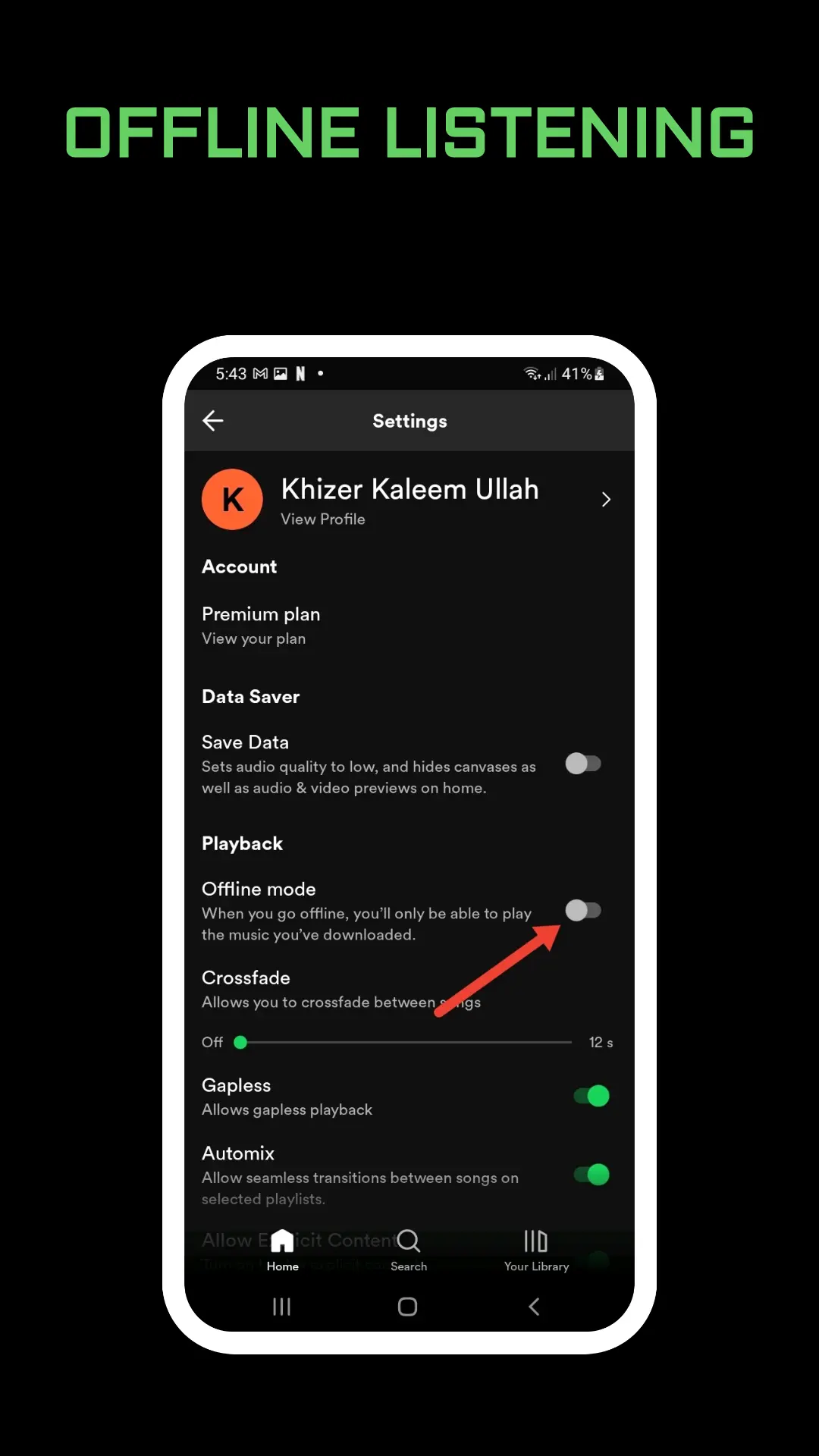
Remove All Downloads on Mobile
Spotify’s bulk remove path:
- Tap your profile picture.
- Open Settings and privacy.
- Tap Data-saving and offline.
- Under Storage, select Remove all downloads.
This deletes offline files on that device. It does not cancel Premium or erase playlists in the cloud. You can download again later on Wi-Fi. Storage overview and cache limits are in Spotify storage and Spotify clear cache. Clear cache frees temporary files; Remove all downloads targets intentional offline libraries.

Remove One Playlist or Album
Manual remove:
- Open Your Library.
- On mobile, tap Downloaded.
- Open the downloaded album or playlist.
- Tap the green download arrow.
- On mobile, tap Remove.
Pin travel playlists you will keep so they stay visible after you prune others; see Spotify pin playlist and Spotify Your Library. How downloads work and the 10,000-track / five-device caps are in Spotify offline and Spotify download limit.
Downloads vs Cache vs Offline Backup
Downloads are files you chose. Cache is temporary streaming data. Offline Backup is a Premium cache playlist of recent listening, not a full replacement for downloaded wedding or flight lists. Clearing cache will not always wipe every download; Remove all downloads will. Offline Backup notes are in Spotify Offline Backup. Data Saver and cellular download toggles live in the same menus; see Spotify data saver and Spotify data usage.
Higher download audio quality uses more space before you remove anything. Quality settings are in Spotify audio quality. Podcast seasons can dominate storage even when music lists look small; see Spotify podcasts and Spotify audiobooks.
When Downloads Vanish Without You
Spotify lists automatic losses: no online check for 30 days, reinstalling the app, downloading on more than five devices (least-recent device loses files), outdated apps, or SD card problems. Too many device seats are covered in Spotify too many devices. Family members should remove downloads on their own phones so one login does not thrash shared seats; see Spotify Family plan.
After you cancel Premium, remove downloads to reclaim gigabytes you can no longer refresh offline the same way; see Spotify cancel Premium. Web player does not manage phone downloads; use the mobile app—limits in Spotify web player. Car trips need a deliberate prune-and-redownload on Wi-Fi before you leave; see Spotify in the car.
On Android, you can move download storage to an SD card from the same Data-saving and offline Storage section when the card is available. Keep at least about 1 GB free. iPhone manages encrypted downloads on device storage; when iOS cannot free more space automatically, remove downloads manually.
Make a short keep list before you tap Remove all: one commute playlist, one podcast show, maybe kids sleep audio. Everything else can return on Wi-Fi later. Liked Songs is easy to re-download in pieces; see Spotify liked songs. Playlist builds you care about stay in the cloud even when local files go; see Spotify playlist.
Desktop users free space by removing downloads from playlists in the app and clearing cache under Settings Storage. Changing cache location moves temporary files, not necessarily every offline playlist, so still remove green-arrow downloads when the drive is full. After a big purge, turn Offline Mode off so the library can stream again on Wi-Fi without looking empty.
Smart speakers do not hold your phone’s download library. Removing downloads on the phone does not wipe Connect history; it only frees the handset. If a Family tablet still shows old offline arrows after a purge, confirm you are on the same login that owned those files. Then re-download only the lists you still need on Wi-Fi before the next commute.
Frequently Asked Questions
Does Remove all downloads delete my playlists?
No. It removes offline files on that device. Cloud playlists and Liked Songs stay in your account.
Is clear cache the same as remove downloads?
No. Clear cache removes temporary files. Remove downloads deletes intentional offline music and podcasts.
Why did downloads disappear by themselves?
Common causes are the 30-day online rule, reinstall, more than five download devices, or storage and SD issues.
Final Thoughts
Spotify remove downloads is the clean Storage tool when your phone is full. Remove all under Data-saving and offline, or turn off the green arrow on one list at a time. Official listen offline help remains the checklist when space will not return or downloads keep vanishing before a trip.