Spotify DJ: How to Request Songs by Voice or Text
Spotify DJ is a Premium music guide inside the app. It plays songs you already like and brings in artists, genres, and playlists based on your taste. You can type or talk to change what comes next, ask about the thing that is playing, and send playback to another device. This guide shows where to open DJ, what kinds of requests work, and how to change the DJ language.
Who Can Use Spotify DJ
Spotify lists DJ under Premium. A Free account will not get the full companion, even if search shows the name. DJ also runs in a limited set of languages. If voice requests fail, the language setting is the first place to look, and the steps are later in this article.
DJ is not a playlist you edit line by line, and it is not the same as a written prompt that builds a saved list. That saved-list beta is Spotify Prompted Playlist, and it is only in some countries. DJ is the live companion on a Premium account.
Where to Open DJ
Spotify lists three places:
- On Home, tap the DJ control.
- In Search, search for DJ.
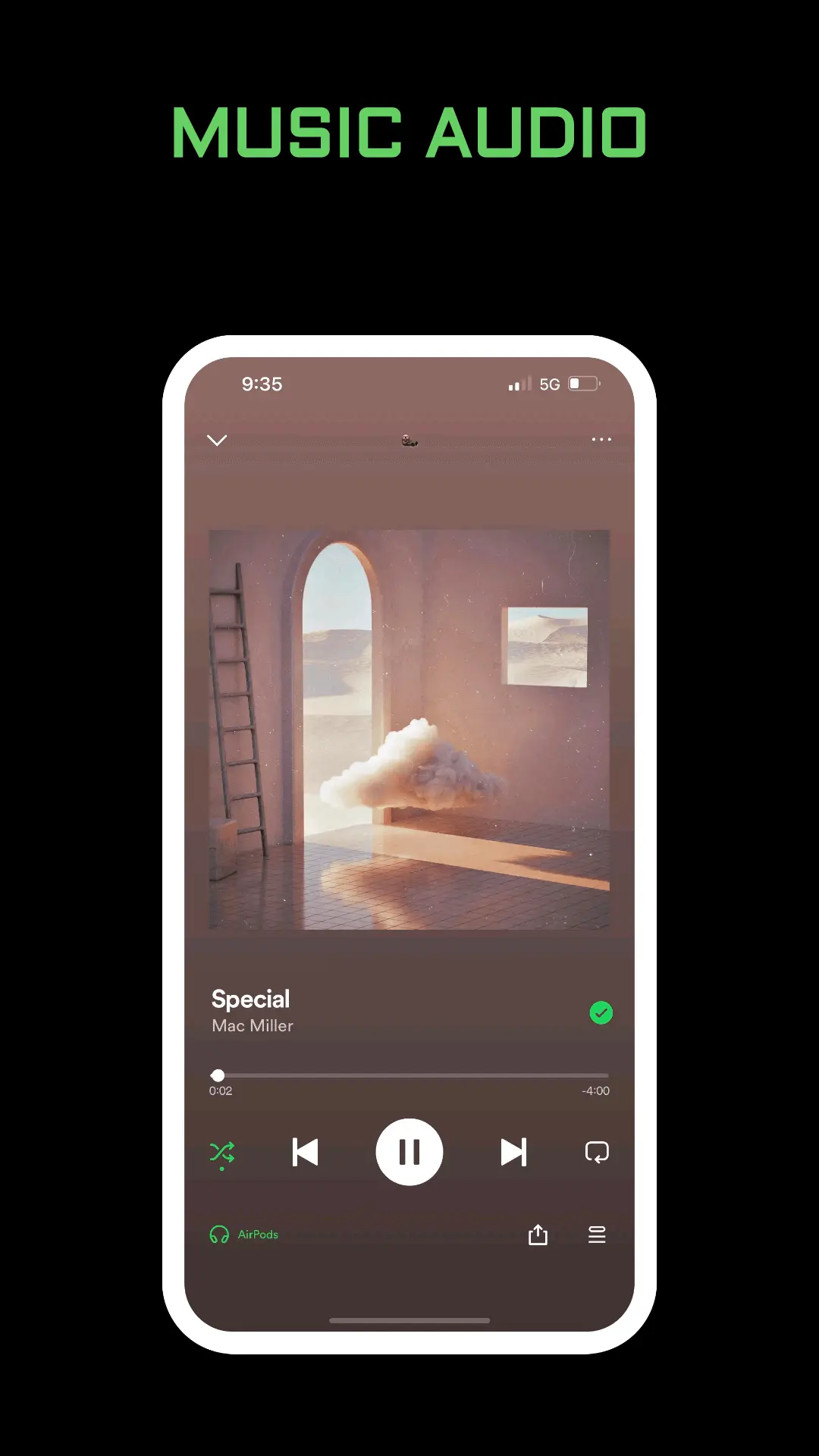
- In Now Playing, tap the chat window while something is already playing.
You can tap to talk instead of typing. If the microphone button does nothing, check that the phone has allowed Spotify to use the mic, then try a typed request so you know the feature itself is available.
What You Can Ask
Spotify groups requests into a few jobs. You do not need special commands. Plain sentences work.
- Start something. Ask for a mood, new releases from artists you like, or a scene such as a rainy morning.
- Change what is playing. Ask for a more upbeat set, or ask who influenced the artist.
- Ask about a podcast or audiobook. You can ask what else a guest has appeared on, or for a similar audiobook.
- Control another device. You can ask DJ to play Discover Weekly on a laptop, skip a track on a speaker, or lower the volume in another room.
- Look at your own history. You can ask when you first played a song, or how many times you have played it.
Spotify also says you can ask DJ to do account tasks in words, such as adding the current song to the queue, setting a sleep timer, or turning on a private session. The switch itself is explained in Spotify private session. Asking DJ does not replace that setting if voice is unavailable.
Suggestions, Mood, and the Songs You Already Love
Besides a blank text box, DJ can offer personalized suggestions. Tap one if you do not want to invent a sentence. Tap again when you want a different mood. That second tap is the fast path when the set is fine but the energy is wrong.
DJ still leans on your taste. If the suggestions are all from one odd week of listening, exclude that playlist from your taste profile with the three-dot menu. Give it up to 48 hours. Your recent loop also has its own playlist, Spotify On Repeat, which you can ask DJ to play by name if you want those songs without a new mood.
Extra songs that appear while a normal playlist is on shuffle are a different feature. Premium listeners can turn that off. The steps are in Spotify Smart Shuffle.
How to Change the DJ Language
- Open DJ.
- Tap the menu. On iPhone and Android the icon sits in the DJ screen.
- Tap DJ language.
- Choose a language from the list.
The list is short on purpose. Spotify says DJ is only in a limited number of languages. If yours is missing, type in a language that is on the list, usually English, instead of waiting for a translation that is not there yet.
DJ, Jam, and a Monday Playlist
DJ is one listener steering one account. A room of people adding songs is Spotify Jam. You can ask DJ to start Discover Weekly on another device, but the Monday playlist itself is still the one in Spotify Discover Weekly. DJ does not replace that update.
Voice control of a speaker also depends on the speaker being linked. If Alexa is the device that should hear the request, connect it with how to connect Spotify to Alexa before you blame DJ for a silent kitchen.
Frequently Asked Questions
Is Spotify DJ free?
No. Spotify marks DJ as a Premium feature. Search may still show the name on a Free account, but the companion is for Premium.
Can I talk to Spotify DJ?
Yes. Tap to talk, or type in the box. You can also pick a suggested request or tap again to change the mood.
Why does DJ not understand me?
Check the DJ language, allow the microphone, and try typing the same sentence. DJ is not offered in every language yet.
Final Thoughts
Open DJ from Home, Search, or the Now Playing chat. Ask for a mood or a task in a supported language, and use Jam or a prompted playlist when you need a shared queue or a saved list instead of a live guide.