Spotify Release Radar: Find Friday’s New Music Playlist
Spotify Release Radar is the Made for You playlist of new releases Spotify thinks you will want. It updates every Friday, which is why people call that drop New Music Friday. You do not add the songs yourself. This guide shows where to find the playlist, how it differs from Discover Weekly, and what to check when Friday arrives and the list looks empty.

What Release Radar Is
Spotify builds Made for You playlists from what you like, share, save, and skip, and from listeners with similar taste. Release Radar is the Friday edition, focused on new releases rather than older songs you have never played. Discover Weekly, by contrast, arrives on Monday and is built to surface songs that are new to you, not necessarily new to the world.
That split matters. If you want this week’s singles from artists you follow, open Release Radar. If you want a 30-song set of unfamiliar tracks, open Spotify Discover Weekly. Mixing the two up is the usual reason someone thinks Friday’s playlist is broken.
How to Find Spotify Release Radar
- Open Home and look through Made for You.
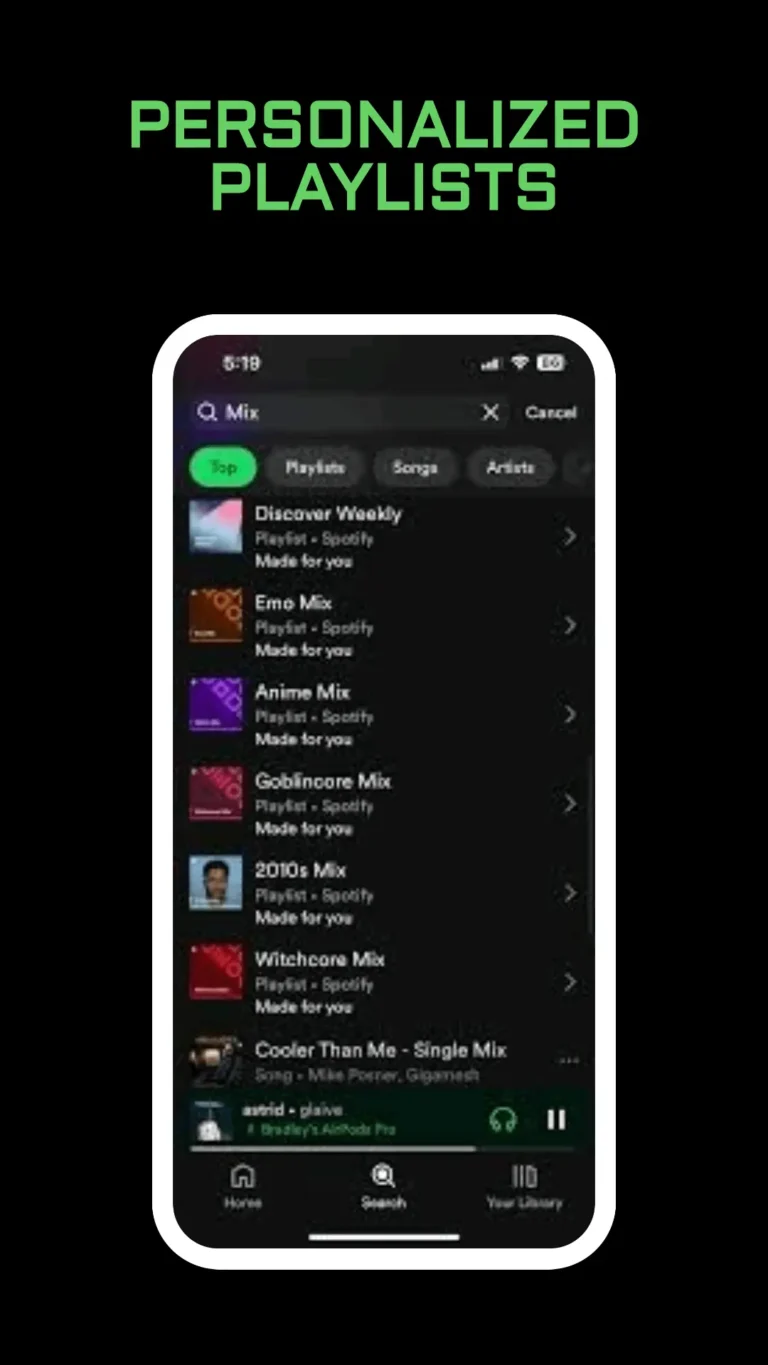
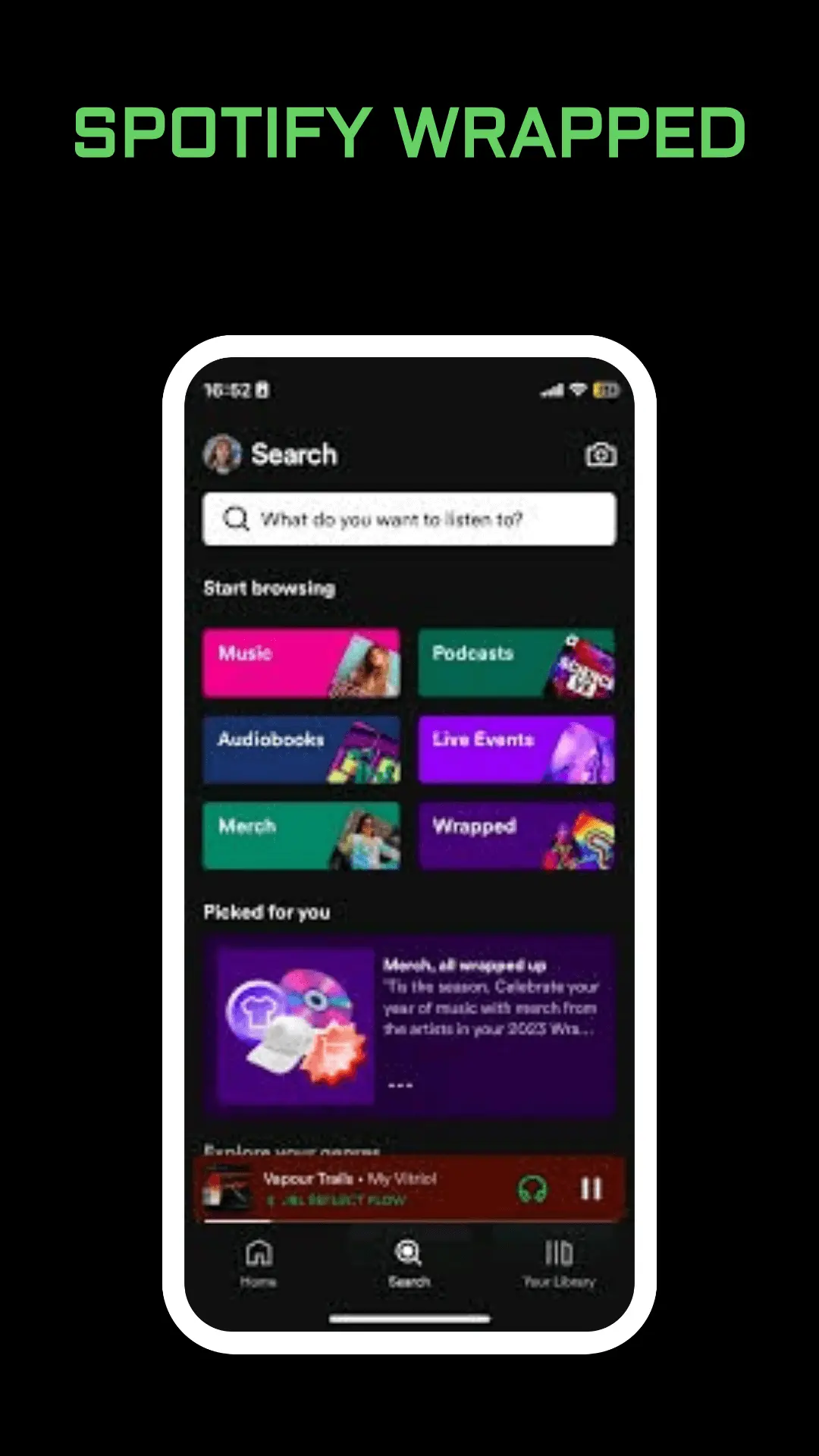
- Or open Search, choose Made for You, and look for Release Radar.
- Or type Release Radar in the search box.
Save it to Your Library so you are not hunting through Home every Friday. Saving does not freeze the songs. Spotify still replaces the list on the next update. If you want to keep one Friday’s tracklist, add those songs to a playlist you own before the following week.
Why a New Account Has No Release Radar
Spotify says Made for You playlists need a few weeks of listening. A brand-new profile often has nothing under that heading. Play music you actually like, follow artists, and save a few tracks. An empty library gives the playlist nothing to match.
Also confirm the account. Release Radar belongs to the listener, not the phone. A work login and a personal login each get their own Friday list.
What Shapes Friday’s Songs
Spotify has described following artists as a way to hear their new music in Release Radar. Follow the people you want in the mix, and skip or avoid saving the ones you do not. One accidental play is a weak signal. A save, a replay, or a playlist add is stronger.
Sleep sounds, a child’s album, or a party playlist can still tilt recommendations. Exclude that playlist or track from your taste profile:
- Open the playlist or the track.
- Tap the three-dot menu near the top.
- Choose Exclude from your taste profile, or Exclude track from your taste profile.
Spotify says the change takes effect within 48 hours. Some recommended playlists do not show it until the next scheduled update, so give it until the following Friday. Plays of the same song from Liked Songs still count. Hiding a song inside one playlist does not change your taste profile.
If one artist should leave your recommendations entirely, use how to block or unblock an artist. Blocking is broader than waiting for next Friday.
Release Radar, Blend, and Wrapped
A shared friend playlist is not Release Radar. A Spotify Blend updates daily from the listening of up to 10 people. Release Radar is yours alone, and it is about new releases.
The same taste profile feeds your yearly recap. Excluding a large playlist can change Wrapped as well as Friday’s list. Look at the current recap first with how to find Spotify Wrapped if you care about this year’s story.
New songs in Release Radar can be downloaded on Premium for offline listening. The steps are in how to download songs from Spotify. Downloads follow the account, so sign out of a shared phone when you are done.
When Friday’s Playlist Seems Missing
- Search the name before you decide it was deleted. Home often buries it.
- Update the app. An old build sometimes hides Made for You rows.
- Check the day. The support page lists the update as every Friday, not every morning.
- Wait if the account is new. A few weeks of real listening comes first.
- Turn off a private session only if you are testing what followers see. Privacy and the Friday playlist are separate switches. The live-listening switch is covered in Spotify private session.
Frequently Asked Questions
What day does Spotify Release Radar update?
Every Friday. Discover Weekly is the Monday playlist. They are not the same list.
Can I add songs to Release Radar?
No. Spotify fills it. Copy songs you want to keep into a playlist you control.
Why are the songs from artists I do not follow?
The playlist includes new releases Spotify thinks you will love, not only artists you already follow. Exclude a misleading playlist, or block an artist, if the matches stay wrong.
Final Thoughts
Search Release Radar or open Made for You on Friday. Follow artists you want to hear from, save the songs worth keeping, and give a new account a few weeks before you call the playlist missing.