
Spotify Podcasts: Find, Follow, and Download Shows
Spotify podcasts are shows you find under Search, save with Follow, and play with a speed control and a 15-second skip. New episodes of a show you follow are saved for you. Some episodes include video, and some include ads even on Premium. This guide follows Spotify’s steps for phones, the desktop app, and the web player.
Find a Show in Spotify Podcasts
On a phone or tablet:
- Tap Search.
- Under Browse All, tap Podcasts.
- Browse featured episodes, or scroll down and browse by category.
- Select a podcast to open its page and the episodes.
Tap the episode to start listening. Tap the speed control to change how fast it plays. Tap to skip forward 15 seconds, or to rewind 15 seconds. Spotify does not print a list of speed values on that help page, so use the control it shows rather than guessing a number in Settings.
In Now Playing, open the menu on the podcast or show. Spotify shows that menu on iOS and Android. From it you can get more information, download episodes for offline listening, share the show, or add it to your play queue. The queue itself is a separate list, explained in Spotify queue.
On a computer or the web player:
- Click Search.
- Under Browse all, choose Podcasts.
- Browse featured episodes, or scroll down and browse by category.
Click the cover art to see the titles, then click to start the episode. Speed and the 15-second skip or rewind are there too.
Follow, Save an Episode, and Download
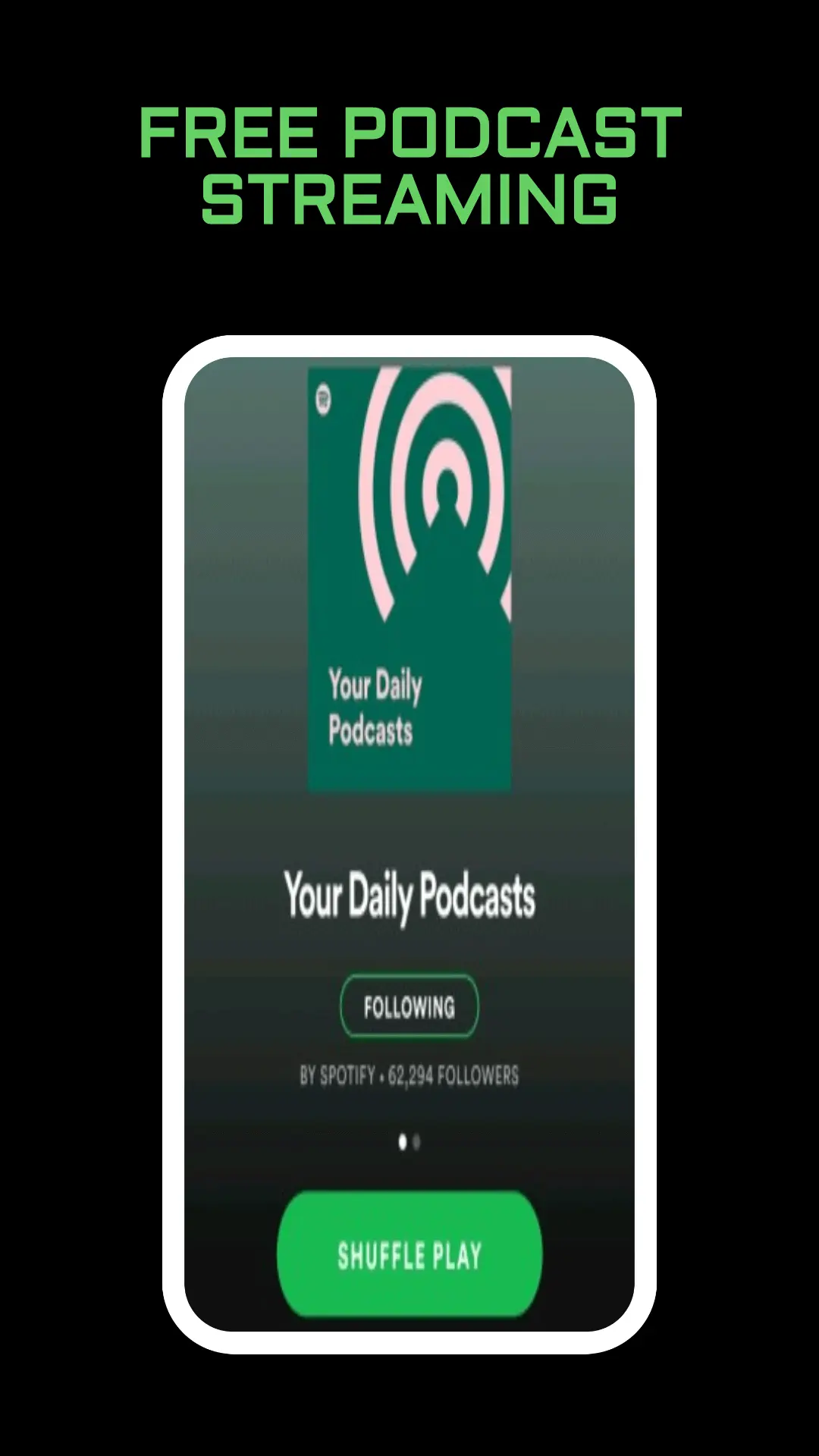
On a phone, select FOLLOW on a podcast or show page to save it to Your Library under Podcasts. Tap FOLLOWING to unfollow it. New episodes of a saved show are then saved automatically.
To keep one episode, tap it. That saves the episode to the Your Episodes playlist in Your Library. To take it off, open the menu next to the episode title and use the remove control in that menu. To put the episode on a different playlist, open the menu and select a playlist, or create one. Building that playlist is covered in Spotify playlist.
On a computer or the web player, click FOLLOW to save the show to Podcasts and Shows in Your Library. Click FOLLOWING to unfollow it.
On a phone, the latest episodes of shows you follow are under Home, then Podcasts, then Following. Spotify marks that path as mobile.
To download, select the download control on a podcast or show episode. Spotify notes that you may need Premium to download some shows. The free plan can still download podcasts in the broader offline rules, including the 30-day online check-in, which are in Spotify offline. If a show refuses to download, the podcast page’s Premium note is the first thing to read, not a storage myth.
A downloaded podcast is audio only. Spotify’s data page says the video is not included in the download. While you stream, you cannot switch the video off, but the video plays only when it is on screen. Leave the episode or lock the phone and only the audio continues.
Ads, Data, and a Sleep Timer
Premium stops Spotify from interrupting your music with ads. Podcasts are different. Spotify says some podcasts may include advertising, host-read endorsements, or sponsorship messages.
- On video podcasts, Premium listeners do not get Spotify ads, but they may still hear creator sponsorships. Free listeners may get both.
- On audio podcasts, both Premium and free listeners may get Spotify ads and creator sponsorships.
Spotify describes its own ads as messages from brands, creators, and hosts that Spotify inserts into the episode. Creator sponsorships are baked into the episode: a host read, a branded segment, or a product that stays visible. Those messages are part of the show file. They are not the music-ad break a Premium plan removes.
Video and high audio quality use more data. Spotify data saver cuts images and audio quality. Spotify also offers an audio-only switch for video podcasts under Downloads and streaming, so a stream or download skips the video. The bitrate rows for music are a different setting, in Spotify audio quality. Podcast quality on that page is its own line, and Low on a phone also drops the podcast rate.
If you want the episode to stop on its own later, that clock is Spotify sleep timer. It is not the 15-second skip, and it does not follow or download the show.
Frequently Asked Questions
Where are Spotify podcasts in the app?
Tap Search, then Podcasts under Browse All. On a computer, click Search, then Podcasts under Browse all. Open a show for its episodes. Followed shows on a phone also appear under Home, Podcasts, Following.
Why does a Premium account still hear a sponsor?
Premium removes Spotify’s music ads. Podcasts can still carry creator sponsorships, and audio podcasts can also carry Spotify ads for Premium listeners. That is the split on Spotify’s podcast help page.
Can I keep the video when I download an episode?
No. Spotify says a podcast download is the audio, not the video. The picture plays only while you are watching the episode on screen.
Final Thoughts
Open Spotify podcasts from Search, follow the show so new episodes save, and use the 15-second buttons while it plays. Download when you need the episode later, and remember some shows ask for Premium. A sponsor in the episode is not the same thing as a music ad, and the download will not keep the video.