
Spotify Leave Family Plan: Exit Without Losing Playlists
Need to spotify leave family plan because you moved out, the address no longer matches, or you want your own Premium or Free plan? Leaving as a member removes you from the household subscription without deleting the manager’s plan—and your playlists stay on your account.
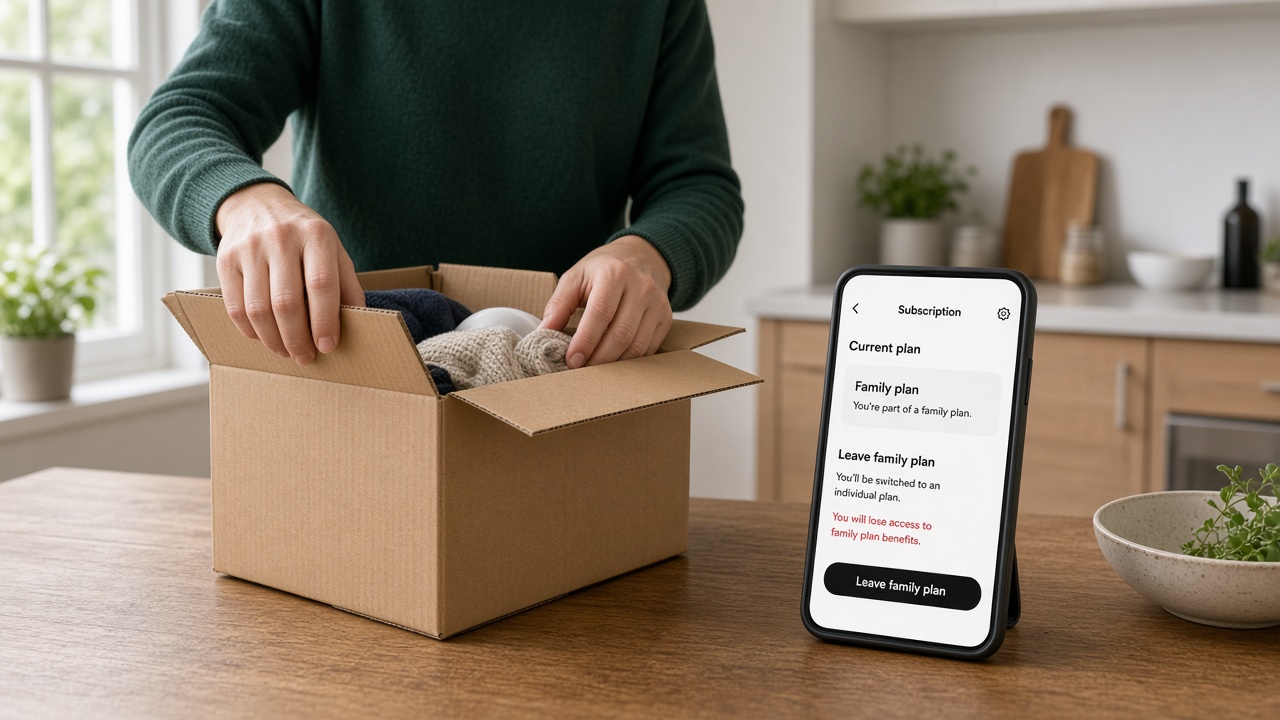
This guide covers the official Change plan flow for members, what happens to downloads and billing, the once-per-12-months switch rule, and how managers cancel the whole Family plan instead. Use Spotify’s account page only—never “family unlock” APKs or shared password sites.
Member vs manager: who leaves what
If you are a plan member, Cancel plan / leave steps drop your account off Premium Family. The manager keeps paying for remaining seats. If you are the plan manager, canceling Premium ends the Family plan for everyone at the next billing date—warn members first.
For setup, invites, and seat limits, see our Spotify Family plan overview. Pricing context lives on Spotify Family plan price. This article focuses on exiting cleanly.
How to leave a Family plan as a member
- Log in to the Spotify account that is on the Family plan (not the manager’s login).
- Open the official account page in a browser (spotify.com/account).
- Go to Change plan / Manage your plan.
- Under Available Plans, choose Cancel plan (wording can vary slightly by region).
- Confirm Yes, cancel.
You are leaving the Family membership, not wiping the manager’s subscription. After confirmation, Premium benefits end according to the plan rules shown on screen—often at period end or immediately depending on your market’s UI. Re-check Account → Manage your plan to verify Free or a new plan status.
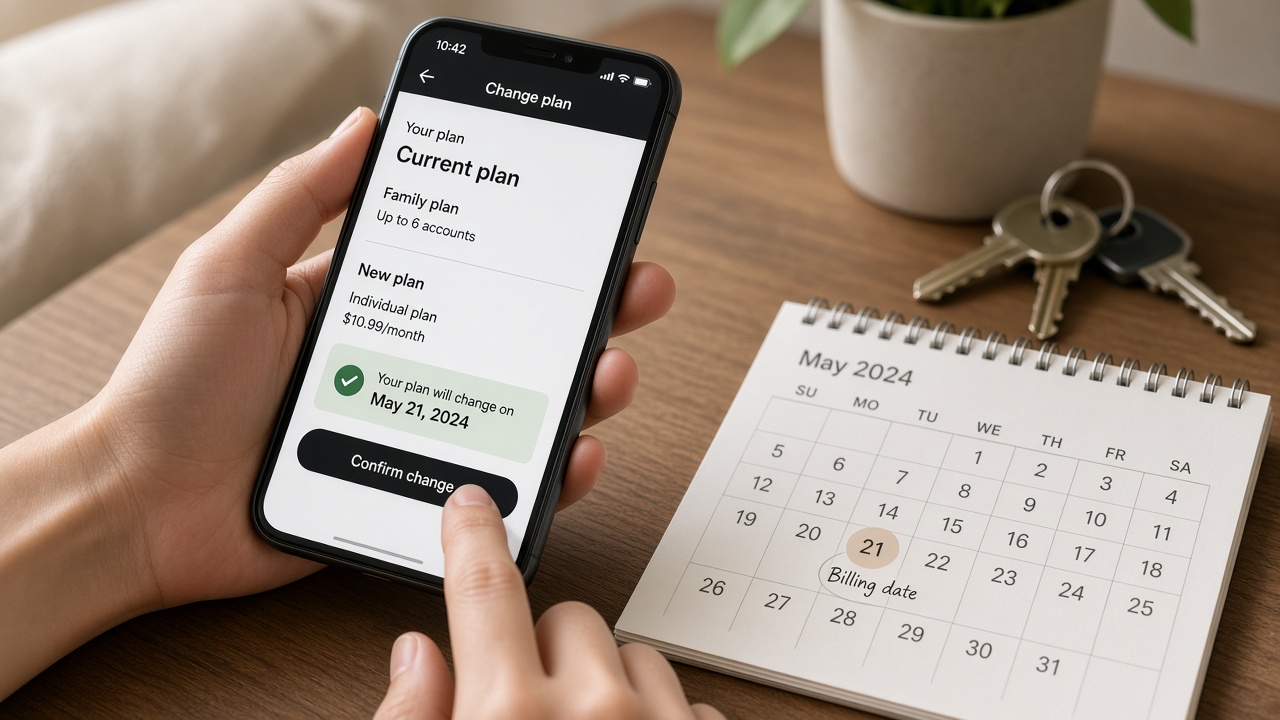
What you keep (and what you lose)
- Keep: playlists, Liked Songs, followed artists, listening history on that same account.
- Lose: Premium Family features—on-demand mobile listening limits return on Free, ads may return, and offline music downloads for Premium tracks are removed.
- Audiobooks: manager-only listening hours do not travel with members.
If you still want Premium alone, subscribe to Individual, Duo, or Student after you leave—subject to the once every 12 months plan-switch limit Spotify documents for Family members. Plan ahead before you bounce between households.
Manager path: cancel the whole Family plan
Managers who want everyone off Premium should cancel from the account page (Cancel Premium / Change plan), same family of steps covered in Spotify cancel Premium. Removing members one by one does not automatically downgrade the manager’s plan—you must change or cancel explicitly.
Update payment or card issues before a messy involuntary cancel via Spotify update payment if the goal is to keep Family running for others.
Address, Duo conflicts, and invite mistakes
Members must live at the same address as the manager when joining. If you already left home, leaving the plan is the compliant fix—do not spoof addresses. You also cannot be a Duo/Family manager on another plan while joining as a member.
Opened an invite on the wrong profile? Sign out the manager on that device, then accept while logged into your own account. Expired links need a fresh invite from Manage members—not a third-party “force join” tool.
After you leave: Free vs new Premium
On Free, shuffle rules and ads return; downloads of Premium music go away, so clear space expectations with our storage guides if the app feels full of leftovers. Want Premium again? Pick Individual on the Change plan page, or redeem a legitimate gift card. Skip cracked “premium forever” mods—they risk account bans and steal logins.
If you shared devices with the household, use Spotify sign out everywhere you no longer control, then change your password if anyone else knew it.
Common problems
No Cancel plan button. You may be on a partner-billed plan (carrier, Apple, etc.). Cancel through that partner’s subscription settings, or you may be looking at the manager account by mistake.
Still charged after leaving. Confirm which email is billed. Family managers keep their charge; members should not. Check bank descriptors and the account that actually left.
Cannot join another plan yet. The 12-month member switch limit may apply—wait or contact Spotify support with your case.
Checklist before you tap cancel
- Note your next billing date so you know when Premium ends.
- Download any must-have playlists while you still have Premium, knowing those files will expire after you leave.
- Export or screenshot plan member list if you manage others and are switching roles.
- Decide whether you will buy Individual Premium the same day to avoid a Free gap.
- Update the email on the account if the household used a shared inbox—keep recovery under your control.
Taking five minutes on that list prevents “I lost offline music and got charged twice” surprises the following week.
FAQ
Will leaving delete my playlists?
No. Library data stays on your account; only Premium Family perks end.
Can the manager remove me instead?
Yes—via Manage members → Remove. You can also leave yourself with Cancel plan.
Do I need a new email?
Only if you are abandoning the account entirely. Same account is simpler for keeping taste history.
Leave through official plan tools, verify status on the account page, and you have completed a clean spotify leave family plan exit without risking the music you already saved.