
Spotify Failed Payment: Fix Declined Premium Charges Fast
Seeing a spotify failed payment notice on your account or bank feed? Premium usually does not vanish the same minute a charge declines—Spotify retries for a few days—but you should fix the card, country match, or partner billing path before retries stop.
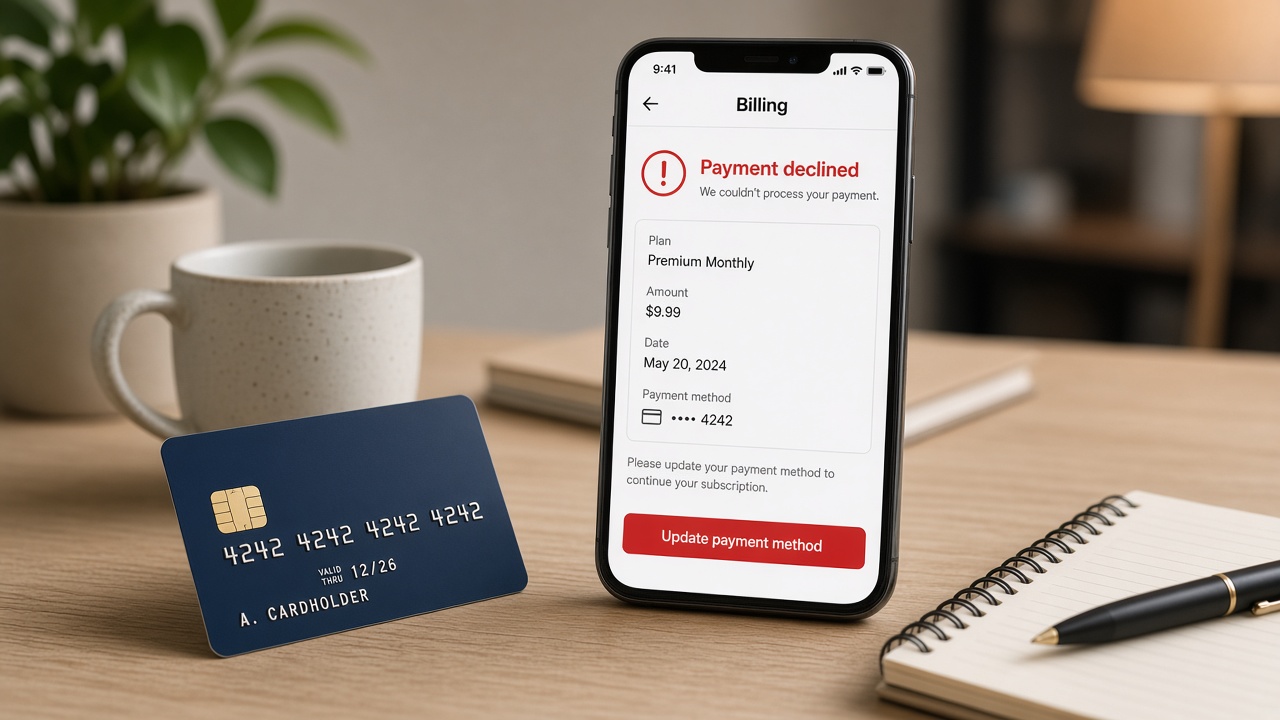
Follow official failed-payment help: check payment history, confirm funds and card settings, update details on your account page, or contact a partner provider if they bill you. Never paste card numbers into random “spotify payment unlock†sites.
First place to look
- Open your Spotify account page and review payment / plan status.
- Check the payment history page for decline reasons when shown.
- Confirm you are on the account that actually holds Premium—not a second login.
Official overview: Failed payment help on Spotify Support. For changing cards once the method works again, use our update payment walkthrough.
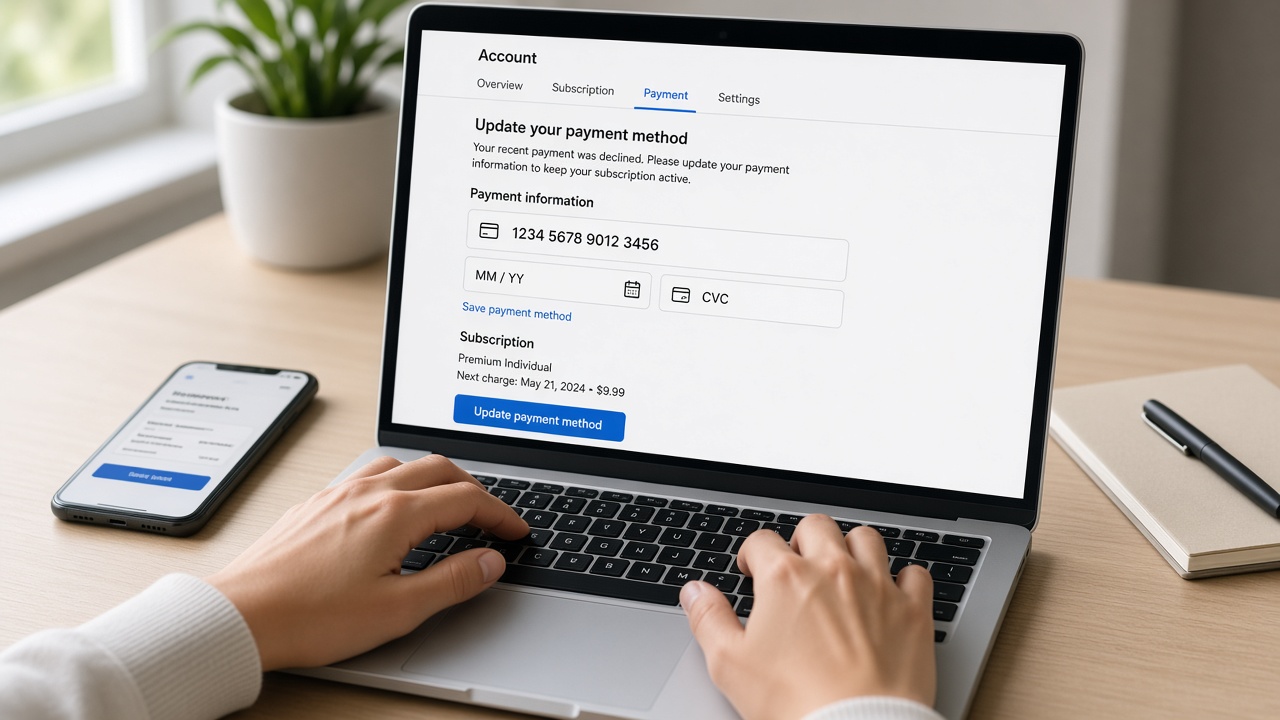
Common reasons a Spotify payment fails
- Insufficient funds or spending limits.
- Expired or canceled card.
- Card country does not match the Spotify account country.
- Bank blocks foreign, online, or recurring charges—enable those in the bank app.
- Identity checks (password, OTP, fingerprint) not completed for the merchant.
- Temporary network glitch during checkout.
Banks sometimes show a pending hold that later reverses if authentication fails. That is not always a successful Premium renewal—verify inside Spotify, not only the bank feed. See also free trial timing if a trial-to-paid conversion just failed.
Fix checklist (official path)
- Ensure the method has funds and is valid.
- Match card country to account region; change country only through supported flows—see change country.
- Ask the bank to allow recurring online payments to Spotify.
- Re-enter details in a private/incognito browser window.
- Try a different eligible payment method.
- Wait a few hours if Spotify cites a temporary connection issue, then retry.
- Contact the payment provider if declines persist with no Spotify-side error.
Monthly renewal failed—do you lose Premium immediately?
Spotify states that when a regular monthly payment fails, you will not immediately lose Premium; they attempt collection again over the following days. Use that window to update the card. If every retry fails, expect a return to Free features (ads, shuffle limits) until billing succeeds again.
If Premium features already disappeared, confirm you are not on a different account, then review plan status. Our cancel Premium guide is the opposite task—only use it when you intend to stop billing, not when fixing a decline.
Partner-billed plans (carrier, ISP, bundle)
If Payment on the account shows a partner company, Spotify does not take the card charge directly. Open Manage your subscription → Payment contact link and resolve the failure with that partner. Updating a card inside Spotify alone will not fix partner billing.
Card authentication (3-D Secure / SCA)
In many regions, banks require strong customer authentication for recurring merchants. Approve the prompt in your banking app. If you ignore it, the payment fails even with enough balance. Keep phone numbers on file with the bank current so OTPs arrive.
Family and Duo managers
Only the plan manager’s payment method funds the household. Members seeing “Premium not working†may be collateral damage from the manager’s failed charge—or they were removed. Managers should fix billing first; members can confirm invite status via Family plan help.
What not to do
- Do not buy “premium reactivation†codes from social sellers.
- Do not install cracked apps that promise free Premium after a decline.
- Do not share OTPs with anyone claiming to be Spotify chat support outside official channels.
Download only from spotify.com/download.
After the payment succeeds again
Sign out and back in on phones that still show Free banners so entitlements refresh. Confirm offline downloads resume and Hi‑Fi / Lossless toggles remain as you left them. Review the next billing date on the account page so you are not surprised by a double retry charge plus the new cycle. If you disputed a bank charge while Spotify also retried, talk to the bank to avoid a prolonged authorization freeze.
Gift-card balance can cover gaps when cards are in flux—redeem only on the official account flow. Students fixing a failed Student charge must still keep SheerID verification current so the discounted plan—not full Individual—resumes. Travelers who triggered declines via foreign-transaction blocks should enable those flags before the next roaming month.
Keep screenshots of successful receipts in case support needs proof. Official help remains inside Spotify Support and your account page, not random Telegram “billing agents.â€
FAQ
Will Spotify keep retrying forever?
Retries happen for a limited window; update the method promptly.
Can I pay with mobile billing after a card fail?
Availability depends on country and plan rules; partner paths differ.
Does a failed payment delete playlists?
No. Library data stays; Premium perks may pause.
Check history, fix card or partner billing, retry securely, and you clear a spotify failed payment without gambling on unofficial “fixes.â€