
Spotify Student Verification: Get and Renew Premium Student
Spotify student verification is how eligible college or university students unlock Premium Student pricing for up to four years—with a fresh reverify every 12 months through SheerID. Miss the renewal window and Spotify continues Premium at the full price until you verify again and re-subscribe to the student plan.
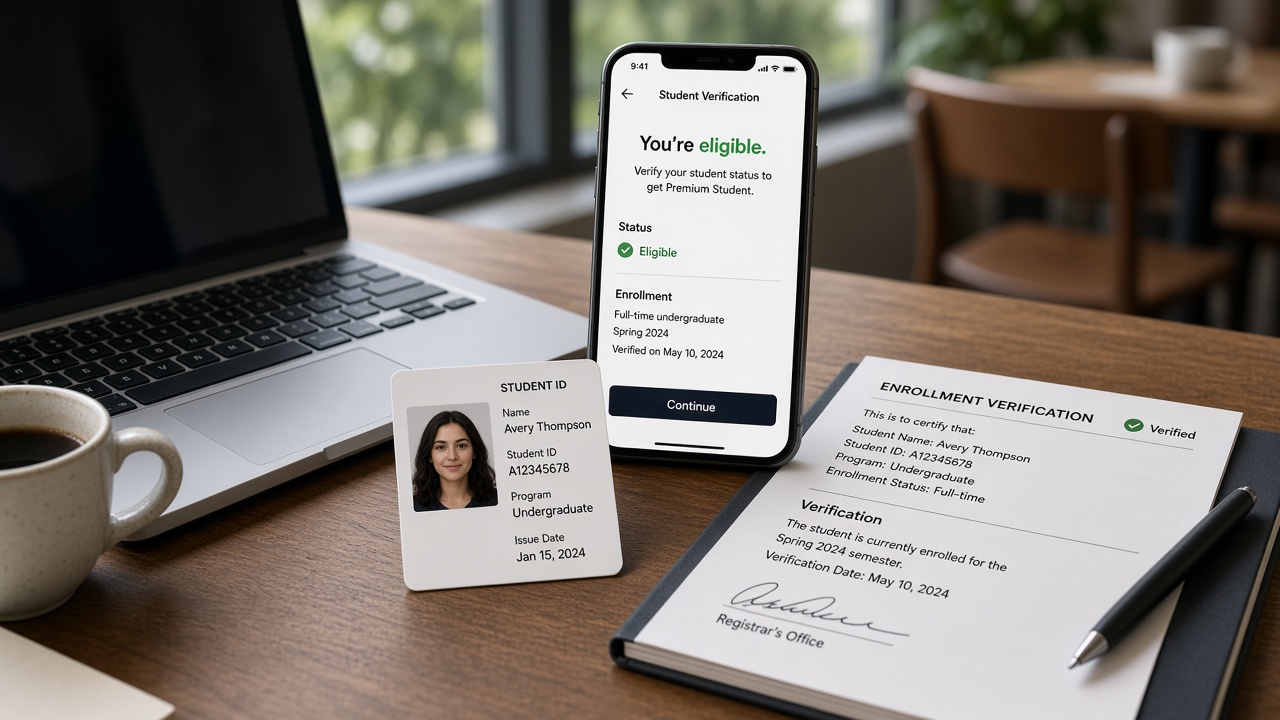
This guide covers first-time verification, annual renewal, studying abroad, payment method limits, and what to do when your school is missing from the form—using Spotify’s official Premium Student rules only.
What Premium Student includes
Eligible students get Premium at a discount for a maximum of four years, renewing verification annually. In some markets Spotify bundles extras (for example ad-supported Hulu where offered)—check the live offer on your account country’s student page. Plan overview context: Premium Student and pricing habits on spotify.com.
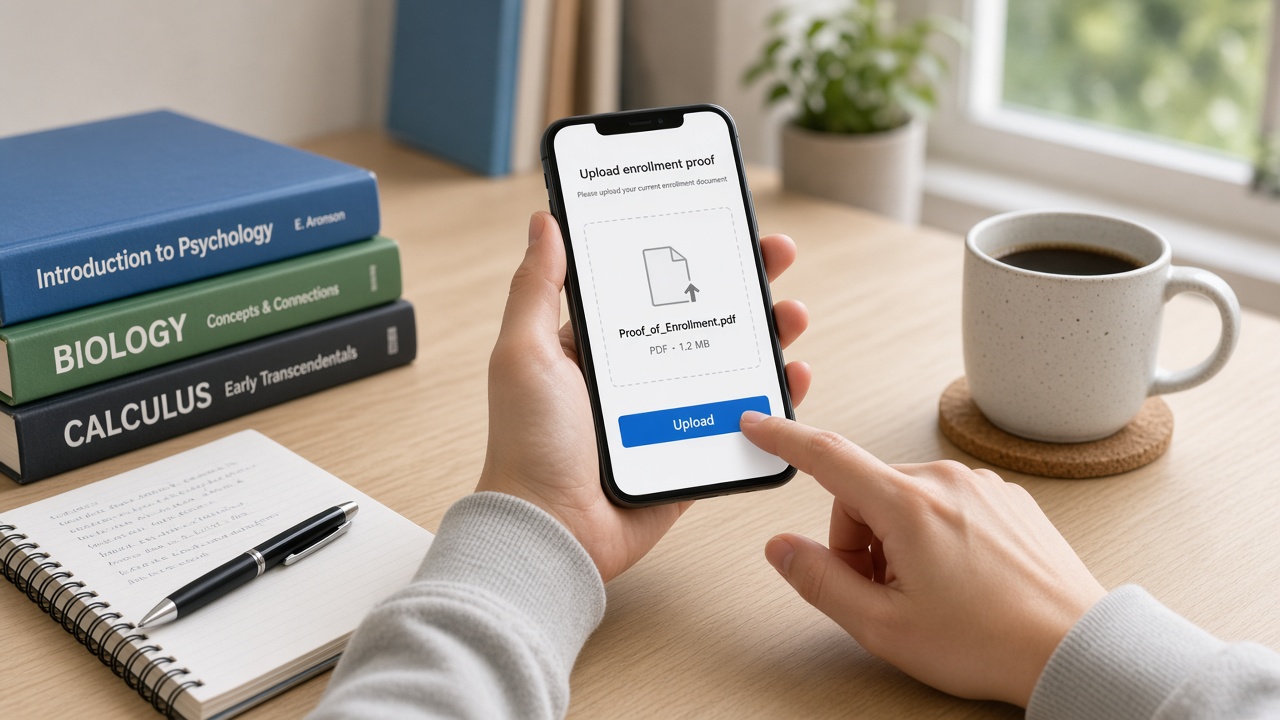
How first-time Spotify student verification works
- Start from Spotify’s Premium Student signup / verification flow on the official site or account prompts.
- Complete the SheerID form for your school.
- Log into your school portal when asked, or upload enrollment proof.
- Wait for SheerID’s email confirmation (can take days).
- Return to Spotify and subscribe to Premium Student with an eligible payment method.
Official steps: Premium Student on Spotify Support. You do not need a student email on the Spotify account itself, but your school must appear in SheerID’s list—if it does not, you are not eligible at this time.
Renew and reverify every 12 months
About four weeks before expiry, Spotify emails renewal instructions. You can also renew from the account page. After SheerID confirms again, re-apply the student discount if the plan flipped to full price.
- Check spam for SheerID / Spotify mail—see verify email if the mailbox is wrong.
- Keep a calendar reminder each year; auto-charge at full price is easy to miss.
- If you already pay full price after expiry, verify, then switch back to Premium Student pricing when offered.
Payment methods that block Student
Spotify notes you cannot pay for Premium Student via mobile billing or certain partner companies. If you already pay that way, cancel the partner subscription, wait for it to end, then sign up again with a supported card or method. Update cards via update payment once on an eligible path. Failed charges during signup follow the same hygiene as failed payment fixes—after that post is live, or use Support’s failed-payment article.
Studying abroad
You can often keep the discount abroad if the Spotify account country matches where you study and you use a payment method issued there. Align region settings carefully—unsupported VPN tricks to fake a campus country violate terms and risk the account. Use official country change help when you relocate for real: change country.
Verification problems
- School not listed: not eligible until SheerID adds it—contact SheerID for eligibility questions.
- Document rejected: upload clearer enrollment proof; match the name on your Spotify account.
- Email delay: wait several days; resubmit only if Support/SheerID advises.
- Discount not applying: confirm you clicked through from the confirmation email and finished subscribe on the correct login.
Student vs Individual, Duo, Family
Premium Student is an Individual-style discounted plan, not a household seat. You generally cannot stack it as a Family manager discount. If you leave school, move to Individual, Duo, or Free intentionally rather than letting full-price Individual surprise you. Gift cards can help prepaid months—see gift card—but still need a valid student verification when claiming Student pricing.
Stay clear of fake “student verify†services
Sites selling “instant SheerID approval†or forged enrollment PDFs are fraud. They can ban the Spotify account and waste money. Only verify through Spotify’s linked SheerID flow and download the app from spotify.com/download.
Semester checklist
- Week 1 of term: confirm school still appears in SheerID; update legal name if it changed.
- Before finals: download study playlists while Student Premium is active.
- One month before plan anniversary: watch for renewal email; complete reverify early.
- Graduation term: decide whether to move to Individual, join a Family plan as a member, or cancel—do not assume Student continues unpaid.
- Abroad semester: align account country and local payment method before travel.
Store PDFs of enrollment letters in a secure folder so re-uploads take minutes, not days. If roommates share a laptop, sign out of Spotify after verifying so they do not accidentally start Individual on your login. Parents helping with tuition cards should still keep the student as the account owner for verification identity matches.
FAQ
How many years can I keep Student?
Up to four years with yearly reverification, where the offer exists.
Can high school students join?
Spotify’s Student plan targets college/university eligibility as listed by SheerID—follow the form.
Does verification share my grades with Spotify?
You submit enrollment proof to SheerID per their process; use official forms only.
Verify with SheerID, renew yearly, use eligible payment methods, and you keep spotify student verification working without shady shortcuts.