
Spotify Download Playlist: Save Music for Offline Listening
Need to spotify download playlist tracks for flights, basements, and data-stingy commutes? On Premium you can download whole playlists (and albums); Free users are limited to podcast downloads. You cannot grab one song alone—add it to a playlist first, then download that list.
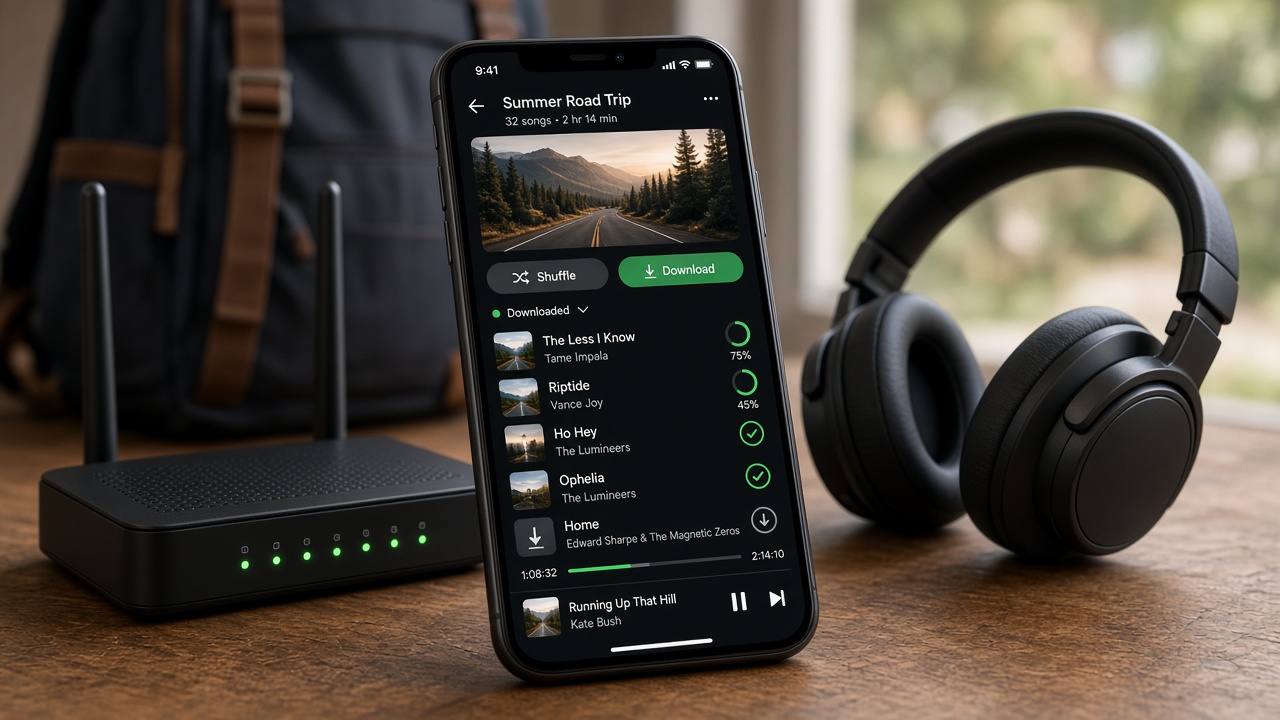
This guide covers mobile and desktop download steps, the 10,000-track / 5-device limits, the 30-day online refresh rule, Offline Mode, and clean removal when storage runs out—using official Spotify settings only.
Rules before you tap download
- Premium: music playlists, albums, podcasts.
- Free: podcasts only for downloads.
- Up to 10,000 tracks per device across as many as 5 devices.
- Go online at least once every 30 days or downloads can expire.
- Keep about 1 GB free so downloads and cache can finish.
Limits and storage math also appear in our download limit and storage guides. For playback-only-offline toggles, see offline mode.
Download a playlist on mobile
- Connect to Wi‑Fi (default) and open the playlist.
- Tap the download control so tracks begin saving to Your Library.
- Watch icons: success vs not-downloaded states beside songs.
- Optional: Settings → Data-saving and offline → enable Downloads over cellular if you must finish without Wi‑Fi.
Sort Your Library → Downloaded to confirm the list is fully local before you board.
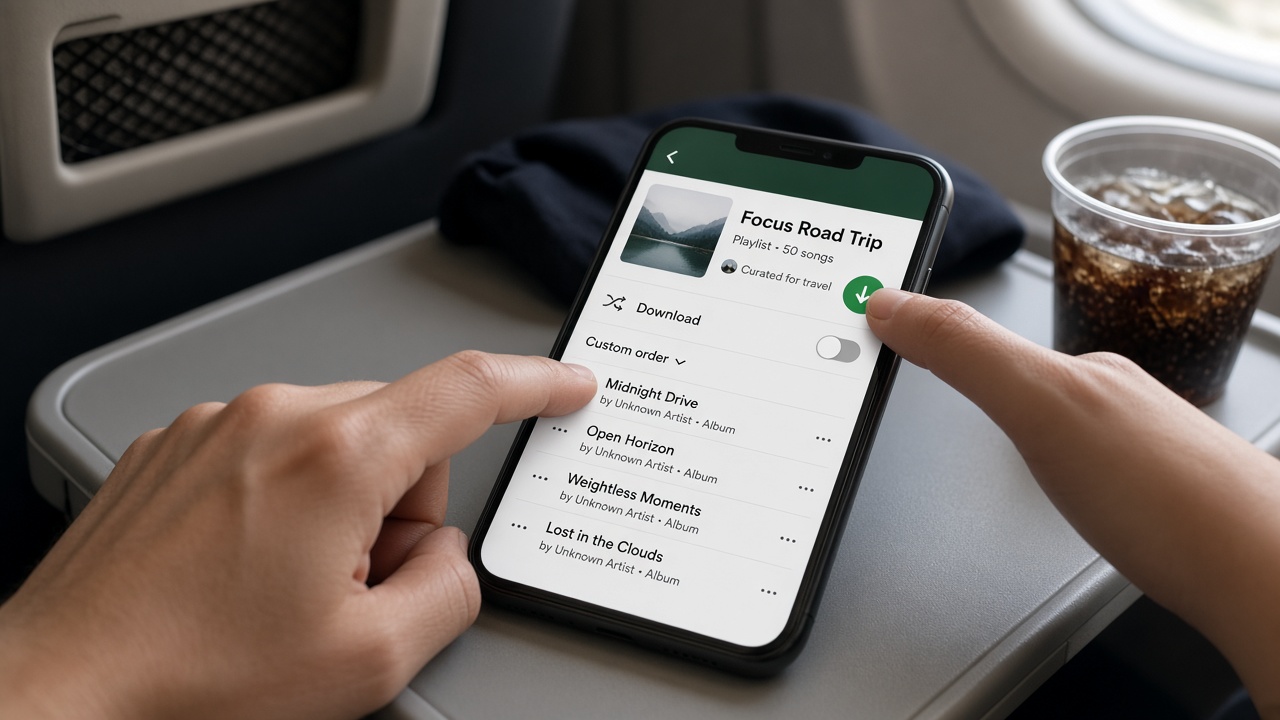
Download on desktop
- Go online and open the playlist.
- Click the download button on the playlist header.
- Wait until each track shows the downloaded state.
Desktop downloads help you verify a set before syncing phones. They still count toward device limits when you use multiple installs of your account.
Use Offline Mode after downloading
Downloads often play automatically when the network drops, but Offline Mode forces the app to show only saved titles—everything else grays out.
Mobile: Profile → Settings and privacy → Data-saving and offline → Offline mode on.
Desktop: Spotify menu / File → Offline Mode.
Flip it off when you need search again. Pair Offline Mode with airplane mode for true zero-data listening.
Why a playlist will not download
- No active internet during the job.
- Less than ~1 GB free—delete old lists via remove downloads.
- Already at 5 downloaded devices; the least-recent device may lose files.
- Battery savers clearing cache mid-download.
- Outdated app—update from the official store, then retry.
- SD card faults on Android; move storage to internal if needed.
Reinstalling wipes local downloads; you must fetch playlists again afterward.
Keep downloads alive
- Open Spotify on Wi‑Fi monthly so the 30-day check-in succeeds.
- Prefer Wi‑Fi downloads to protect mobile data—see data usage.
- Pin travel playlists so they are easy to refresh before trips.
- Avoid “offline premium†mods; they break terms and steal accounts.
Remove downloads cleanly
To clear everything on mobile: Settings → Data-saving and offline → Storage → Remove all downloads. To remove one list: open it → tap the green download arrow → Remove. Your cloud playlist remains; only the local copies leave.
Smart packing list for trips
- Build or update the playlist at home.
- Download on Wi‑Fi overnight.
- Enable Offline Mode to spot missing tracks (gray rows).
- Re-download failures before you leave.
- After the trip, remove bulky lists to reclaim space.
Quality, storage, and multi-device strategy
Higher download quality uses more megabytes per track. Before a long-haul flight, set download quality deliberately under Media settings, then reclaim space afterward by removing the trip playlist. On a phone plus tablet plus work PC, remember the five-device ceiling—rotate intentionally rather than signing into every family handset.
If Liked Songs is huge, do not download the entire library for a weekend away. Build a lean travel playlist, download only that, and leave Liked Songs in the cloud. Podcast fans on Free can still download shows; music listeners need Premium for playlist music offline. When downloads vanish mysteriously, check whether another device signed in and pushed you over the cap, whether 30 days lapsed, or whether an SD card unmounted.
Never rely on cracked “unlimited download†apps. They cannot renew licenses with Spotify’s servers and often harvest credentials. Stick to the official download arrow, monthly online check-ins, and storage hygiene. If you share a Family plan, each member downloads on their own account and device slots—do not recycle one login across six phones just to “save†Premium seats.
FAQ
Can I download a single song?
Not directly—add it to a playlist, then download that playlist.
Do downloads use my phone forever?
They need a periodic online refresh and can be removed when you hit device caps.
Will Free ever download music playlists?
Officially, Free downloads focus on podcasts; music offline remains a Premium feature.
Tap download on the playlist, respect device and 30-day rules, and you have a clean spotify download playlist workflow ready for real offline travel.