
Spotify Delete Playlist: Remove Lists Without Losing Tracks
Need to spotify delete playlist clutter from Your Library? Removing a list you own is a few taps on mobile or a right-click on desktop. Spotify’s playlist system often treats “delete” like unfollowing your own list—followers may still keep a copy—so know what you are removing before you confirm.
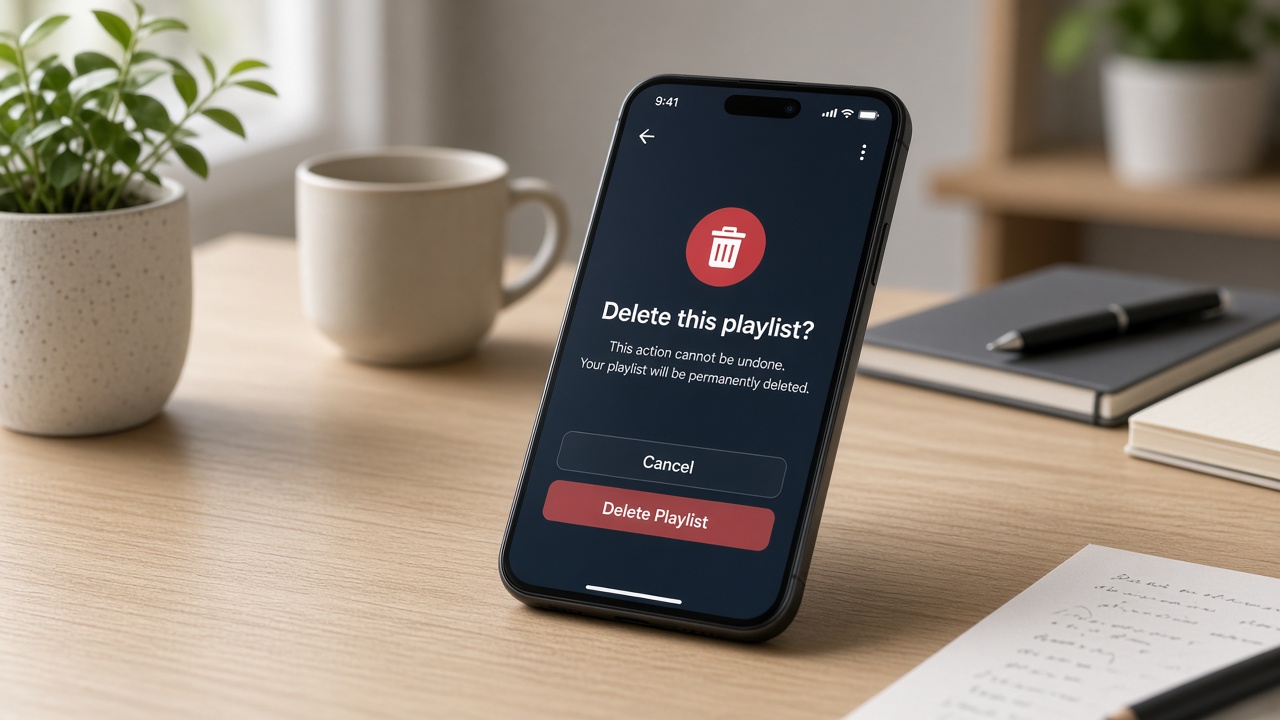
This guide covers official delete steps, the difference between deleting and making a list private, how to recover a removed playlist, and cleanup habits that keep Library scannable. Use only the real app from spotify.com/download.
What deleting a playlist does
When you delete a playlist you created, it leaves your Library. Other people who already follow it may still see it on their side because Spotify’s playlist model emphasizes unfollow/remove from your view more than hard-wiping every copy. Songs themselves stay in the catalog; you are not deleting the tracks from Spotify—only your curated container.
Official create/edit/delete reference: Create and edit playlists. Broader library tips: Your Library and Spotify playlist.
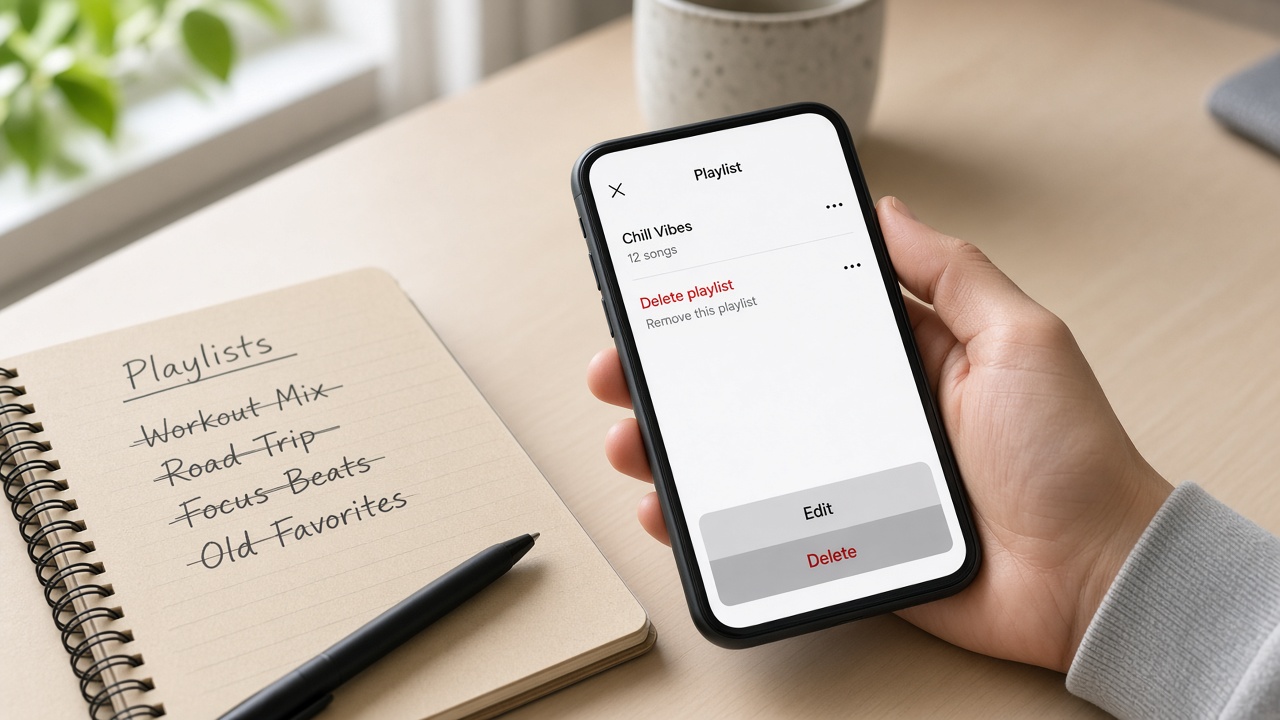
Delete a playlist on mobile
- Open Your Library and find the playlist you own.
- Tap the playlist menu (⋯ on iOS / Android).
- Tap Delete Playlist.
- Confirm when asked.
If Delete is missing, you may be looking at a playlist you follow but do not own—use Unfollow instead. Liked Songs cannot be deleted as a playlist; remove tracks individually or copy keepers elsewhere first.
Delete a playlist on desktop
- In Your Library sidebar, right-click the playlist (or open it and use the menu).
- Click Delete.
- Confirm the prompt.
Desktop is fastest when you are clearing dozens of empty “New Playlist” leftovers after a merge playlists cleanup.
Delete vs private vs unfollow
- Delete: removes the list from your Library management view.
- Make private: keeps the list but hides it from profile/search—see private playlist.
- Unfollow: for lists you follow that someone else owns.
Birthday drafts you might reuse next year should go private, not deleted. Party lists that went wrong can be deleted after you copy keepers into a new master via create playlist.
Can you restore a deleted playlist?
Spotify has offered account-side restore tools for recently removed playlists in the past (often framed as following your own list again). Check Spotify’s account recovery / restore playlist help from your logged-in account page if you deleted something by mistake. Act quickly; do not rely on third-party “playlist undelete” sites that ask for your password.
Smart cleanup workflow
- Pin keepers with pin playlist.
- File seasonal lists in a playlist folder.
- Merge tiny leftovers, then delete empties.
- Remove local downloads of deleted lists so storage frees up—see remove downloads.
- Once a month, sort Library by recently played and cull anything untouched for 90 days.
Collaborative playlists
If friends co-edit a list, talk before deleting. You can remove collaboration or copy tracks out first. Deleting a shared party playlist mid-weekend is a classic friendship stress test—duplicate it, then delete the old one after the event.
What not to do
- Do not install “library cleaner” APKs.
- Do not OAuth random web tools that promise mass delete.
- Do not delete the only copy of a list you still need offline for a flight.
FAQ
Does deleting a playlist cancel Premium?
No. Billing is unrelated.
Will followers lose the music?
Tracks remain on Spotify; their followed copy behavior depends on Spotify’s playlist follow model—assume they may still have access.
Can I delete multiple playlists at once?
Usually one at a time in the consumer apps; batch on desktop is still sequential but faster.
Confirm ownership, delete or privatize intentionally, restore quickly if needed—and your spotify delete playlist cleanup stays safe and official.
After delete: taste profile and Home
Removing a playlist does not automatically erase its influence if you listened heavily—use taste-profile exclusions when talky or joke lists skewed recommendations. Home shelves refresh as you engage with keepers. If a deleted collaborative link still circulates in a group chat, send the new replacement URL so friends stop saving to a ghost list.
Teachers and DJs who version setlists should rename before delete: keep “Prom 2026 FINAL,” delete “Prom scratch 3.” Parents clearing Kids experiments should confirm they are on the managed profile, not the adult Library. When storage warnings persist after many deletes, clear downloads and cache next—orphaned offline files sometimes linger until you remove them explicitly.
If you share a Family plan, remind members that deleting a household collaborative list affects everyone who relied on it for car rides. Duplicate first, announce the new link, then delete. That courtesy avoids the “where did the road trip playlist go?” thread at 5 a.m. before a holiday drive. Keep a simple note of what you deleted each month so restore requests are easier if someone panics later.