
Spotify Concerts: Find Live Events and Concerts Near You
Spotify concerts discovery now lives inside the app: Live Events feeds, artist tour dates while you listen, and playlists like Concerts Near You that surface local shows with ticket links. You do not need a separate “concert APK”—just location permission, followed artists, and the official client.
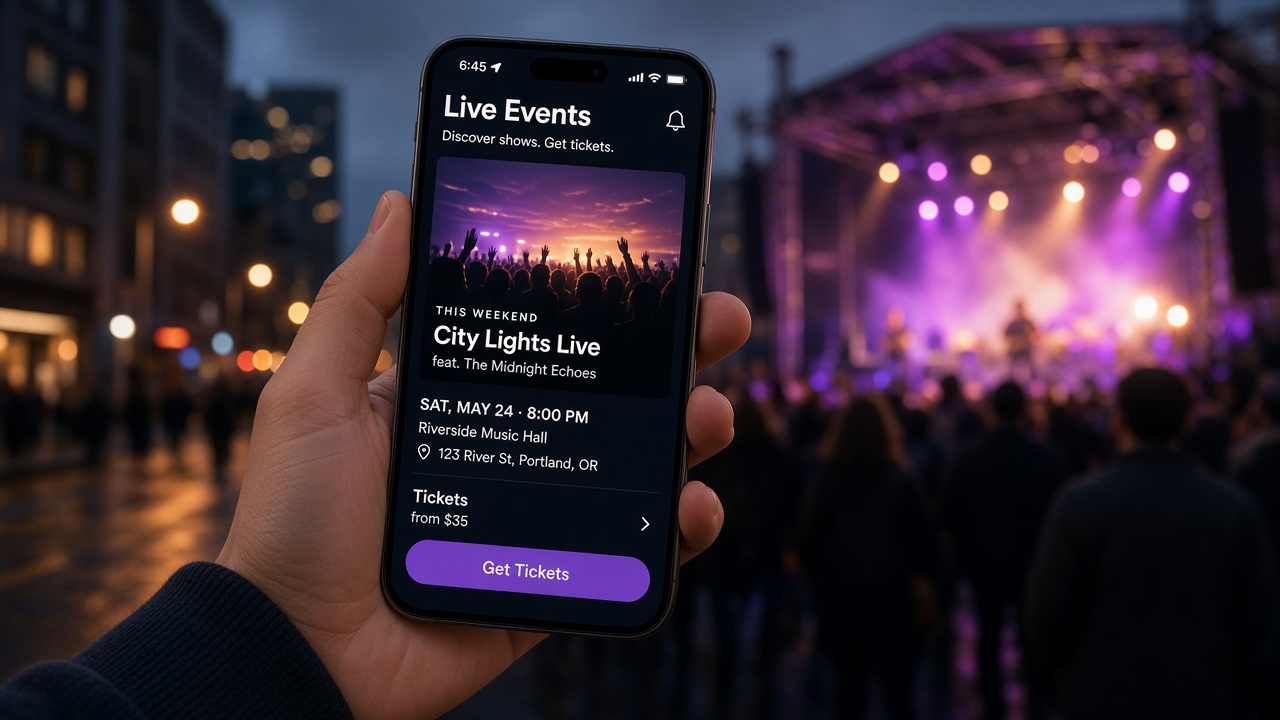
This guide explains how to find Live Events, keep your city accurate, use Concerts Near You, manage concert notifications, and share a night out with friends—while staying clear of phishing ticket pages.
Where to find concerts in Spotify
- Open Search and type Live Events or concerts.
- Open the Live Events feed personalized to your area and taste.
- From an artist page, check Tours / On Tour sections when available.
- While a track plays, watch for in-app live event prompts if that artist is touring nearby.
Listings come from ticketing partners Spotify integrates with. Always finish purchase on the partner’s official checkout—Spotify is the discovery layer, not a shady reseller chat.
Concerts Near You playlist
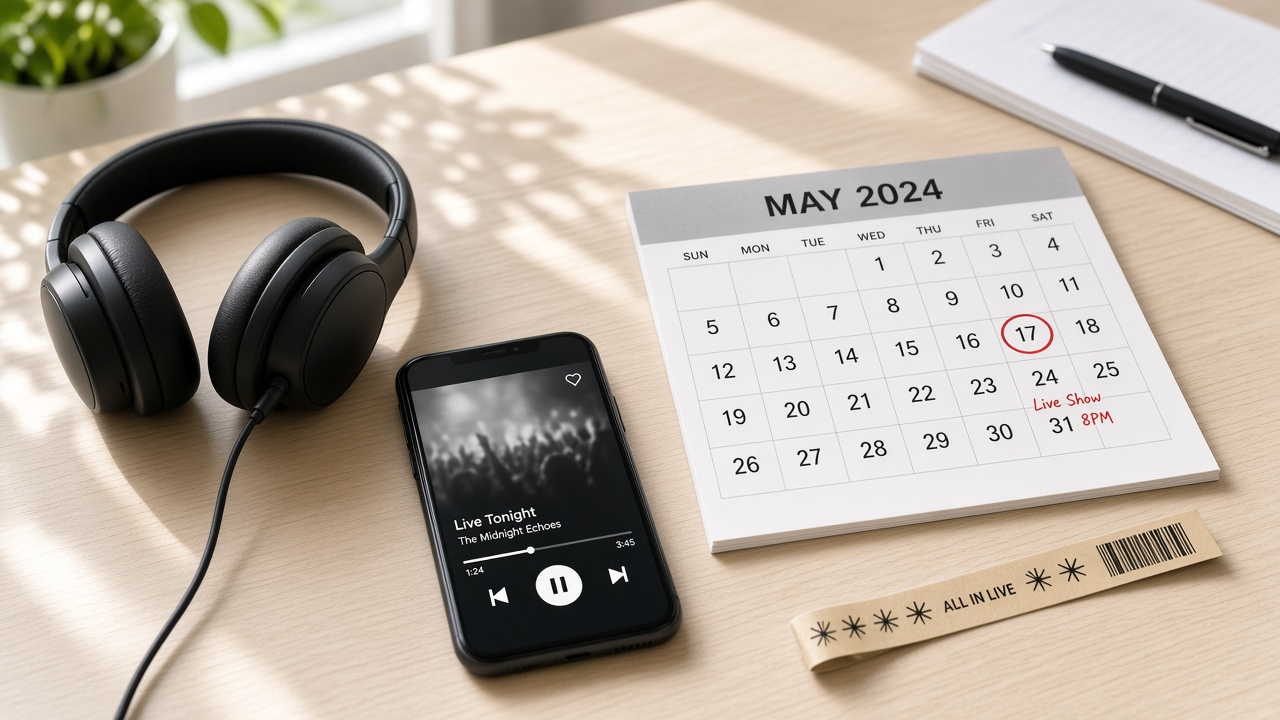
Spotify’s Concerts Near You playlist updates on a weekly cadence (commonly Wednesdays) with songs from artists playing nearby—often about 30 tracks. Expand a row for event details and ticket links, then share the playlist or event card when you want friends on the same bill.
Save the playlist to Spotify Your Library, optionally pin playlist it during festival season, and file tour prep lists in a playlist folder so setlist drafts stay organized.
Set location and notifications correctly
- Open Live Events and confirm or update your city / location when prompted.
- Allow precise location if shows feel wrong for your metro.
- Follow artists you care about so tour alerts have a signal—see Spotify follow.
- Enable concert-related pushes under notification settings; trim noise elsewhere via Spotify notifications.
Wrong city = wrong feed. Travelers should update location when they land, then switch back home to avoid a week of irrelevant stadium tips.
From listening moment to ticket
Spotify’s goal is to surface a show while you are already engaged with an artist. When a live module appears, open details, compare dates, and only tap through to known partners (Ticketmaster, AXS, DICE, Eventbrite, See Tickets, and similar—availability varies by market). Screenshot confirmation emails; never send crypto to a “scalper” DM that scraped your public playlist.
Share plans without oversharing listening
Share the event or playlist link. If you are previewing surprise-party playlists, keep those lists private—see Spotify private playlist—and use a private session if Friend Activity should stay quiet while you scout openers.
Troubleshooting empty or odd concert results
- Update the app; Live Events UI rolls out by market.
- Re-check location and VPN off—foreign exit nodes confuse local inventory.
- Follow more local artists; a thin taste graph yields thin suggestions.
- Search the artist name + city as a fallback on their profile.
- If ticket links 404, open the partner site directly with the venue and date.
Safety and money basics
Spotify will not DM you for card details. Ignore “Spotify VIP ticket” clones. Prefer partners with buyer protection. After purchase, add the show to your phone calendar and download offline travel playlists for the ride—buffering at the venue gate is a classic fail.
Build a personal tour-season workflow
Every Monday, open Live Events and heart or save shows you might attend. Add artists from those bills to a “Tour watch” playlist so Concerts Near You has richer seeds. When a favorite announces dates, enable artist notifications immediately—onsale windows move fast. Share the Spotify event card in a group chat instead of forwarding random Instagram screenshots that omit fees.
Going with friends? Compare set-history playlists, keep one collaborative list for car rides, and download it on Wi‑Fi the night before. At the venue, expect congested LTE; offline copies beat hoping the app buffers encores. After the show, check Release Radar and Followed artists for live recordings or surprise drops tied to the tour.
If you manage a Family plan, remember kids’ managed accounts may need explicit filters while adult concert browsing stays on your profile. Do not leave payment cards saved on shared tablets used to open ticket partners. When inventory looks thin, check neighboring cities on the map view and set a calendar reminder for on-sale mornings so you are not refreshing blindly at midnight.
FAQ
Is Concerts Near You Premium-only?
Discovery features are widely available; ticket purchase happens on partner sites with their own accounts.
Can I buy tickets inside Spotify checkout everywhere?
Flows vary by country and partner. Follow the in-app link to complete payment officially.
Why no shows in my town?
Sparse touring inventory or wrong location. Broaden the radius by updating city to the nearest major market temporarily.
Search Live Events, keep location true, follow artists, and treat ticket handoffs as carefully as banking. That is the reliable way to use spotify concerts discovery without getting burned.