How to Delete Your Spotify Account: What You Lose and How to Reopen It
People search delete Spotify account when they want the profile gone, not just a cheaper plan. Closing the account is not the same as canceling Premium. Canceling stops the payment and leaves you on the free plan. Deleting starts a process that removes the login, and after a short waiting period Spotify begins deleting the data tied to it. This guide explains the difference, the official way to close the account, what you lose, and how to reopen it if you change your mind.
Cancel Premium or Delete the Account?
If the bill is the only problem, do not delete the account. Spotify lets you switch from Premium to the free plan. On the free plan you can still listen, in shuffle mode, with ads. Your playlists, followers, and saved music stay where they are.
Choose delete only when you want the account itself removed from Spotify’s apps and services. That decision is harder to undo, so read the next section before you confirm it. If other people use your plan, settle that first. Our guide on adding or removing a family member shows how to take someone off a shared plan without closing the whole account.
What You Lose When You Delete a Spotify Account
Spotify’s own close-account page is direct about two losses: purchased audiobooks, and live tickets for future events. Both become inaccessible once the account is closed and the data is deleted.
You should also expect to lose:
- Playlists you created and songs you saved
- Your followers and the people you follow
- Listening history, including the material behind Spotify Wrapped
- Downloads stored in the app. Those files are tied to the account. Our guide to downloading songs from Spotify explains how downloads work while the account is still open.
A brand-new account does not inherit any of that, even if you sign up again with the same email later.
Check These Things First
Spend ten minutes on this list. It prevents the usual regrets.
- Sign in and confirm you are on the right account, especially if you have a work login and a personal one.
- If someone else might still be signed in, change the password before you close it. The steps are in how to change and reset your Spotify password.
- Write down playlist names you may want to rebuild. Spotify does not hand you a full playlist export as part of the close flow.
- Open Wrapped if you want one last look at your year.
- If you are the Family or Duo plan manager, move or remove members so you do not leave them stuck on a plan you are about to erase.
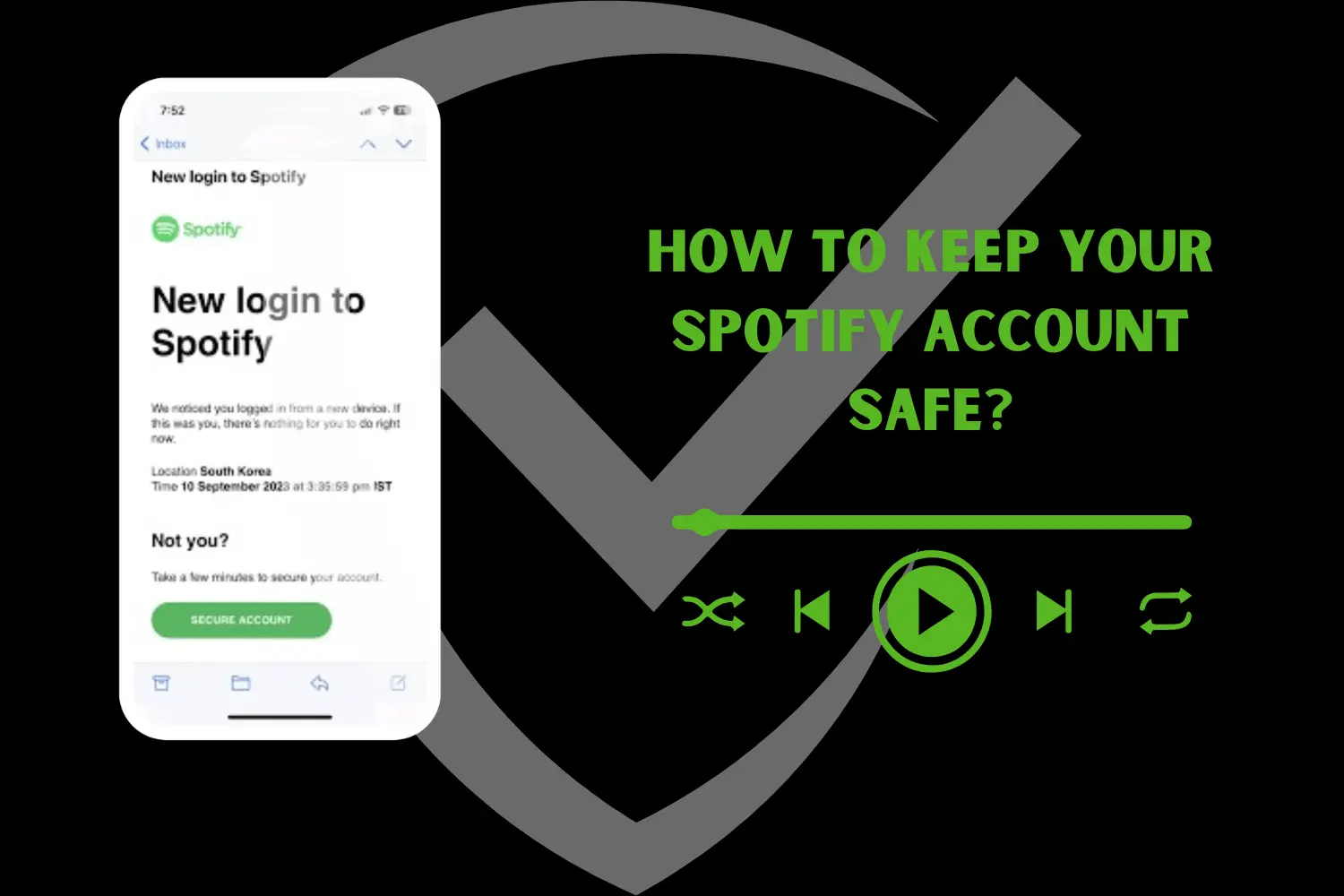
Shared phones are a common leak. Sign out on every device you can reach, and read how to keep your Spotify account safe if you are closing the account because you think it was misused.
How to Delete a Spotify Account
Spotify handles closure from its website, not from a buried switch inside the mobile app. Use the official support article titled Closing your account and deleting your data.
- Open a browser and sign in at spotify.com with the account you want to close.
- Go to Spotify Support and open the article on closing your account and deleting your data.
- Premium and free accounts can have separate close links. Pick the link that matches the plan you are on.
- Follow the confirmation steps on that page. Read the warning about audiobooks and tickets before you submit.
- Watch the inbox for the email Spotify sends after the account is closed. That email is also your way back in.
Do this only on Spotify’s own site. A random delete-my-Spotify app is not part of the process, and you do not need one.
The 7-Day Window to Reopen It
Closing the account does not wipe everything in the same minute. Spotify emails a link you can use to reactivate within 7 days. After those 7 days the account cannot be reactivated, and Spotify starts the process of deleting your data.
You can create a new account with the same email address 14 days after the date you closed the old one. The new account starts empty. Playlists, followers, and history from the old account do not come back.
If You Only Wanted More Privacy
Many people delete an account because followers can see what is playing. That is a settings problem, not a reason to erase years of playlists. A Spotify private session hides live listening from followers, and you can also stop showing listening activity on your profile. Try that first if the music library still matters to you. You can also block or unblock artists if the real issue is a recommendation you do not want, rather than the account itself.
Frequently Asked Questions
Does canceling Spotify delete my account?
No. Canceling Premium moves you to the free plan. The username, playlists, and history stay.
Can I recover playlists after 7 days?
No. After 7 days Spotify will not reactivate the account, and a later signup is a new account with none of the old library.
Will my downloaded songs still play?
No. Downloads in the Spotify app belong to the account. When the account is gone, those downloads stop working and have to be saved again on a new account.
Final Thoughts
To delete a Spotify account, use Spotify’s official close-account page, not the cancel-plan button. You have 7 days to reopen it from the email they send, and 14 days before the same email can register again. If you only want to hide what you are playing, change the privacy settings and keep the account.