
Spotify Verify Email: Confirm Your Address Fast
Stuck on a prompt to spotify verify email? Spotify sometimes requires proof you control the address on the account before sensitive actions continue. Tap Send Email, open the message from Spotify, and confirm—then fix the registered address if the inbox is dead.
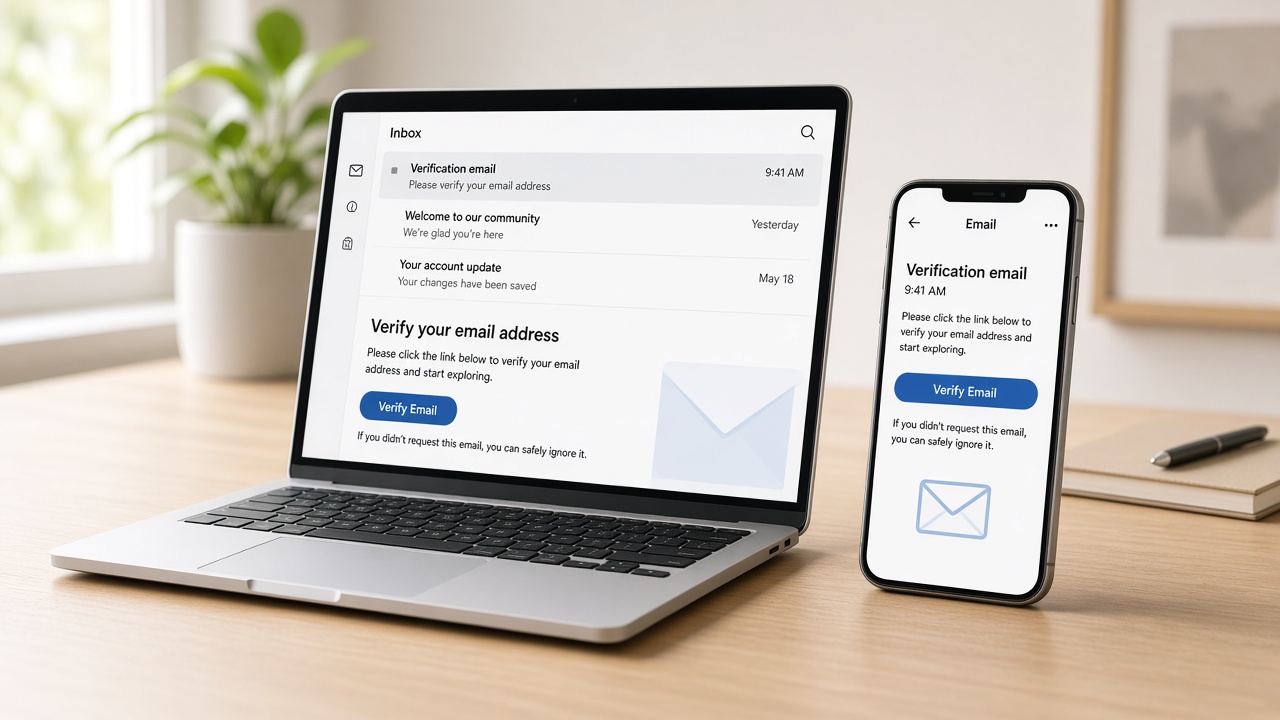
This walkthrough covers the official verification loop, missing messages, outdated emails, and how verification ties into login changes and password recovery. Use Spotify’s own screens only—never paste codes into random “verify spotify” websites.
Why Spotify asks you to verify
Verification reduces account takeovers and confirms billing or security mail can reach you. You may see the prompt after a new device login, when recovering access, or when Spotify flags risk. Completing it does not delete playlists; it only proves mailbox ownership.
Keep the address current with Spotify change email before you lose the old inbox. Pair that with a unique password via Spotify change password if anything felt suspicious.
How to verify your Spotify email
- When the app shows the verification screen, tap Send Email (wording may vary slightly).
- Open the inbox for the email registered on the account.
- Find the message from Spotify and tap the confirmation link on a trusted device.
- Return to the app; the gate should clear after a refresh or relaunch.
If you already closed the prompt, sign in again or revisit Account settings until the verify option reappears. Desktop and mobile share the same registered address.

Didn’t get the email?
- Check Spam, Junk, Promotions, and any filters that hide @spotify.com.
- Wait a few minutes, then resend from the app.
- Restart the app and retry Send Email.
- Confirm you are looking at the same address shown on the account—not a work alias you forgot.
- Temporarily allow Spotify senders in your mail client.
Still empty? The registered address may be wrong or abandoned. On the verify screen choose Edit email address when offered, or update personal info on the account page, then verify the new inbox.
Old email you cannot open
If you lost the mailbox, change email first while you can still authenticate (password, Facebook/Google/Apple login, or recovery). After the new address saves, complete verification there. If you cannot authenticate at all, use Spotify’s account recovery / hacked-account help—not a paid “email unlocker.”
After recovery, review devices and sign out strangers, then confirm payment methods still look right.
Verification vs login-method changes
Spotify has been steering more accounts toward email-based login instead of username-only flows. A verified, reachable email protects you when those deadlines hit in your region. Add a backup login method on the account page when available so one lost mailbox does not lock you out of Premium playlists.
Security hygiene after you verify
- Turn on available security options Spotify offers in your market.
- Ignore emails that ask for your password—real verification links do not demand you type the password into the email itself.
- Bookmark only https://accounts.spotify.com / official app deep links.
- Skip mods that claim to “bypass verify email” for Premium; they steal sessions.
Common errors
Link expired. Request a fresh Send Email; old links die for safety.
Already verified but prompt returns. Force-close the app, clear a stuck session by signing out/in, or try another network. Cache clears rarely fix mail gates but can help a glitchy client—use official clear-cache steps if the UI freezes.
Wrong account verified. Family shared tablets often stay signed into the manager. Confirm the avatar email before tapping links.
Family, Duo, and shared-inbox pitfalls
Plan managers sometimes register a household Gmail that everyone reads. When Spotify sends verify links, the first person to tap may confirm on the wrong mental model of “whose account.” Prefer unique emails per member. If a teen loses school mail access each summer, update their Spotify email before graduation week—not during a locked exam-season prompt.
Partners billing through mobile carriers can still require a verified Spotify email even when payment sits elsewhere. Finish verification, then manage carrier cancels through the partner if needed. Keep gift-card redemptions tied to the verified account so support can match receipts.
Phishing note: clone sites mimic the verify banner and harvest passwords. Compare the domain carefully, and never install a browser extension that claims to auto-verify Spotify. If you already typed a password on a fake page, change it on the real account immediately and review recent logins.
FAQ
Does verifying cost money?
No. It is a free security step.
Will I lose Premium while unverified?
Billing continues, but some actions may stay blocked until you confirm the mailbox.
Can I verify without the app?
Usually the prompt lives in-app or on account pages while logged in; always start from Spotify, not a search ad.
Send the mail, confirm the link, update a dead address if needed, and you are done with spotify verify email—officially, and without handing your password to strangers.