
Spotify Playlist Folder: Organize Your Library Fast
A spotify playlist folder keeps Your Library readable when you have dozens of lists for workouts, focus, road trips, and guest mixes. Folders group playlists by mood or project so you stop scrolling past the same covers every commute.
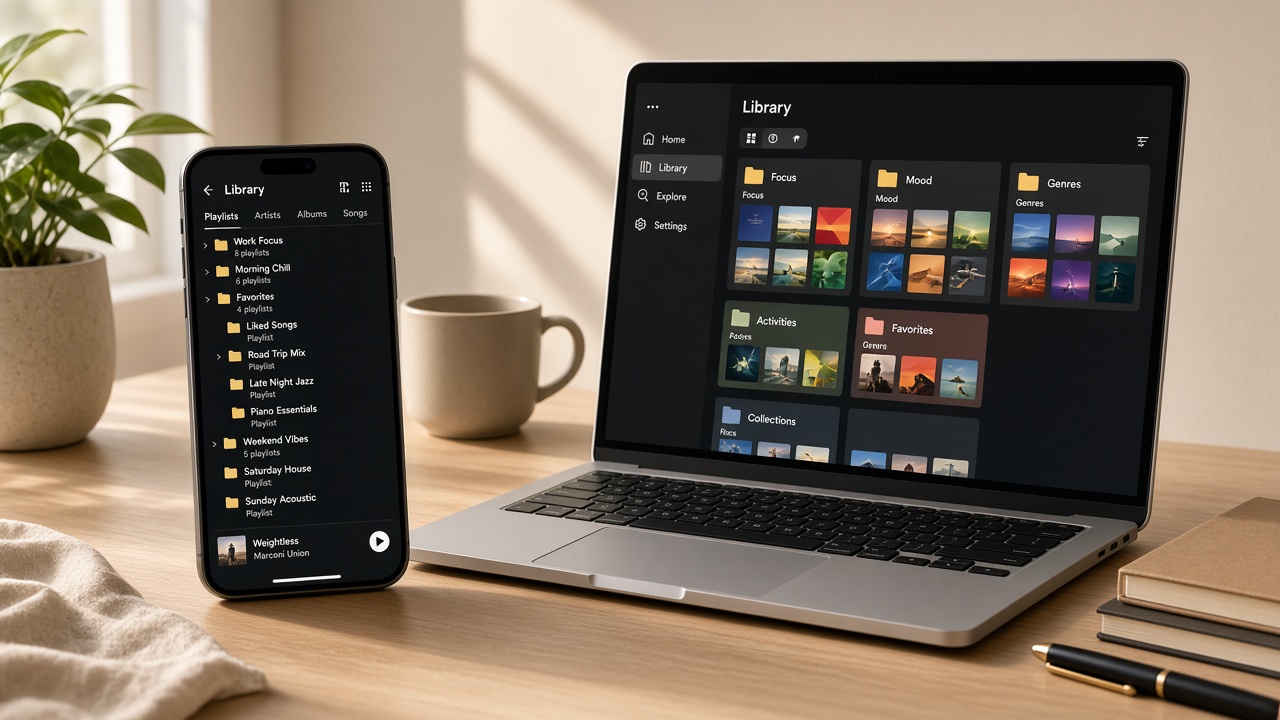
Spotify now lets you create folders on desktop, web player, and mobile. They sync across devices, so a structure you build on a laptop appears in the phone library. This guide covers create, rename, move playlists, and how folders fit with pins and Made for You mixes—without unofficial library “organizer” apps.
What playlist folders do (and do not do)
A folder is a container inside Your Library. It holds playlists you already own or follow; it does not replace collaborative sharing or Blend. Tracks stay inside each playlist. Deleting a folder usually removes the grouping, not every song—still, move important lists out before you delete if you are unsure.
Folders are ideal when Spotify Your Library feels crowded. Pair them with Spotify pin playlist for the two or three lists you open daily, and keep seasonal folders collapsed the rest of the year.
Create a Spotify playlist folder
- Open Spotify on desktop, web player, or the mobile app.
- Go to Your Library.
- Tap or click the create control at the top (often a plus).
- Select Folder.
- Name it (Work Focus, Running 2026, Dinner Jazz) and confirm.
Names should be short and scannable. Emoji at the end are fine for personal use; avoid stuffing every genre keyword into the title—folders are for you, not public SEO.
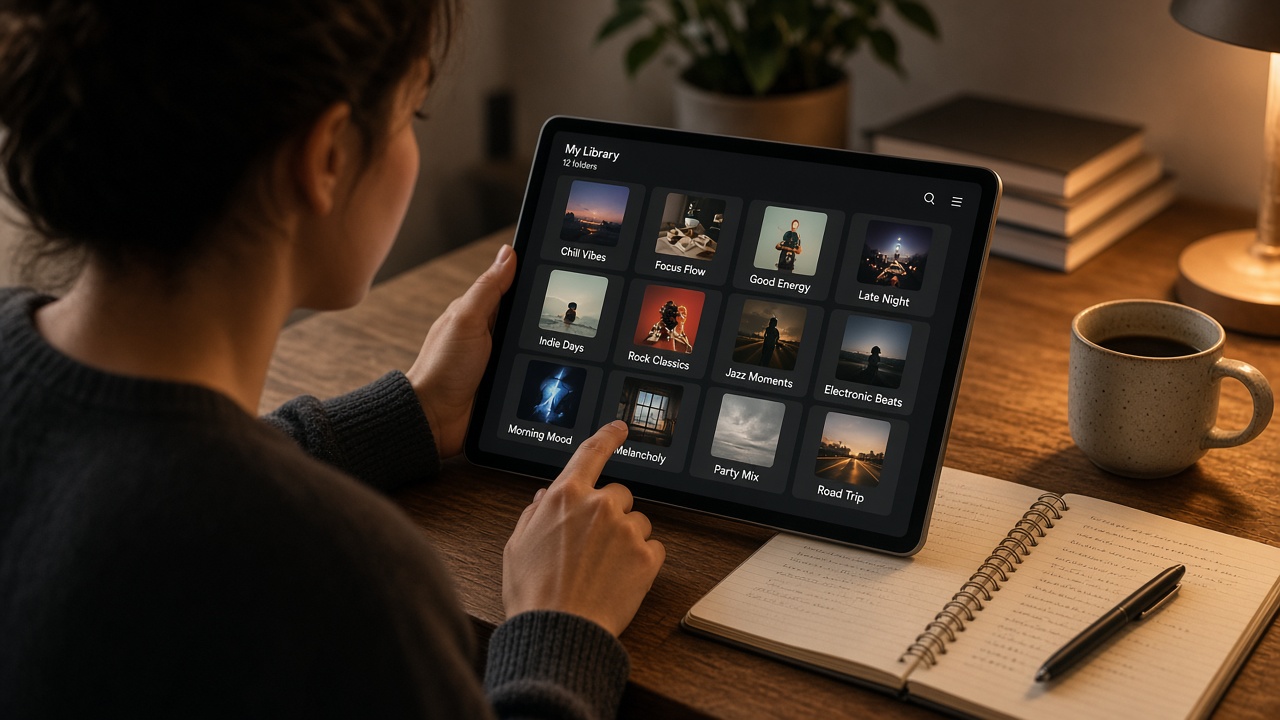
Move playlists into a folder
On desktop or web, drag a playlist onto the folder, or use the context menu (three dots) → Move to folder / Add to folder, depending on your app version. On mobile, open the playlist’s menu and choose the folder destination Spotify shows after the mobile folders rollout.
You can nest related lists—e.g., a “Study” folder with instrumental, lo-fi, and classical playlists. Nested depth can vary by client; if a subfolder will not save on phone, create the structure on desktop first, then check mobile sync.
Rename, reorder, and clean up
- Rename: Context menu on the folder → Edit details or Rename.
- Reorder: Drag folders in the library sidebar (desktop) or use library sort/filter controls where available.
- Remove a playlist from a folder: Move it back to the main library or another folder; the playlist itself remains.
- Delete a folder: Only after you confirm playlists are where you want them.
Bulk editing tracks inside a playlist is separate from folders. Spotify’s newer multi-select tools help clean a single list; folders only organize which lists sit together.
Folders vs pins, Liked Songs, and Made for You
Pins float priority playlists to the top. Folders archive themes underneath. Liked Songs stays a special list—you cannot turn it into a folder, but you can keep a “Heart dumps” playlist folder for weekly culls. Algorithmic mixes like Discover Weekly live under Made for You; save copies into your own playlists, then file those copies in folders if you want a history shelf. See Spotify Made for You if you need to find those mixes again.
Sync tips when a folder is missing on one device
Force-close the app, sign in on the same account, and pull to refresh Your Library. Confirm you are not in a restricted offline view that hides library edits. If you maintain multiple accounts on one phone, check the profile avatar—folders never jump between accounts. Web player is a good sanity check: if the folder appears at open.spotify.com but not on an old phone build, update the app from the official store.
Smart naming system (steal this)
- Activity: Gym, Cook, Commute, Sleep.
- Social: House party, Kids car, Shared Blend copies.
- Archive: Wrapped keepers, old projects, seasonal holidays.
Limit each folder to what you can scan in two seconds. When a folder grows past ~15 playlists, split by year or energy (High / Mid / Low). That habit beats downloading shady “library manager” desktop tools that ask for your password.
Privacy and sharing notes
Making a folder does not publish your taste. Playlist privacy still controls who sees each list. Collaborative playlists can live inside folders; collaborators edit tracks, not your folder tree. For listening that should stay off the friend feed, use a private session rather than relying on folder names alone.
FAQ
Do folders work on free accounts?
Yes—organization features are not Premium-only. Premium still matters for downloads and higher quality.
Will folders delete if I clear cache?
No. Cache clears temporary files; library structure lives on your account. Use official clear-cache steps only when the app misbehaves.
Can I share a whole folder link?
Share individual playlists. Folders are personal library structure, not a public bundle URL.
Build one spotify playlist folder today for your noisiest category. Ten minutes of sorting usually saves more time than another “which playlist was that?” search tomorrow.