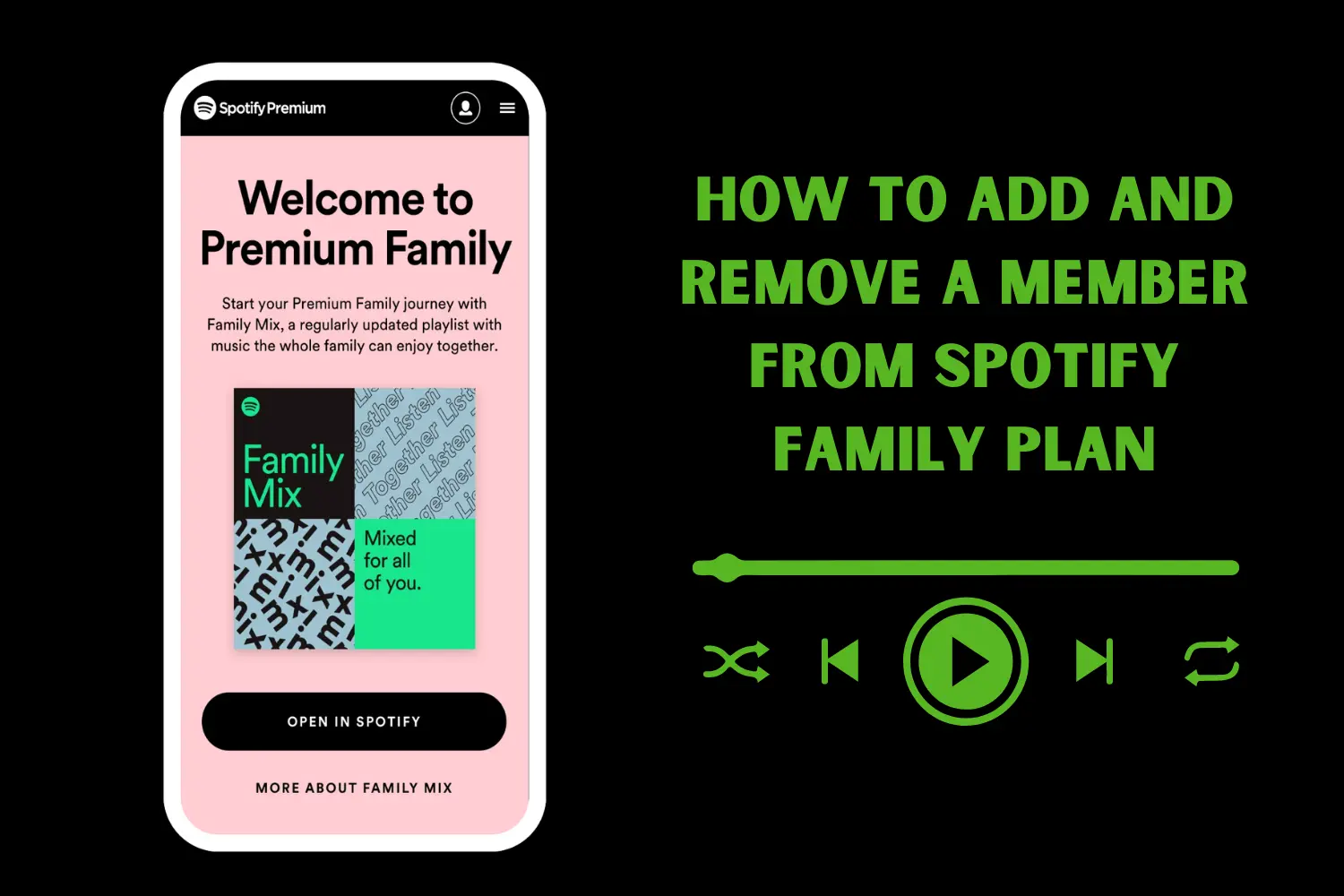
Spotify offers a premium family subscription that can be used by 6 members simultaneously. It is quite a sigh of relief as all family members can now get their needs from Spotify at discounted rates. However, some may find it a tough break to add or remove the member from the family plan. To assist you with your task, we have bought this guide that thoroughly describes all possible methods to add or remove a member from the Family Subscription.
HOW TO ADD A FAMILY MEMBER
Spotify Family subscription is quite beneficial for family or friends living in the same place as it gives all premium perks at discounted prices. Here’s how you can add members to your pre-activated family plan:
Open the Spotify App and navigate the “Premium for Family” tab.
You will see “Active” and “Waiting for one person” slots.
Select an available slot to add a member to that slot.
You will see two options for inviting family members: “Invite via link” and “Invite via Email”.
Select your desired method.
If you want to invite a member via URL, copy that URL and share it with the person you want to add.
For the Email method, you can simply send an invitation to the member using Email and he will accept your invitation for premium features of Spotify.
HOW TO REMOVE A MEMBER FROM THE SPOTIFY PREMIUM PLAN
If you want to remove or replace a member on your plan, here are the methods to do so:
METHOD 1:-
Go to the “Manage Member” under the Subscriptions.
Access the “Waiting for one person” slot.
Tap the “Replace the person” to get a new URL.
Save the URL to use it shortly.
Confirm the changes by clicking the “OK” button.
METHOD 2:-
Firstly, select the active slot of the member you want to release.
Click on “Replace this Person” to get a new URL to the slot.
Remove the user and send an email informing him/her of their displacement.
HOW TO ACTIVATE THE SPOTIFY FAMILY PLAN
Activating Spotify’s Family plan or subscription involves the following precise steps:
Firstly, log in to your Spotify account on your device.
Access your Spotify account and you will see the “Upgrade to Premium account” button there.
Select the “Premium Family Plan” from all subscriptions.
Set up your payment details.
Once your subscription has been set up, you can start adding members to the plan.
HOW TO ADD A NEW MEMBER TO THE FAMILY PLAN
Adding a new member to your Family plan follows a few basic steps:
Spotify Family Plan is no less than a blessing for the people sharing the same place. It can give you all the premium facilities of Spotify at low prices. So, if you want to add a new member to your family subscription, you can simply do this by sharing the invite link with them. Alternatively, you can send them an invitation via Email that they can accept to be part of your subscription.
FAQ’S || YOU MAY WANT TO KNOW
Spotify family subscription allows up to 6 members at the same address. It includes 1 admin that can share it with 5 other members.
Follow the steps mentioned above to add or remove any member from the Family Subscription of Spotify.
“Hey! Alexa are you there? No, I am listening to your motivational Spotify wrap.” Well, it isn’t a real talk but if you are looking for someone to assist you in adjusting your music taste without getting interrupted Alexa can assist you there. It can get you the best songs of your favorite genre in…
Ads are the major disruption in digital listening apps that can interrupt your music listening with annoying voices. But, the good news is you can tackle this problem by using several methods that we are listing in this detailed blog of SpotiMody. You will be able to block and stop these ads and make your…
Spotify Premium is the best digital listening app and there is nothing to argue on this. But many digital apps can get you the same service. So, why do people prefer using Spotify? There are dozens of reasons and one is the strict app policy that ensures the security of the user’s account and confidential…
Are you struggling to get consistent listeners on Spotify Premium? Or do you want to make a notable Global Spotify Profile? We have some magic tricks that will boost your Spotify Brand to the global level. In just a few days, you will see an obvious growth of your brand if you follow the tricks,…
Spotify for Artists is a powerful platform designed to help musicians, bands, and producers grow their careers. With a Spotify account for artists, you can manage your music, track listener stats, and connect directly with fans. This tool has become essential for artists who want real-time insights, playlist opportunities, and complete control over their music…
Spotify is the best digital listening app in the modern world. The reason is the app’s cross-platform availability, especially the Mod version. However, with the app’s wide availability across different devices, many listeners find it difficult to get the app on their desired gadgets. Therefore, we have compiled this guide that will teach you some…