
Spotify Change Email: Update Login Address Safely
Need to spotify change email because you switched providers, lost access to an old inbox, or want login and billing alerts in one place? Update the address on your official Spotify account so verification messages, receipts, and recovery options reach you—not a mailbox you no longer open.
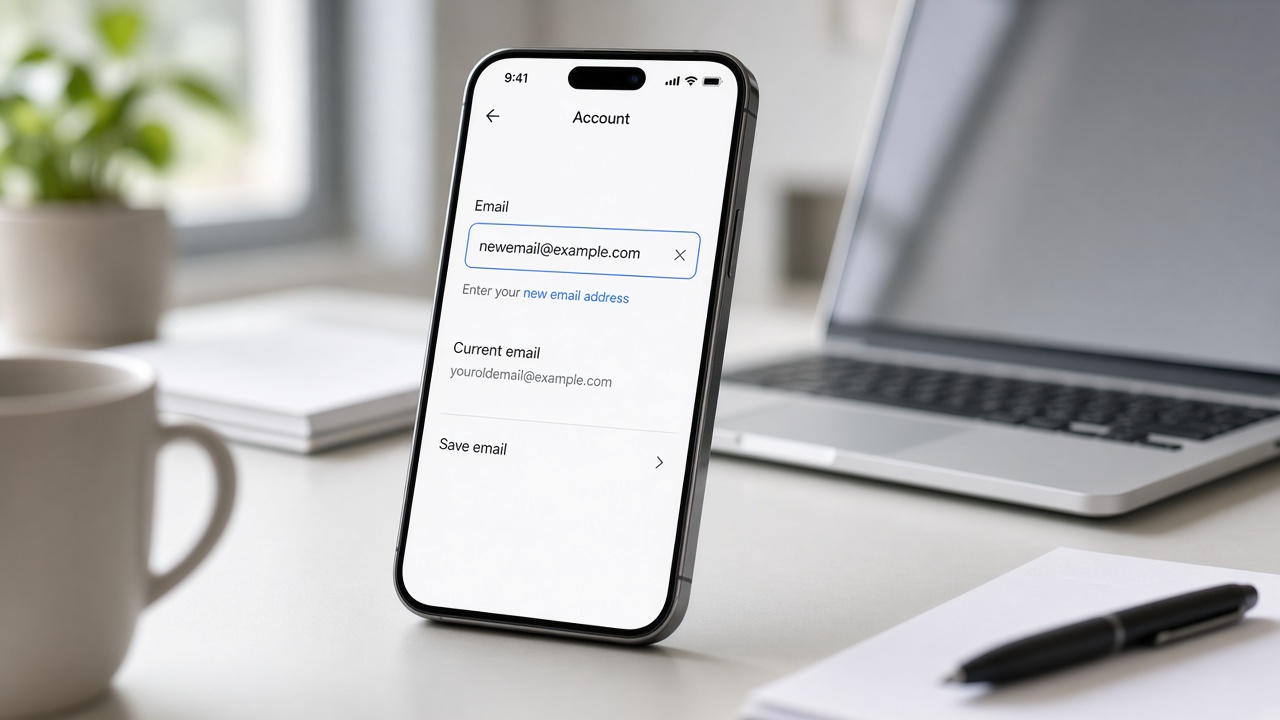
This guide walks through the web account page and the mobile app, what to do if you do not recognize the current email, and how a correct address ties into password resets and sign-out hygiene. Stick to Spotify’s own account tools—never third-party “email changer” sites.
Why your Spotify email matters
Your registered email is more than a profile field. Spotify uses it for login (especially as username-based login sunsets for many accounts), security notices about new devices, Family or Duo invites, and payment updates. If the address is wrong, you can miss a charge notice or a recovery link when you need Spotify change password help.
Changing the email does not wipe playlists, Liked Songs, or Premium status. It only redirects account mail. After you save, confirm the new inbox and verify when Spotify asks—unverified addresses can slow down support and some security checks.
Spotify change email on the web (fastest)
- Open a browser and sign in at the official Spotify account page (account.spotify.com).
- Under Account, open Edit personal info.
- In the Email field, type your new address carefully.
- Confirm your current password when prompted.
- Select Save profile.
Check the new inbox for a verification message. If nothing arrives within a few minutes, look in spam or promotions, then resend from the app prompt. Keep one tab open on the account page until you confirm the change stuck after a refresh.

Change email inside the Spotify app
- Tap your profile picture at the top.
- Open Settings and privacy.
- Tap Account.
- Tap your email address and edit it.
- Save, then complete any verification step Spotify shows.
On some devices the field is read-only until you re-authenticate. If the app blocks edits, finish the change on the web account page, then reopen the app so the profile syncs. Afterward, use Spotify sign out on shared computers so old sessions cannot keep using a remembered login.
Facebook, Google, or Apple login
If you usually tap Continue with Facebook, Google, or Apple, the email shown in Spotify may still come from that identity provider. You can still store a Spotify account email for notifications, but some login methods keep their own recovery path. Review login methods on your account page so you know which credential actually opens the app after September 2026-style email requirements in your region.
Adding a working email before you lose access to an old social login is the safest move. Pair that with a unique password and review recent devices so a stolen social session cannot quietly change settings again.
Do not recognize the email on the account?
Stop. Do not keep trying random passwords on public Wi‑Fi. Follow Spotify’s account takeover help: secure the account, change the password from a device you trust, update payment details if needed via Spotify update payment, and only then set a new email you control. If you still cannot open Edit personal info, contact Spotify support with proof of purchase or plan details rather than downloading unofficial “account unlocker” apps.
After you change email: quick checklist
- Verify the new address when Spotify emails you.
- Update password managers that still store the old address as the username.
- Confirm billing receipts arrive—especially if you manage a Family plan.
- Test password reset once on a private browser so recovery works.
- Sign out of devices you no longer use.
If notifications feel noisy later, trim marketing mail in notification settings; keep security emails on. Those account-activity messages cannot be fully disabled, which is intentional.
Common problems when you change email
Save fails. Password may be wrong, or the new email is already linked to another Spotify account. Try a different address or recover the other account first so you do not merge identities by accident.
No verification mail. Check filters that hide @spotify.com. Temporarily allow the sender, resend, or change email again if you mistyped a character.
App still shows the old address. Force-close Spotify, refresh the web profile, then reopen. Clearing a stuck session sometimes needs a full sign-out and sign-in—not a cache wipe—though storage issues are covered in our storage guides if the app behaves oddly after login.
Keep recovery ready without risky shortcuts
A correct email is the foundation for official recovery. Skip cracked APKs, “premium forever” mods, and sites that ask for your password to “force change email.” Those paths steal accounts. Use Spotify’s account page, keep Premium through legitimate plans or gift cards, and treat email updates like banking credentials.
When the new inbox is verified, you are done: playlists stay, devices stay, and alerts finally land where you read them. That is the whole point of a clean spotify change email update—quiet, official, and reversible only by you.
FAQ
Will changing my email cancel Premium?
No. Billing continues on the same subscription until you cancel or change plans.
Can I change email without the password?
You need to prove account access. Use official reset flows first; support can help if you are locked out.
How often can I change it?
Spotify does not advertise a strict public quota, but repeated suspicious changes can trigger security checks—use one stable address.